17
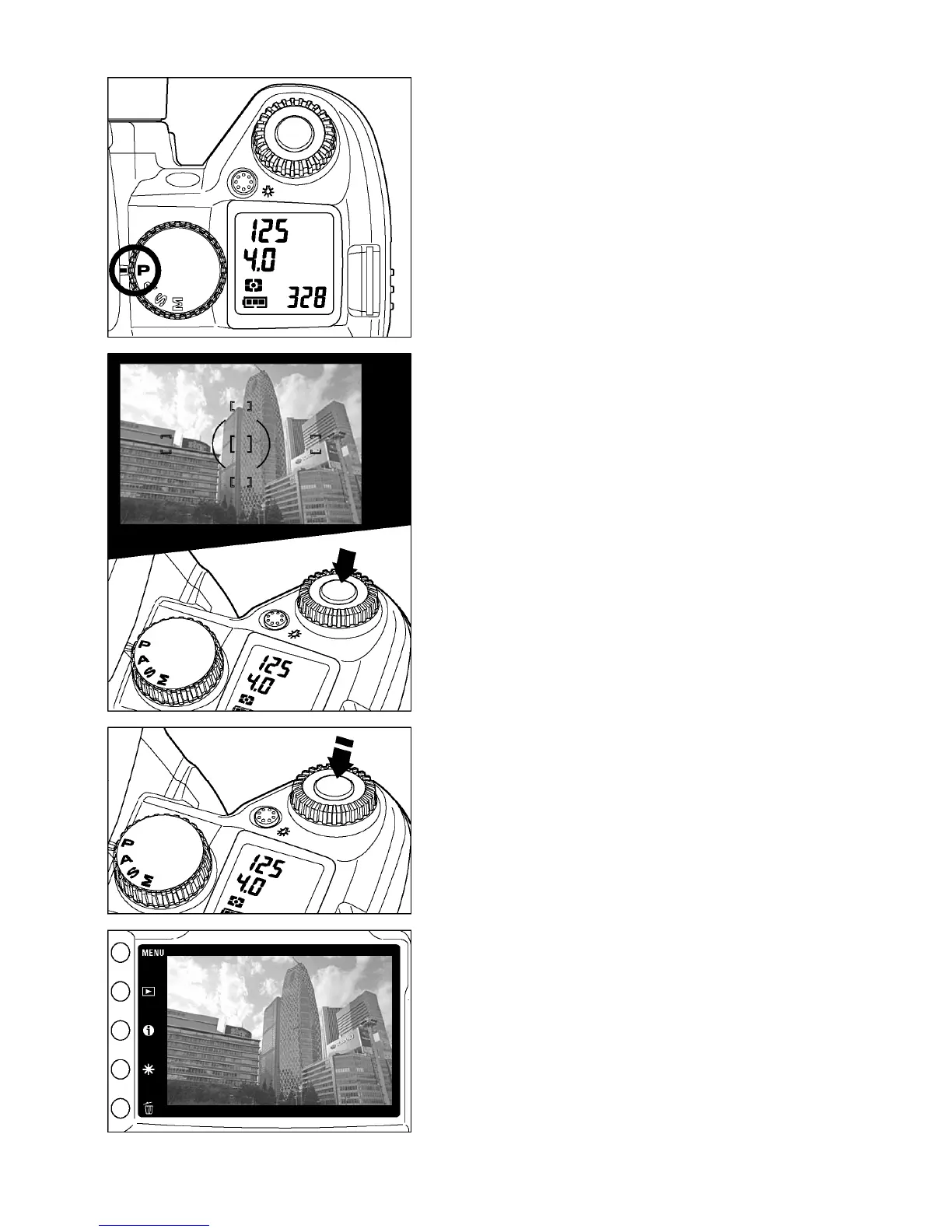
Select the exposure mode (P.41)
Set the “Mode”-Selector to
P
“Program AE”
position
Focus (P.51)
Determine the composition through the finder,
and then press the shutter button “Half-way”
to activate exposure metering and autofocus.
Take a picture
Press the shutter button “All-the way-down”
to take a picture
Review the image. (P.82)
The image is displayed for 2 seconds on the
LCD monitor.



 To Next Page