97
OTHER REVIEWING
FEATURES
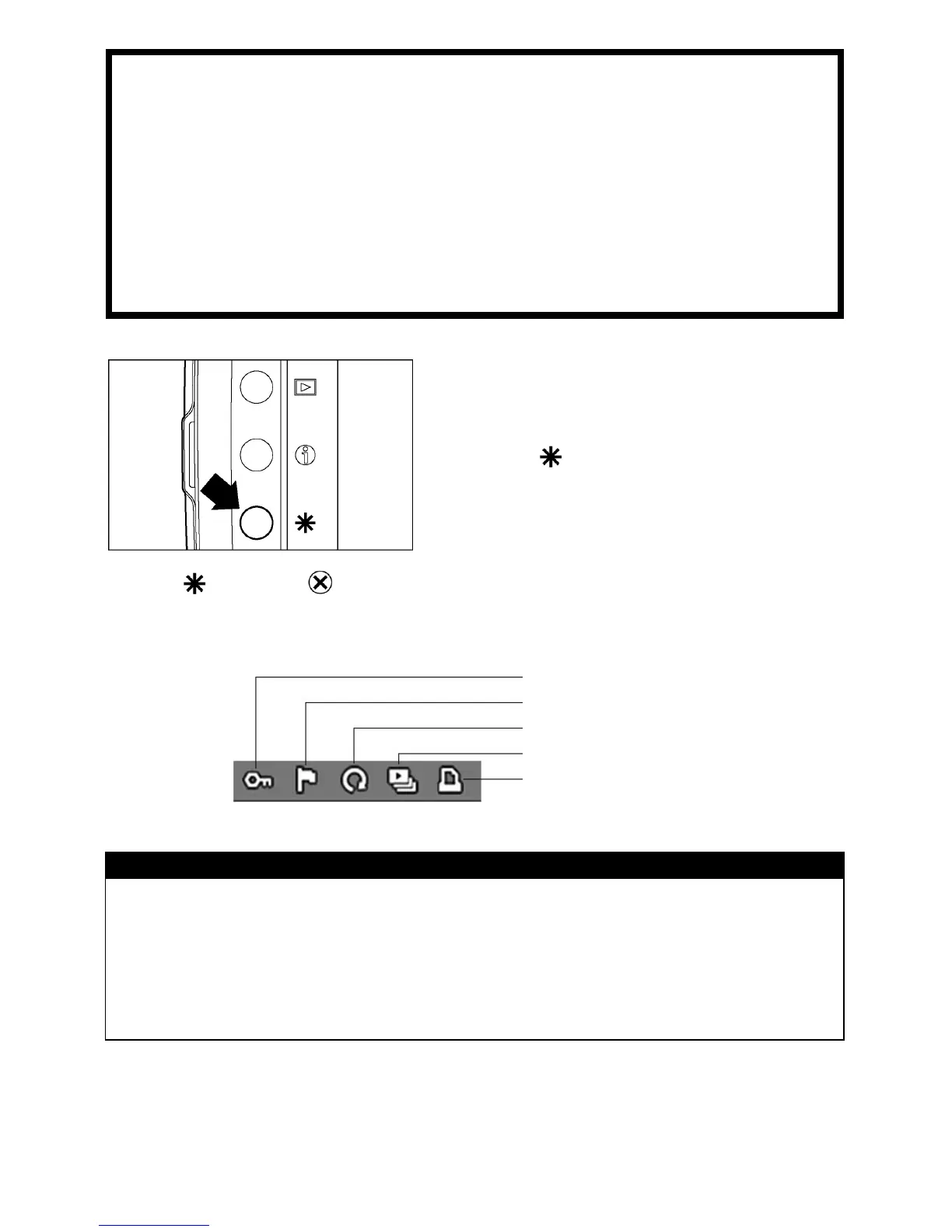
Image modifications, such as locking, marking, and rotating, as
well as automatic image playback, can be performed from the
Modification Menu.
TO DISPLAY THE MODIFICATION
MENU
Press the
button on the back of the
camera.
• Press
again or
to close the Modification Menu without applying any
changes.
Lock
Mark
Rotate
Slideshow
DPOF (see P. 1 0 8 )
TIP
• The Modification Menu can be opened from all views (Single-Image, Contact
Sheet, and Zoomed-In), as well as from Jump Mode and Image Info Screen.
• To make it easier to apply the same modification to a number of images, the
last action performed will be the default selection when the Modification Menu
is opened again.



 To Next Page