28
CAMERA SET-UP MENU
This section describes the various settings in the Camera Set-up Menu.
The Set-up Menu contains two types of menu items; items followed by an
ellipsis (…) open dialog windows, all other items open sub-menus listing the
setting options.
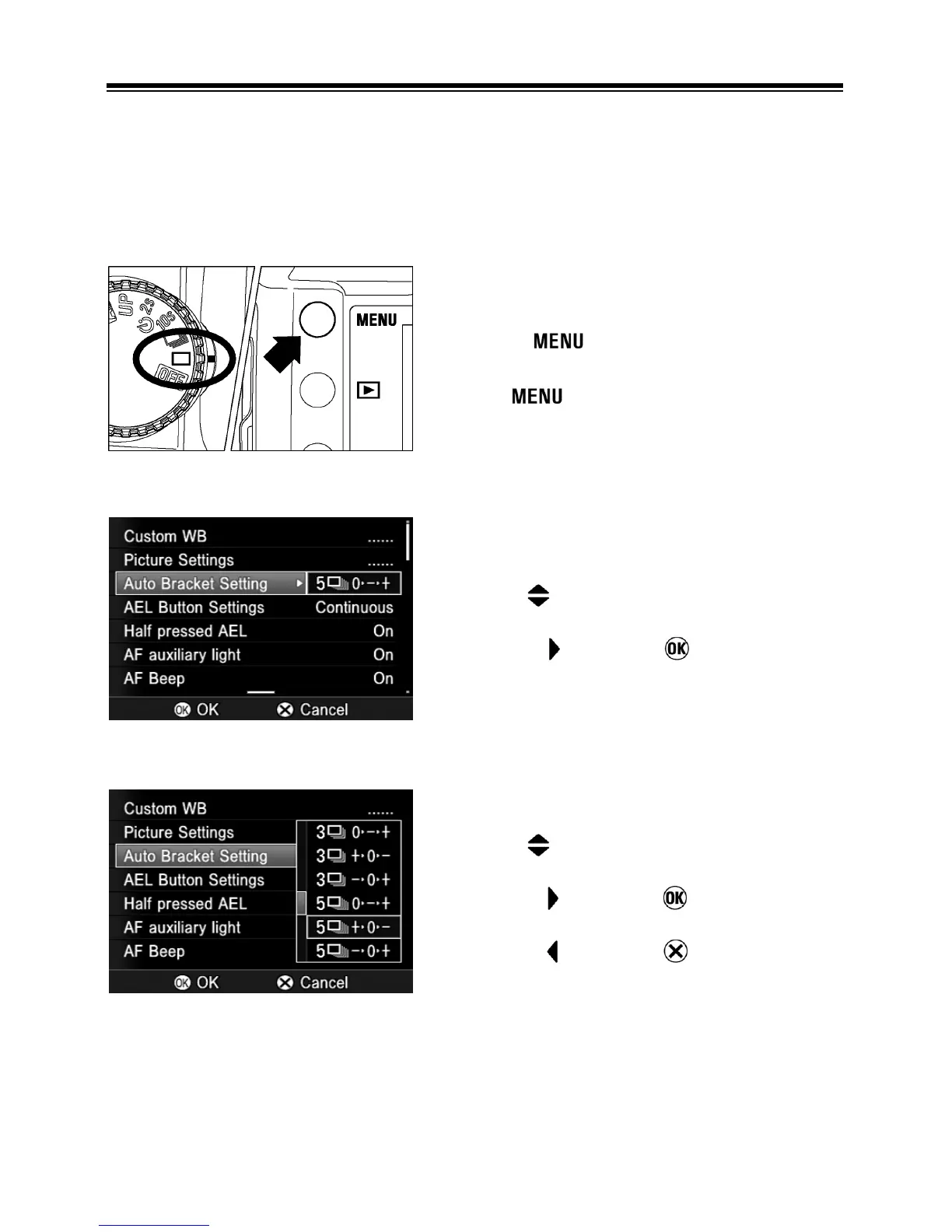
TO DISPLAY THE SET-UP MENU
Press the
button on the back of the
camera.
● Press again to close the Set-up
Menu and turn off the color LCD monitor.
While in the Set-up Menu:
• Use the arrows on the 4-way controller
to select menu items.
• Press the
arrow or button to open
sub-menus or dialogs.
While in set-up sub-menus:
• Use the arrows on the 4-way controller
to select setting options.
• Press the
arrow or button to apply
new settings.
• Press the
arrow or button to close
sub-menus without applying changes.



 To Next Page