55
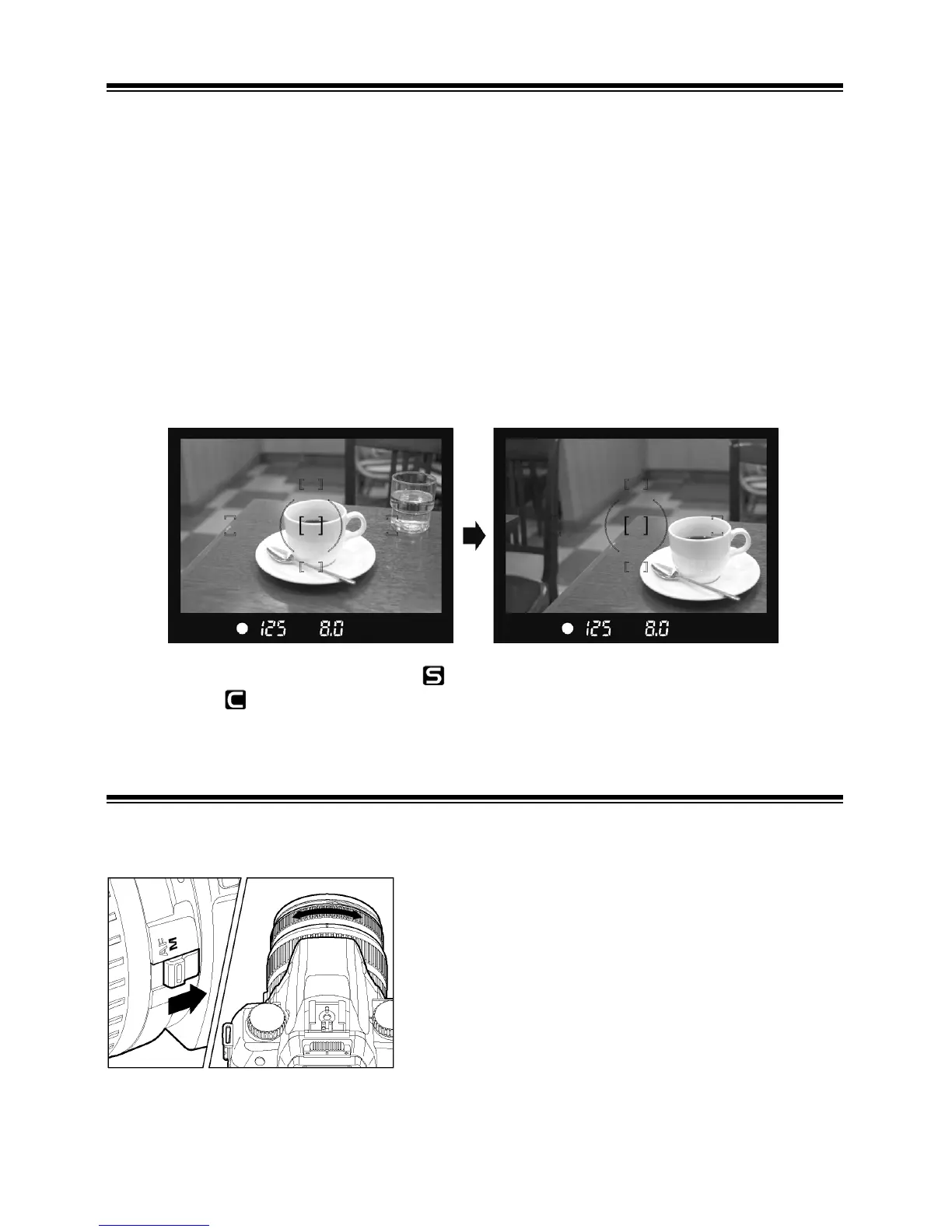
FOCUS LOCK
This photography method is useful if a photographic subject is not positioned
within the central AF frame.
1
Choose the AF point according to the "AF POINT SELECTION” instructions on
page 53.
2
Position the photographic subject into the selected AF frame, and focus by
pressing the shutter button half-way.
3
Keep the shutter button depressed half-way while you compose the picture as
desired. Then press the shutter button the rest of the way to take picture.
■ Focus Lock can be used with (single AF mode) only. The AF cannot be
locked in
(continuous AF mode).
MANUAL FOCUS
In situations, where autofocus or focus lock is not effective, you can focus
manually.
1
Set the focus mode switch, on the lens to the
M position.
2
While looking through the viewfinder, turn the
focusing ring on the lens until you get a clear
sharp image.
■ When you use a lens, which has maximum aperture of F5.6 or faster, the
focus indicator in the viewfinder will appear, when correct focus is attained.



 To Next Page