33
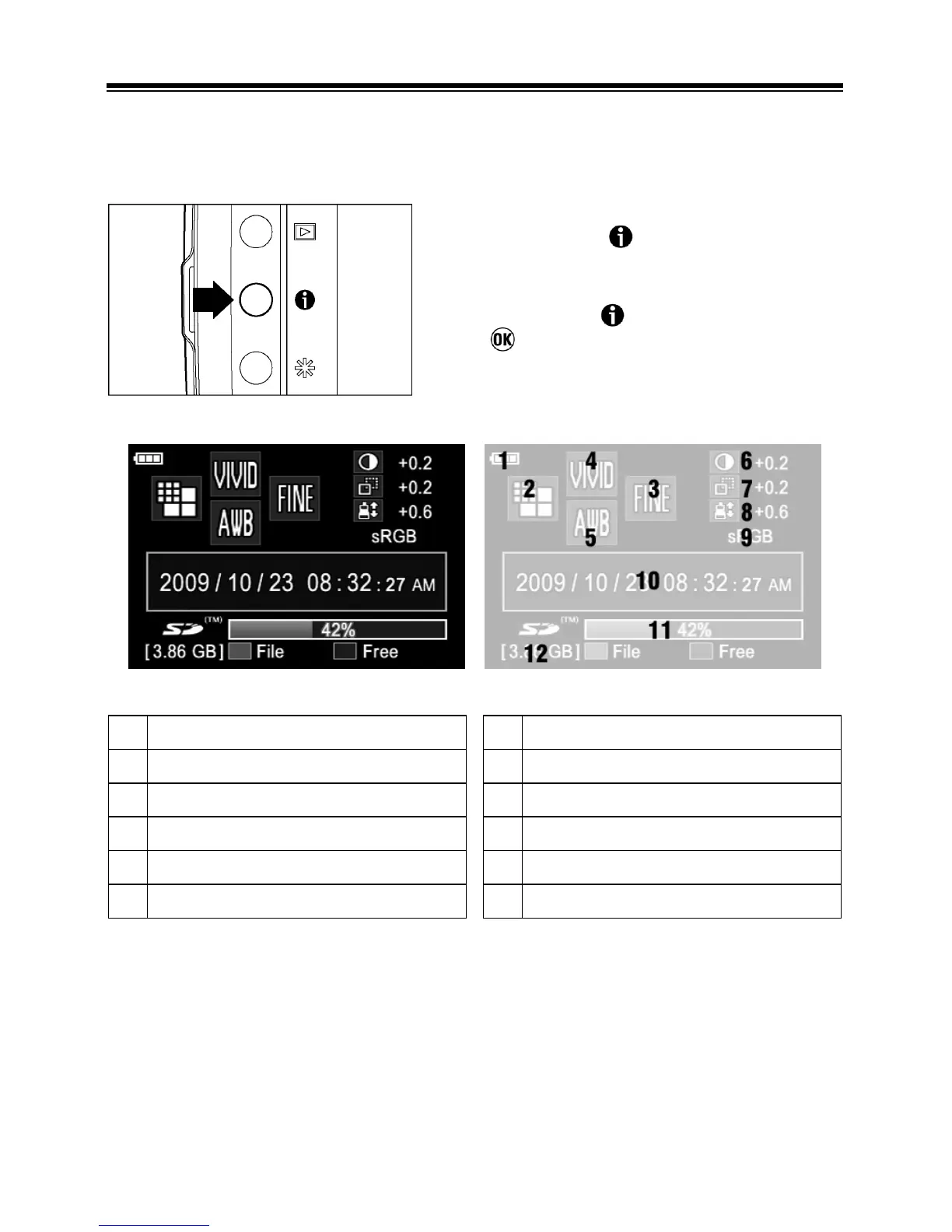
CAMERA INFO PAGE
The Camera Info Page can be used to get at-a-glance information about
image-capture settings (for example: Image Size, Image Quality and Picture
Settings) and card status.
z By pressing the
button (except when
reviewing images), the Camera Info Page is
displayed.
z By pressing the
button again, pressing
the
button or pressing the shutter
button “half-way”, the LCD monitor is turned
off.
1
Battery Level Indicator



 To Next Page