88
VIEWING IMAGES A PAGE AT A TIME
(JUMP MODE)
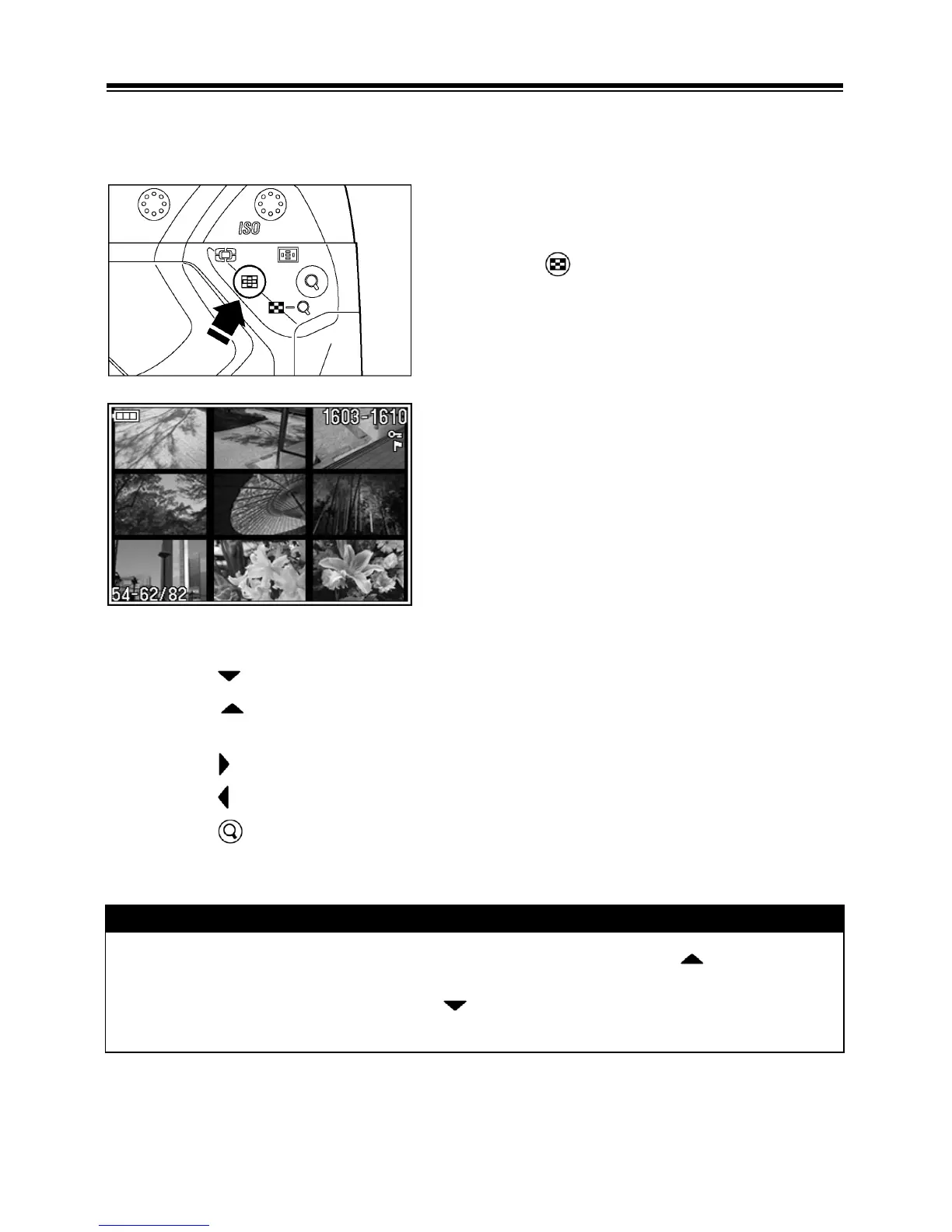
Use Jump Mode to browse large sets of images more quickly, or to skip
right to the first or last page of images on the card.
Press the button twice from Single-
Image View (or once from Contact Sheet
View).
WHILE IN JUMP MODE:
• Press the
arrow on the 4-way controller to jump to the next page of images.
• Press the
arrow on the 4-way controller to jump to the previous page of
images.
• Press the
arrow on the 4-way controller to jump to the last page of images.
• Press the
arrow on the 4-way controller to jump to the first page of images.
• Press the
button to return to Contact Sheet.
TIP
• The first and last pages of images are linked. Pressing the arrow on the
4-way controller while the first page of 9 images is displayed brings up the
last page of images. Pressing the arrow on the 4-way controller while the
last page of images is displayed brings up the first page of images.



 To Next Page