25
4
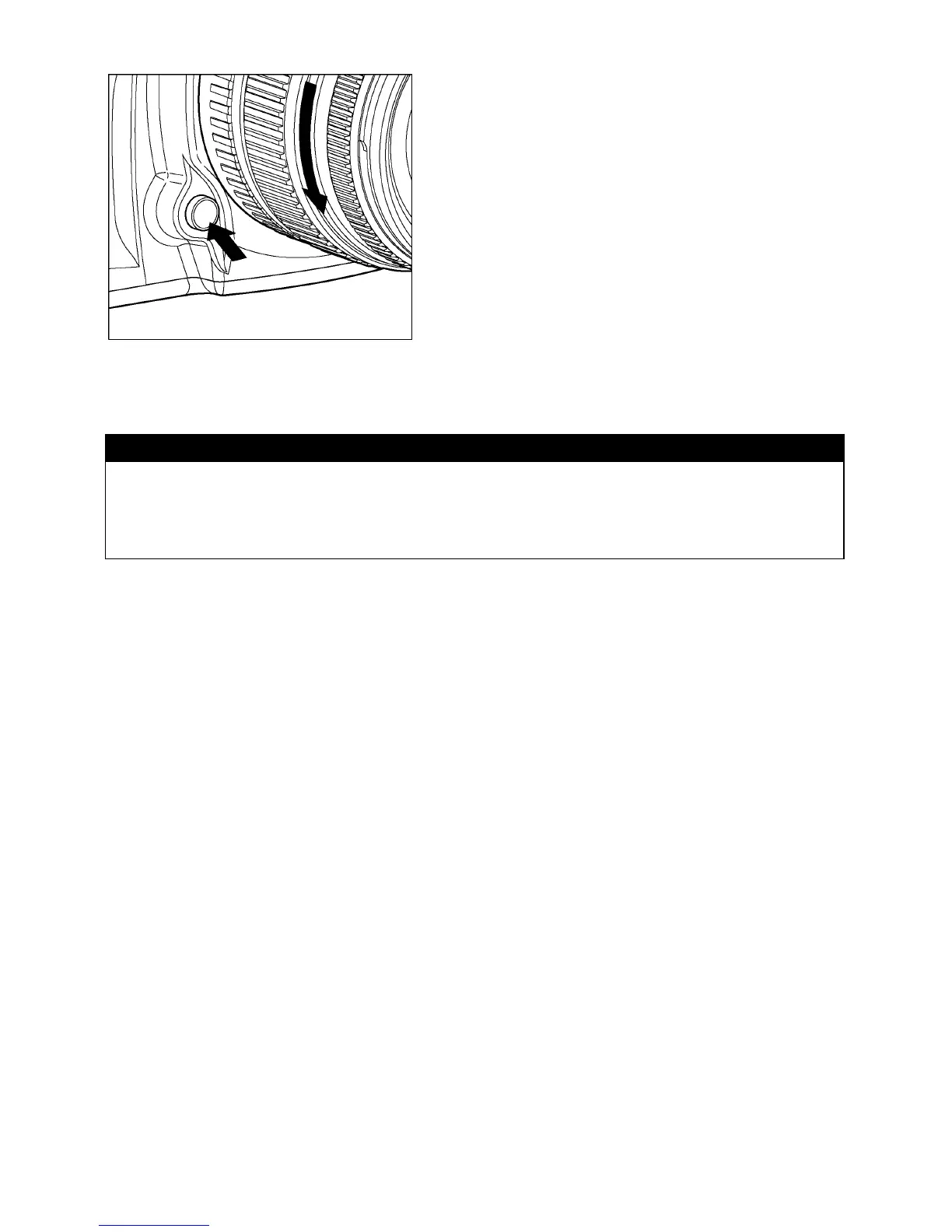
To remove the lens, press the lens lock
button and turn the lens counter–clockwise
until it stops. Gently remove the lens from the
camera body.
CAUTION !!
• On the mount surface of the lens, there are a number of electrical contacts.
Keep them clean to ensure proper connection. To avoid damaging them, be
sure to place the lens on its front end when it is off the camera.



 To Next Page