32
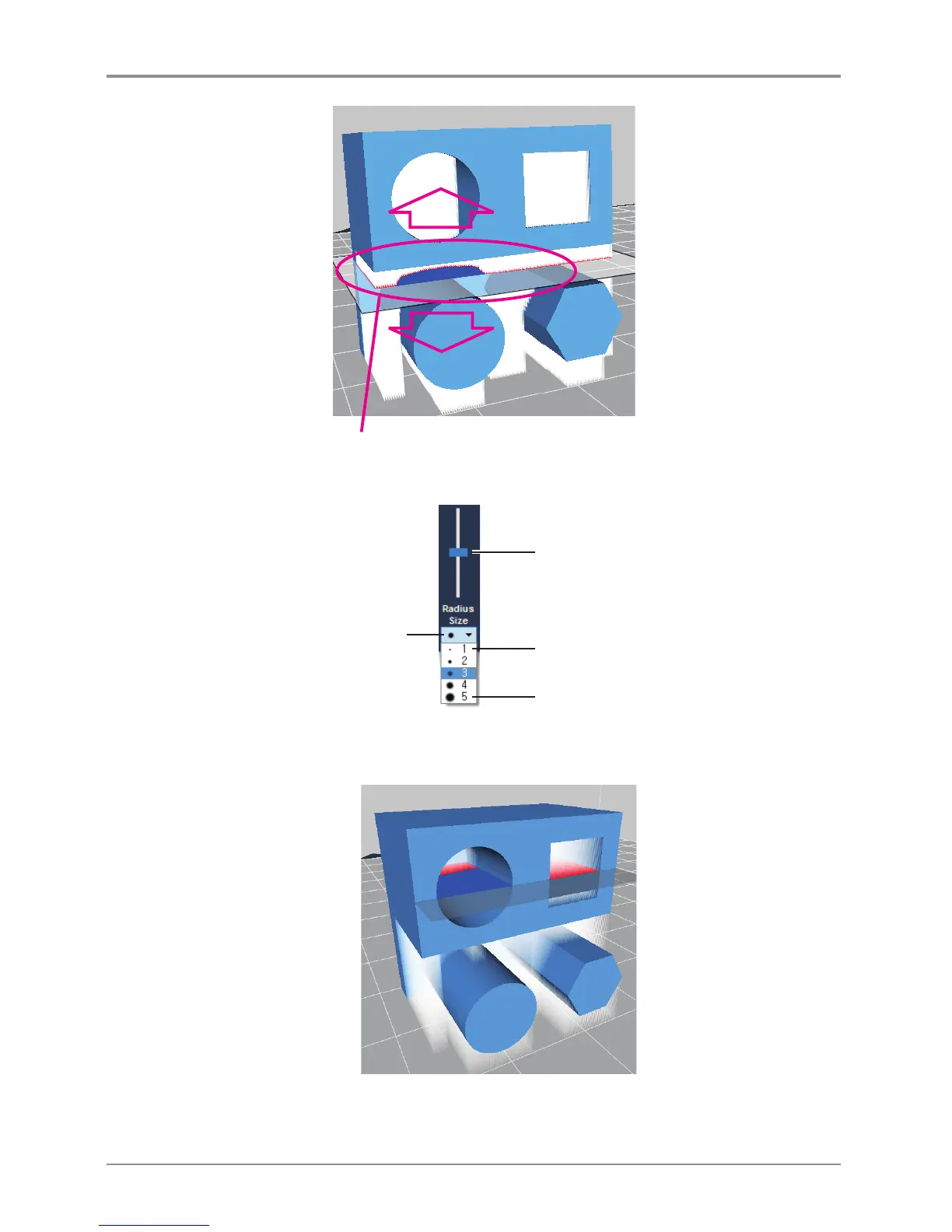
Because of the shape in the middle, Support area has been divided.
Minimum size of editing
Maximum size of editing
Current Support editing size
Support Edit Maneuvering Slider
To edit the support inside, the model user has to move the edit cross section.
Use the support edit slider to maneuver around.
Move the Support Editing Cross Section up to place it in the area to edit.
The supports of the interior can be edited by clicking on the interior area of the editing cross-section.



 To Next Page