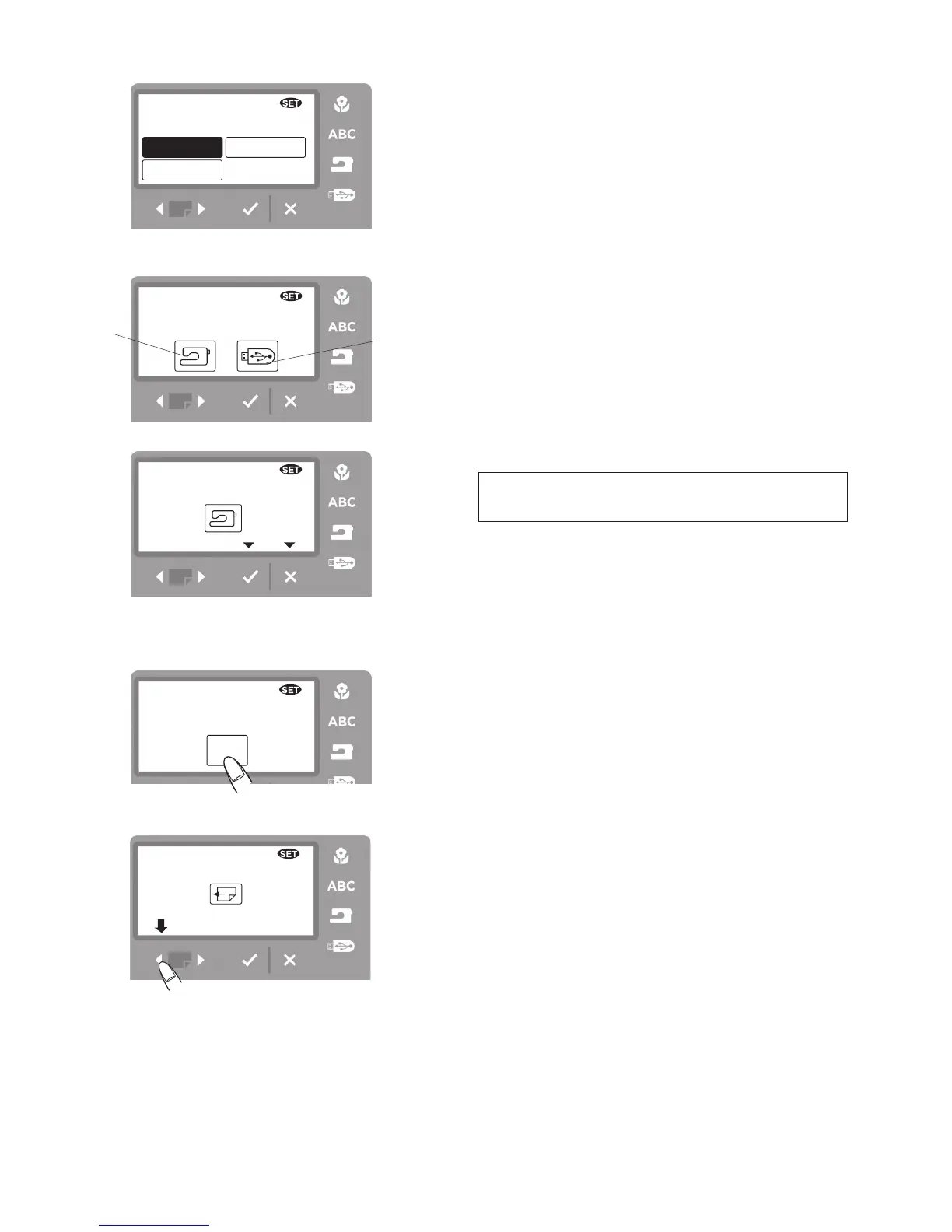
Set 4. Thread selection
There are three brands of embroidery threads to choose
from. Press the corresponding icon of the thread you
wish to use. The color number of the selected brand will
be shown on the embroidery screen.
Set 5. Formatting the memory
To format the memory, select the memory location by
pressing the corresponding icon and pressing the
OK
√
button.
q
Built-in memory
w
USB memory stick
When formatting the USB memory stick on the machine,
be sure to allow plenty of time for the process. Do not
turn the machine off or remove the USB memory stick
until the machine prompts you.
NOTE
Formatting will erase all data stored in the memory.
If designs you stored are missing from the internal
memory or USB memory stick, reformatting may be
necessary.
Reformat using SET 5.
w
Set 6. Touch pad position adjustment
When touching screen icons or touch pad buttons, if
the wrong response comes up on the screen the touch
pad button may need realignment in the key position
adjustment window.
Step
z
Press the YES icon.
Step
x
Press the reverse page button.
z
x



 To Next Page