y
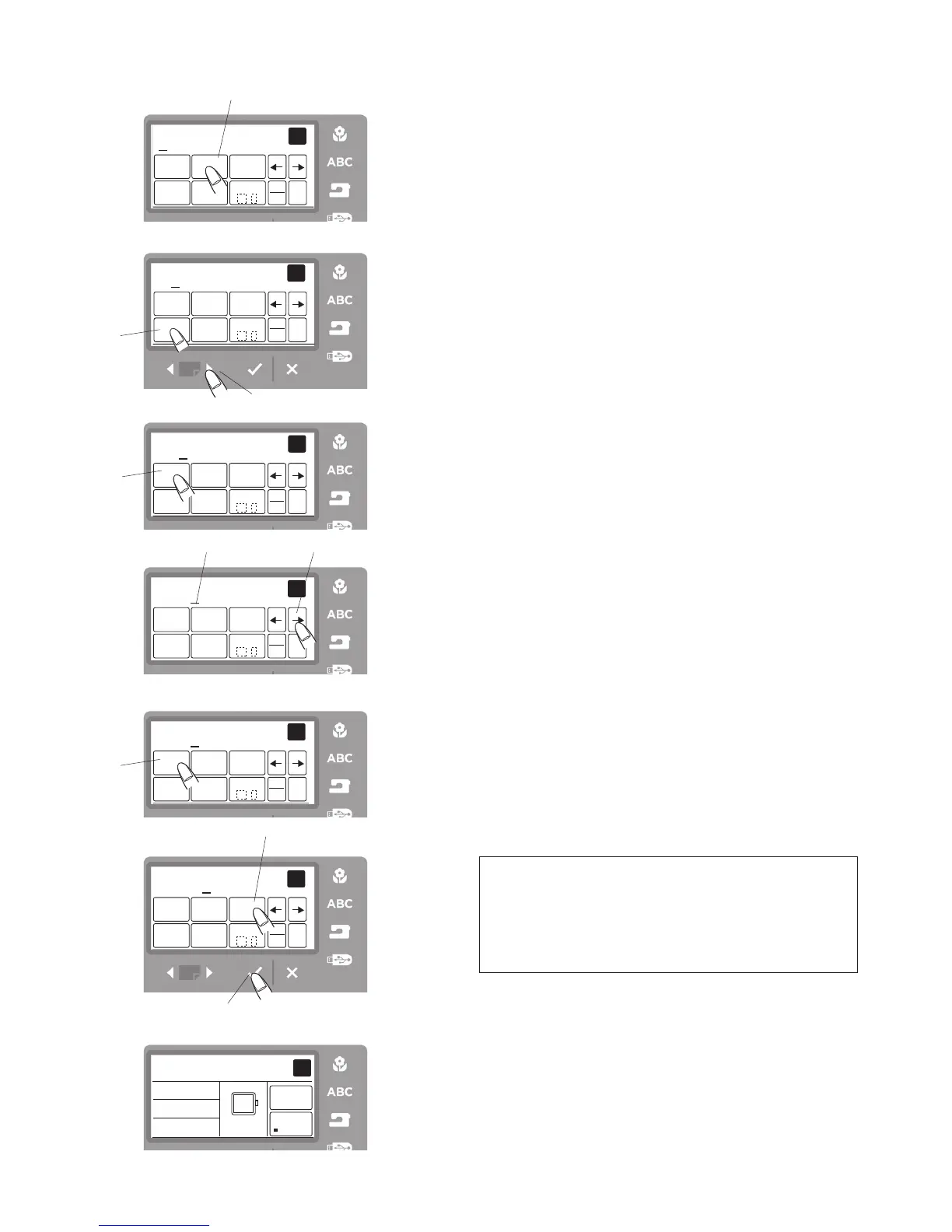
How to Program Lettering
(example: Green)
Step
z
Press the
q
icon twice to select
“G”
. Press the
cursor icon forward.
r
e
r
u
Step
x
Press the page forward button
w
to select lower case
letters.
Step
c
Press the
e
icon 3 times to select
“r”
. Press the
forward cursor icon.
Step
v
Press the
r
icon 5 times to select
“e”
.
Step
b
Press the cursor icon forward
t
to shift the cursor
y
.
Step
n
Press the
r
icon 5 times to select
“e”
. Press the
forward cursor icon.
Step
m
Press the
u
icon 4 times to select
“n”
.
NOTE: To save a lettering combination you would need
to save in this editing screen at this point. To save your
letter combination of “Green” in the machine internal
memory, press the file save button. The screen will say
M-001. Select OK
√
and the save is complete. See
page 41 Step 1 and Step 2 for diagrams.
Step
,
Press the OK
√
button
i
.
Step
.
The display will change to the ready to sew screen.
i
z
xc
v
b
n
.
m,



 To Next Page