q
w
e
Editing Button
Selecting the edit button opens the ability to personalize,
create, re-size and much more to your designs.
The edit mode is always used to save a design to a file.
These files can be in the internal memory of the machine
or on the USB memory stick.
Edit Button
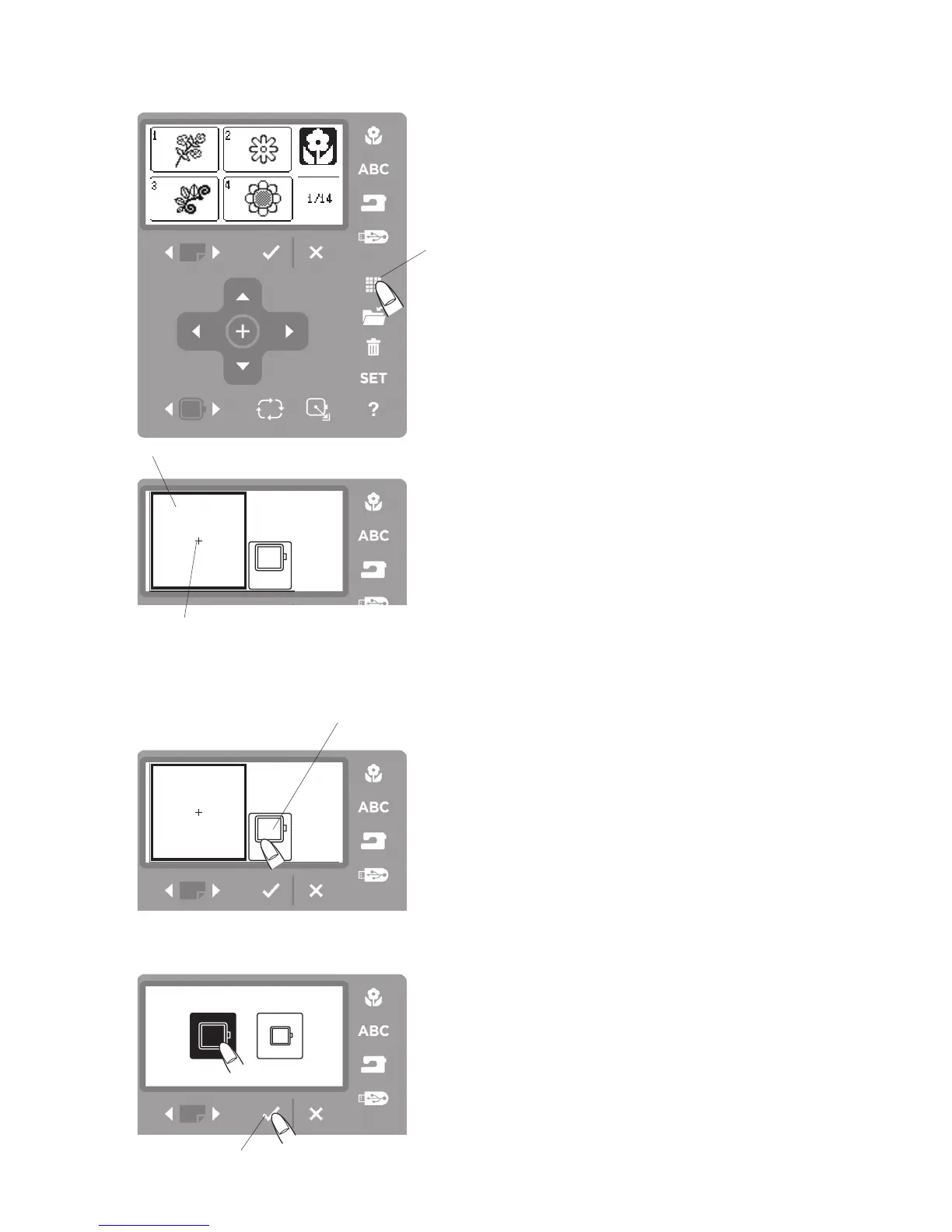
Press the edit button
q
and the editing window
w
for the
standard hoop will open.
q
Edit button
w
Editing window
The “+” mark indicates the center of the embroidery
hoop.
e
Center mark
Hoop Size
Choose Hoop Size.
Press the hoop icon
q
to open the hoop selection
window.
Select the desired hoop size and press the OK
√
button
w
.



 To Next Page