u
y
i
Step
x
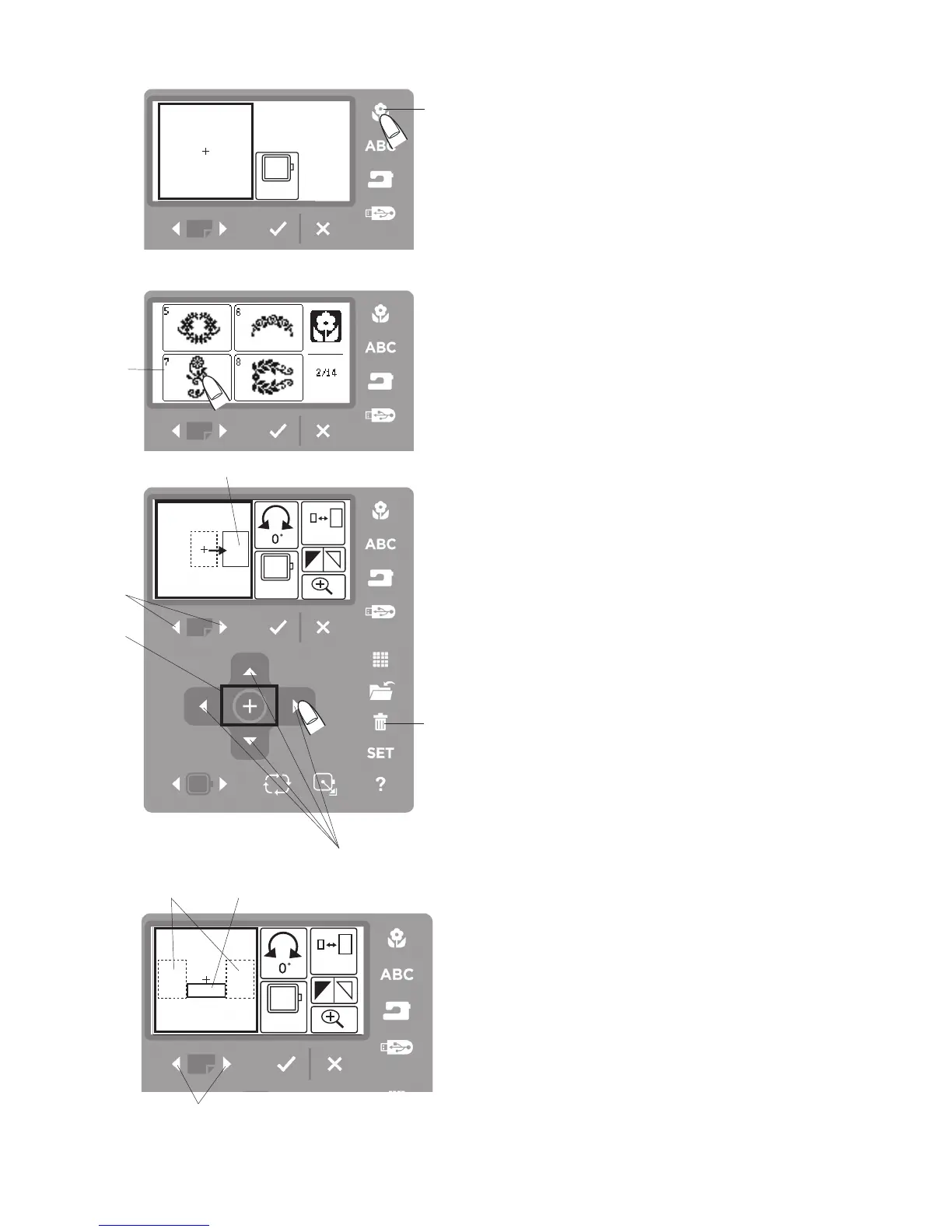
Select pattern icon #7.
w
Pattern icon #7
The editing window shows the relative size and
placement of the pattern with a square block
y
instead
of the pattern image.
* To move the pattern, press the positioning arrow
button.
e
Positioning arrow button
* Press the center button to place the embroidery in the
center of the hoop.
r
Center button
* To delete the pattern, press the delete button.
t
Delete button
If there are 2 or more patterns in the editing window,
press the next or previous page button to select the
pattern to edit.
The selected pattern is displayed with a solid line.
The patterns not selected are displayed with a dotted
line.
y
Selected pattern
u
Page buttons
i
Patterns not selected
w
z
x



 To Next Page