t
q
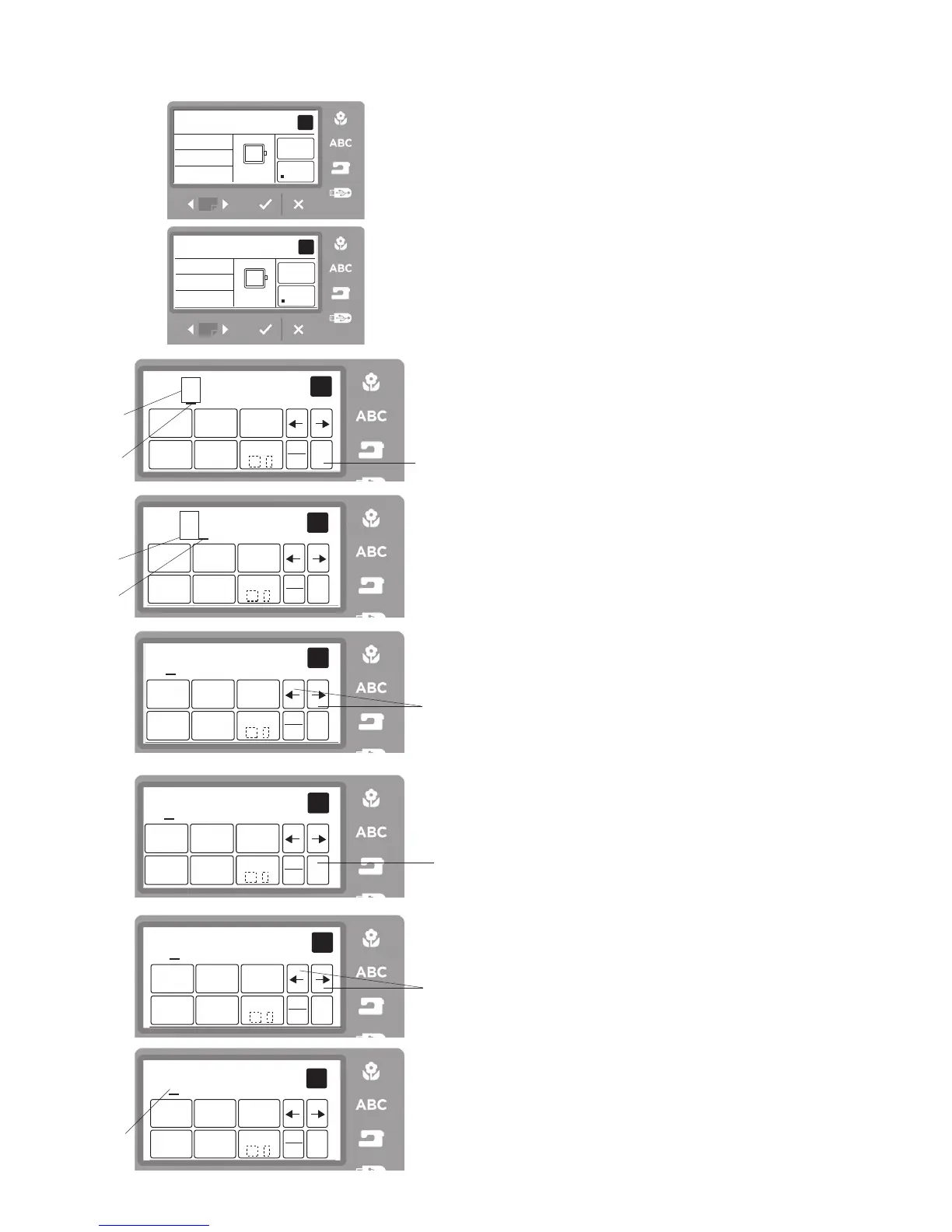
Deleting a Letter
Pressing the clear icon
q
will delete the letter
e
above
the cursor
w
or the letter
r
in front of the cursor
w
.
q
Clear icon
w
Cursor
e
Letter above the cursor icon
r
Letter in front of the cursor icon
Step
z
Press the cursor arrow to shift the cursor under the
letter to delete.
t
Cursor icons
Step
x
Press the clear icon to delete the letter.
q
Clear icon
Inserting a Letter
You can insert a desired letter in front of the cursor.
Step
z
Press the cursor icon the direction you wish to insert
a letter
t
. Put the cursor under the letter “B”.
Step
x
Press the icon containing D 4 times to insert the letter
“D”
y
.
y
e
qw
Viewing Lengthy Text
If the lettering is too long to display on the ready to
sew screen, press the page forward button to show the
hidden characters.
Example:
Letters programmed from A to K in S (small)
font.
The screen shows letters A to I. Press the page forward
button and letters C to K will show.



 To Next Page