u
i
o
!0
!1
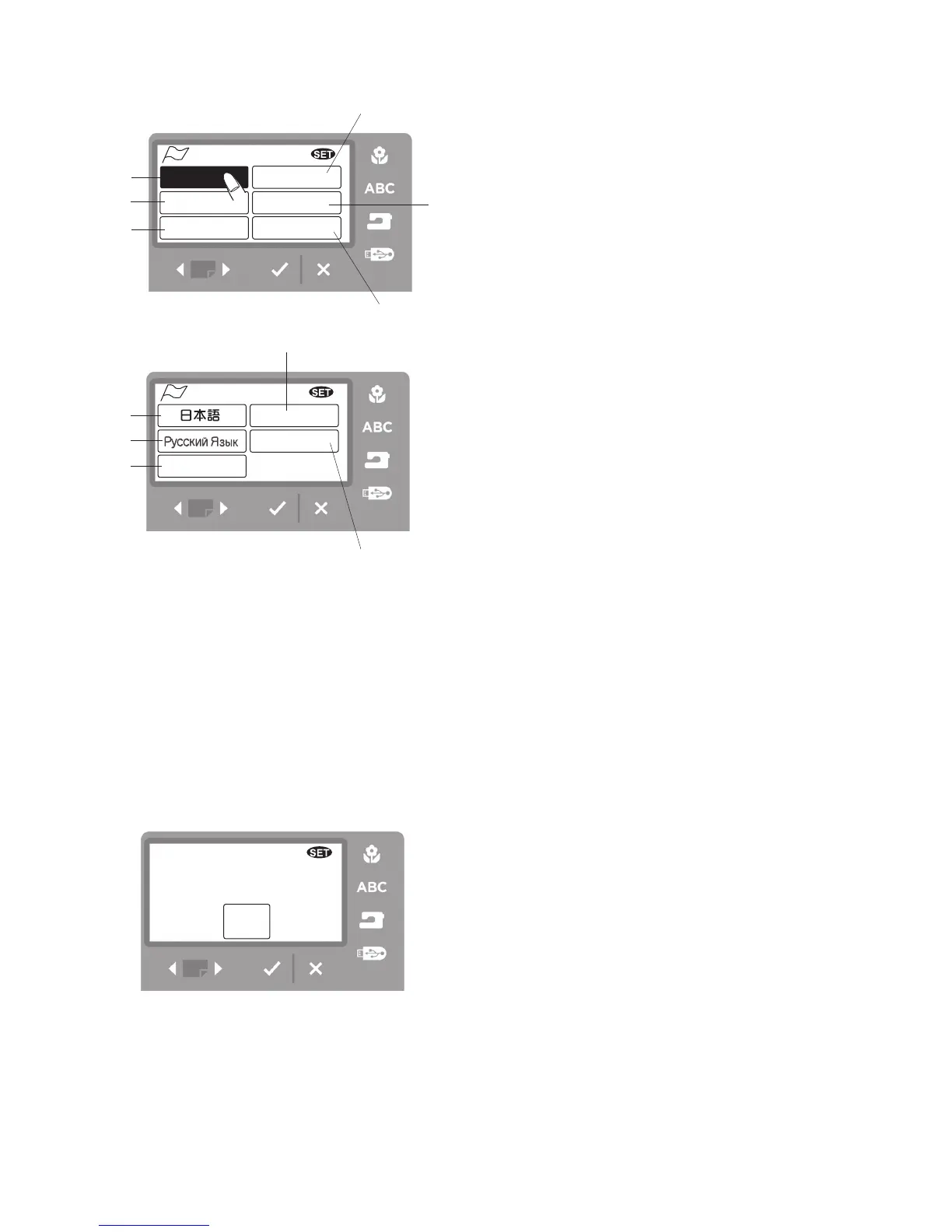
Set 7 and 8. Language selection
You can select one of the following 11 languages
by pressing the corresponding icon.
q
English
w
French
e
Spanish
r
Italian
t
Dutch
y
German
u
Japanese
i
Swedish
o
Russian
!0
Portuguese
!1
Finnish
Press the OK
√
button to confirm your selection.
Set 9. Default setting
When you press the YES icon, all settings except
language setting will return to default (the same settings
as when you purchased the machine).



 To Next Page