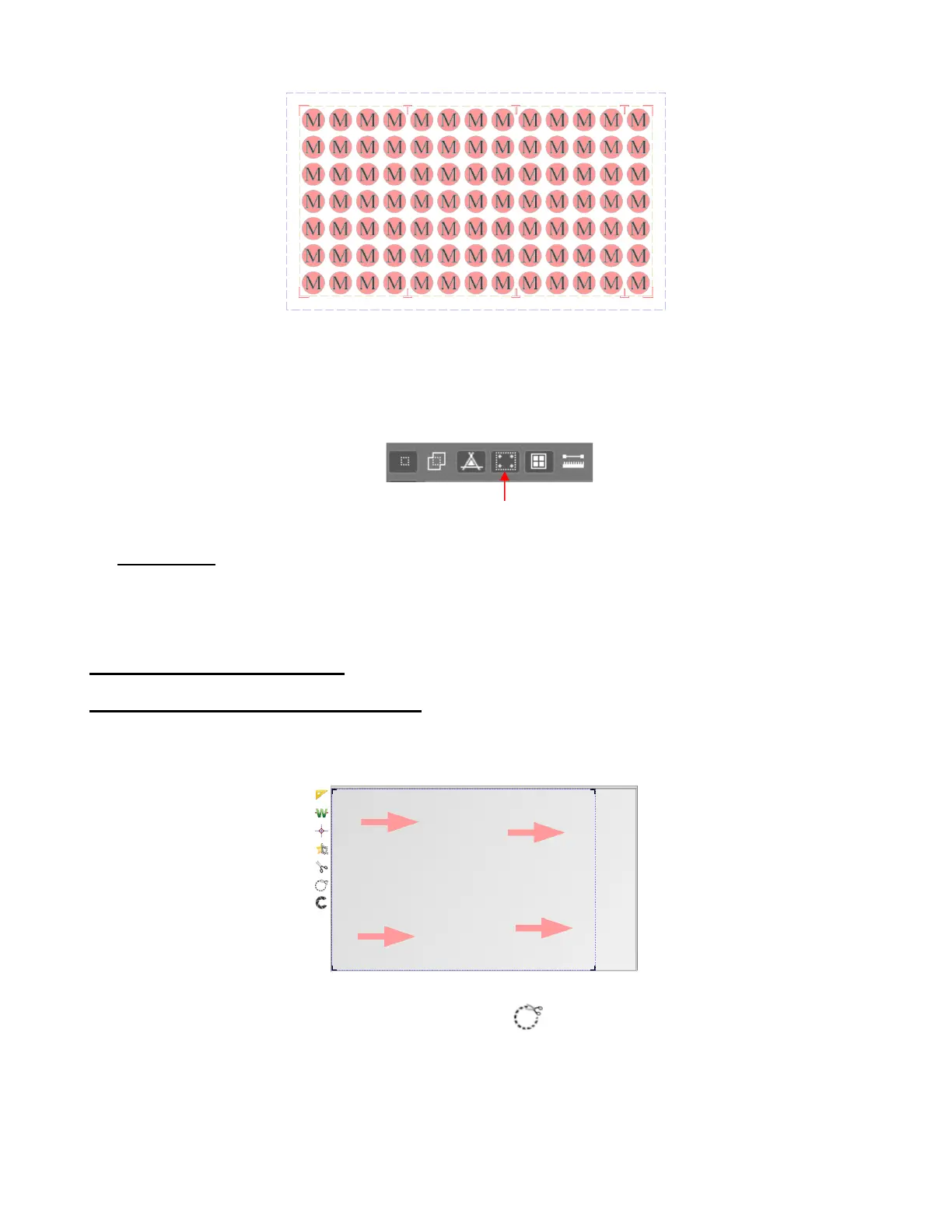
Intermediate registration marks are added to the project. Note that while the marks appear as red
outlines, they will print solid black.
There is an option to hide the marks on the screen by toggling the View registration marks option on
the View Bar:
• IMPORTANT: Using the Array plus Array Mark options on the Skycut’s control panel allows for more
flexibility when working with multiple registration marks, such as being able to only scan one mark when
there are repeats. This is covered in Section 3.07.2.
3.07 PNC from USB Flash Drive
3.07.1 PNC from Flash Drive – Single Cut
• To perform a print and cut project from the control panel, first perform Steps (1) – (7) from Section 3.04.3.
The project will now appear in SignCut Pro:
• Hold the Shift key and left click on the Contour cut icon . This will open the Save as window where
you can save the job as a PLT file on a USB flash drive inserted into a port on your computer:



 To Next Page