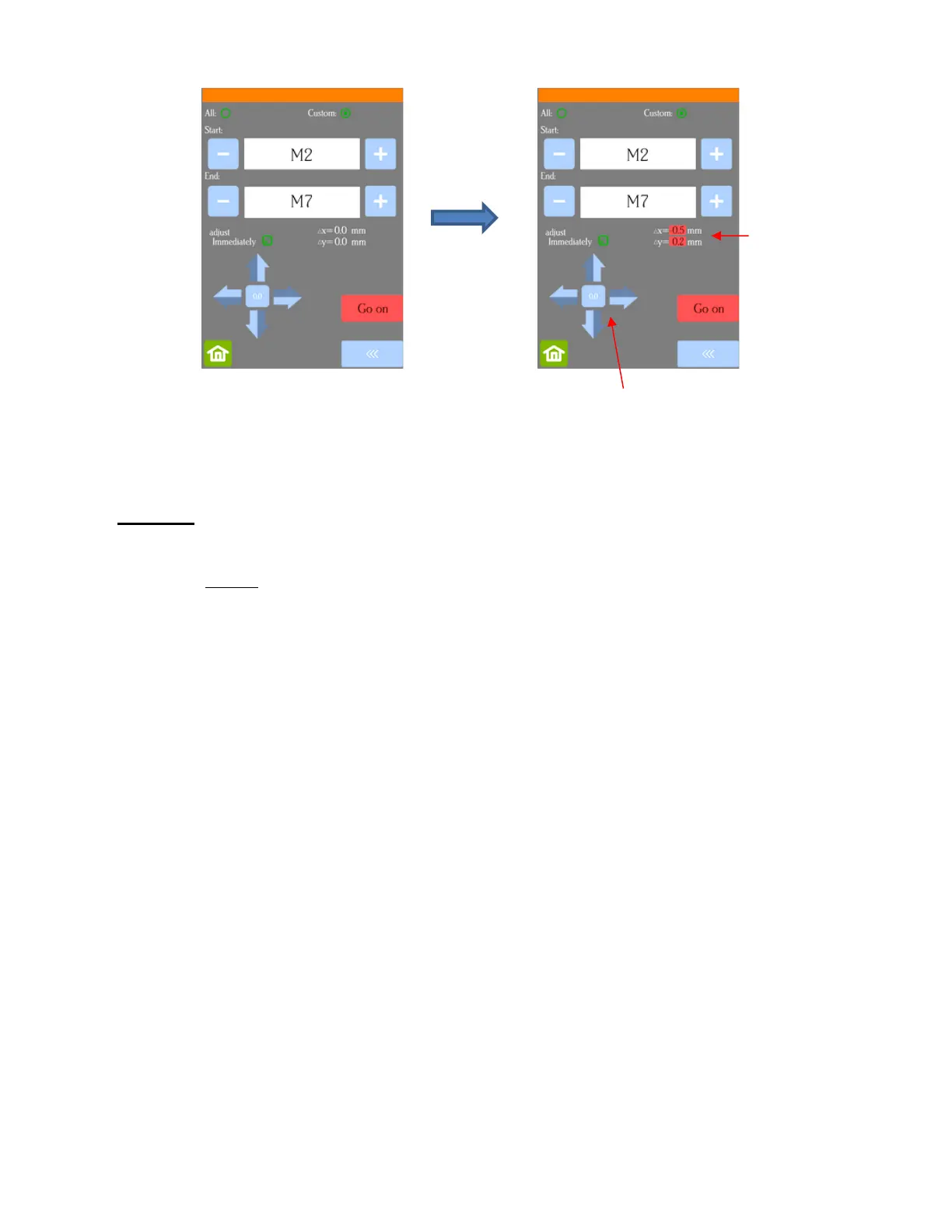
Once you have entered the Δx and Δy values you wish to use, press the Go on button and the cutting
will resume.
• Important:
If you need to make yet another adjustment, repeat the process. The new Δx and Δy you enter is only
an adjustment based on what you are now needing. For example, based on this example, if you need Y
to move another 0.2 mm in the same direction, you would enter 0.2, not 0.4 mm.
Remember that the adjustment is reset at the conclusion of the cut. If you want permanent changes,
adjust the calibration numbers using the process presented in Section 3.05.1.



 To Next Page