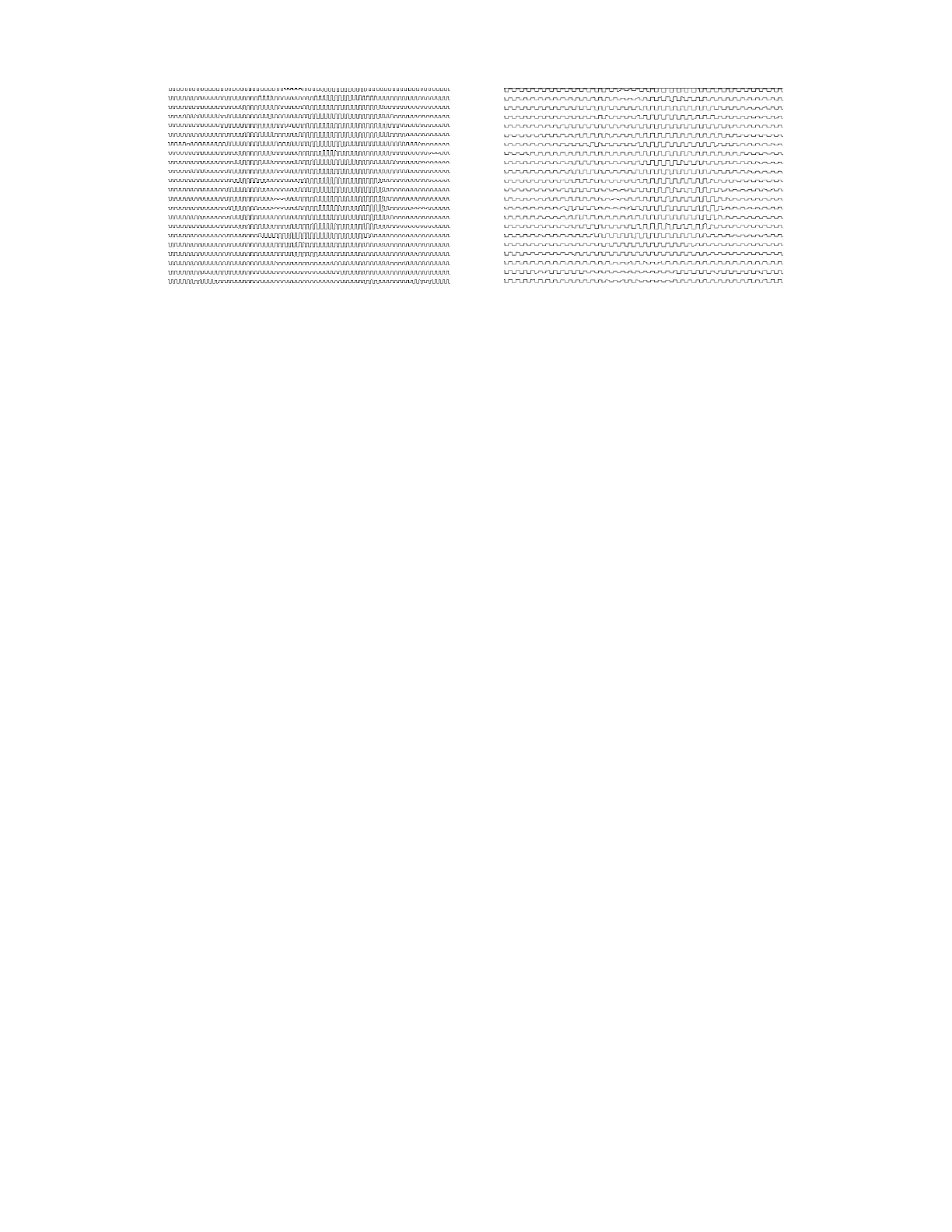
o Tool overlap: this setting helps compensate when the measurement of the tool diameter isn’t
perfectly measured. It also helps compensate if small amounts of slippage occur on your machine.
Essentially, the pattern lines are overlapped, by the percentage entered, while being executed so
that no unintended gaps occur in the fill pattern.



 To Next Page