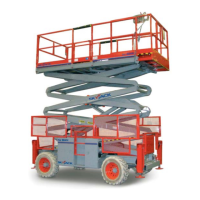
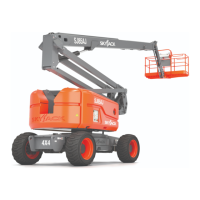
SJ85AJ 208932AEA
91
SJ85AJ Section 8 – Labels
Description Label Pictorial
1
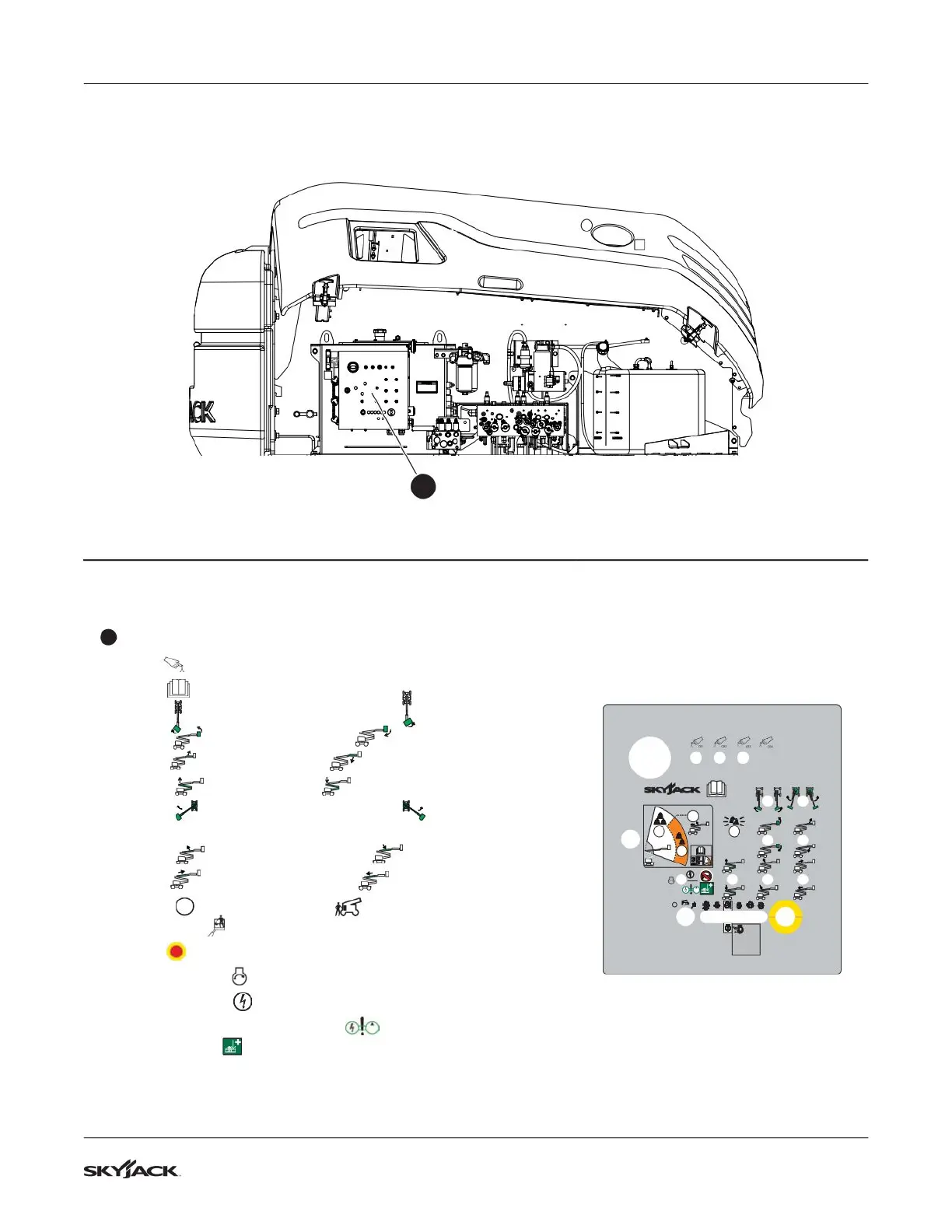
Base Control Console
Push breaker back in to reset.
Read operating manual.
Select to rotate platform to the left or to rotate to the right.
Select to tilt platform up or to tilt platform down.
Select to move jib up or to move jib down.
Select to raise riser or to lower riser.
Select to rotate turret to the left or to rotate to the
right.
Select to raise main boom or to lower main boom.
Select to extend y boom or to retract y boom.
Select to turn engine off, to enable base control
console or to enable platform control console.
Push emergency stop to stop engine and disable controls.
Push and hold to start engine.
Push and hold to enable base control functions.
With engine off, push and hold to enable the emergency
power unit for
!
emergency descent.
TM
!
Control Compartment
1


 To Next Page