8. The OSD menu – Channels
GB 23
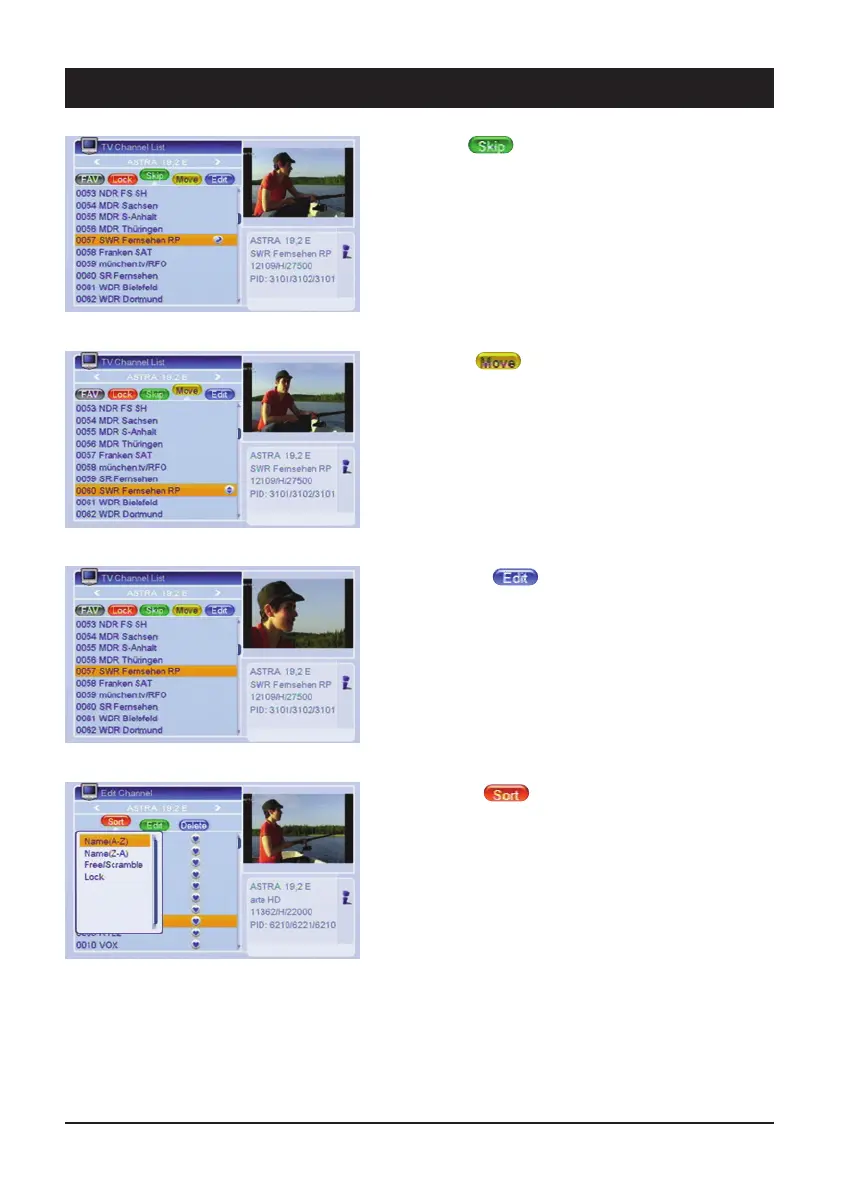
1.1.3 Skip
It is possible to skip channels whilst zapping via the
[CH왔] button. Press the [green] button and highlight the
respective channel via the [OK] button. Note: It is also
possible to select the channel by directly entering the
channel position.
1.1.4 Move
Press the [yellow] button, select the desired channel and
press the [OK] button. Use the [CH
왖/CH왔] buttons to
move the channel to the new position and press the [OK]
button.
1.1.5 Change
Press the [blue] button to edit the existing TV channels
and radio stations, the same as delete, rename and sort.
1.1.5.1 Sort
Press the [red] button to sort the selected channel list.
The channels can be sorted according to various criteria:
“Name (A-Z)” and “Name (Z-A)” (alphabetical), “Free/Pay
TV” (free-to-air channels before coded channels) and
“lock” (locked channels at the end of the list). Note:
When you exit the menu and confirm continuous sorting,
the previous channel sequence is no longer available!



 To Next Page