CDP-300 User’s Guide
Document Rev. 01.008 DOC0500 Page 40 of 42
Restricted Proprietary and Confidential Information
6.4 CHANGING THE COM PORT
Only COM ports 1-9 are supported by the firmware uploader batch file. If a COM port outside of this range is
assigned, perform the following procedure to assign a different COM port.
Note: Administrative privileges may be required on the computer in order to change the COM port.
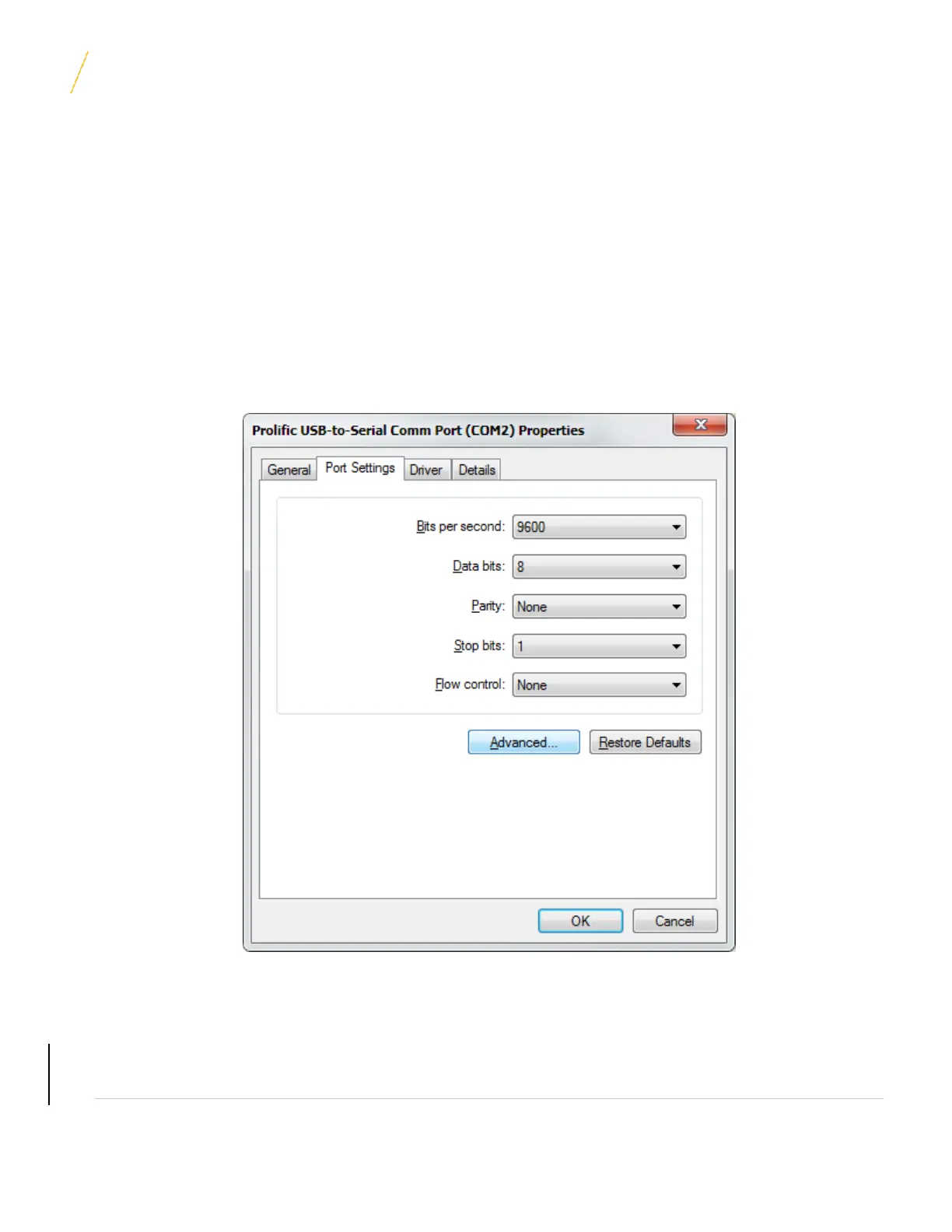
1. In Device Manager, right click the COM port that the CDP-300 serial cable is connected to and select
Properties.
2. In the Properties window that opens, select the “Port Settings” tab and click the Advanced button.
3. In the Advanced Settings window that opens, click on the COM Port Number drop down box and select
an unused COM port between 1 and 9.
UNCONTROLLED COPY IF PRINTED



 To Next Page