CDP-300 User’s Guide
Document Rev. 01.008 DOC0500 Page 39 of 42
Restricted Proprietary and Confidential Information
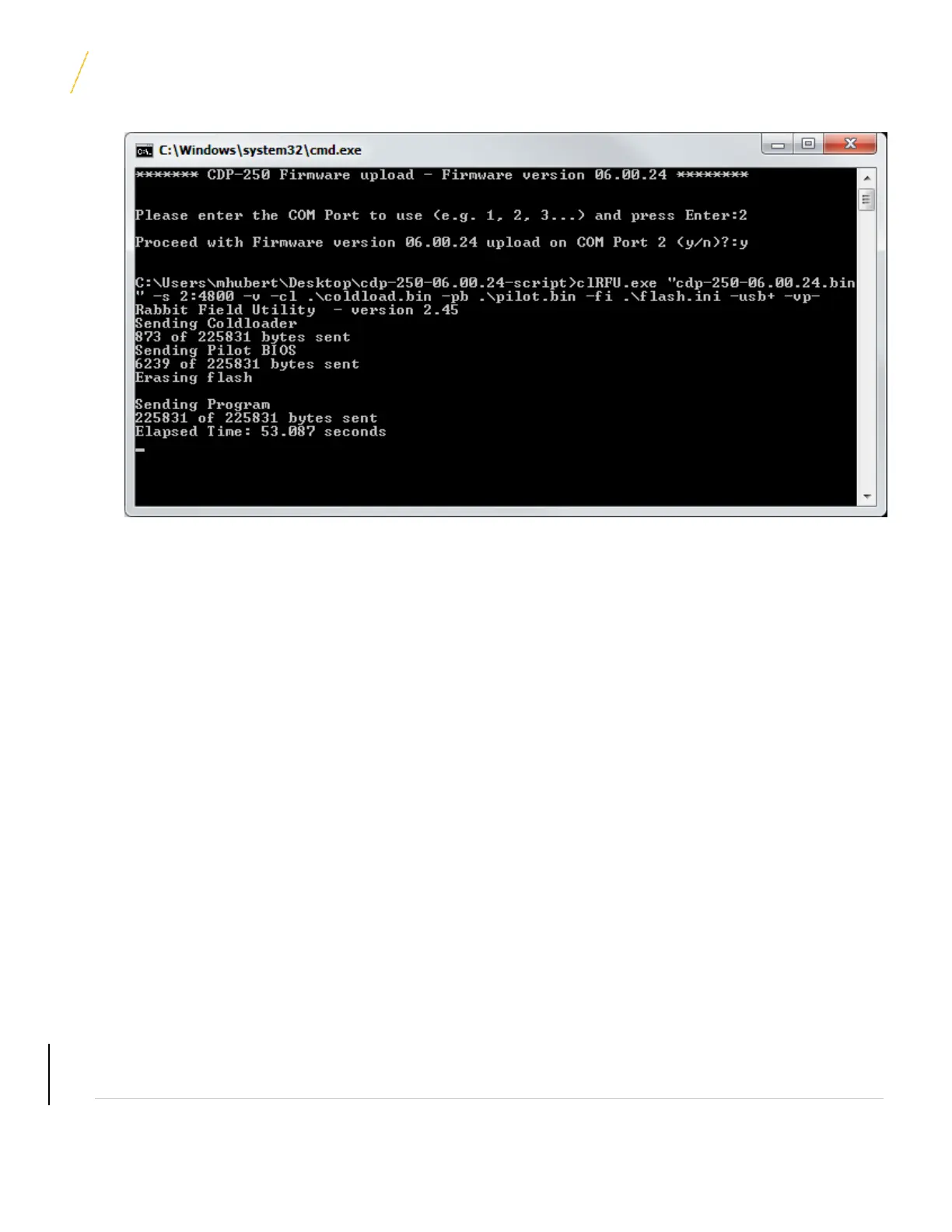
Note: The actual numbers displayed in the window will change depending on the firmware version being
uploaded.
6. When the firmware upload completes press any key to close the upload DOS window.
7. Shut off power to the CDP-300 and disconnect the serial cable from the programming port on the back of
the CDP-300.
8. Apply power to the CDP-300.
9. Once the CDP-300 powers on, navigate to System > System Setup > CDP Info. The FW Ver should be
the version installed above. If a different version is listed, the programming didn’t work and the
programming procedure must be repeated.
10. Reinstall the protective cover on the CDP-300 DB9 programming connector if previously removed.
UNCONTROLLED COPY IF PRINTED



 To Next Page