CDP-300 User’s Guide
Document Rev. 01.008 DOC0500 Page 38 of 42
Restricted Proprietary and Confidential Information
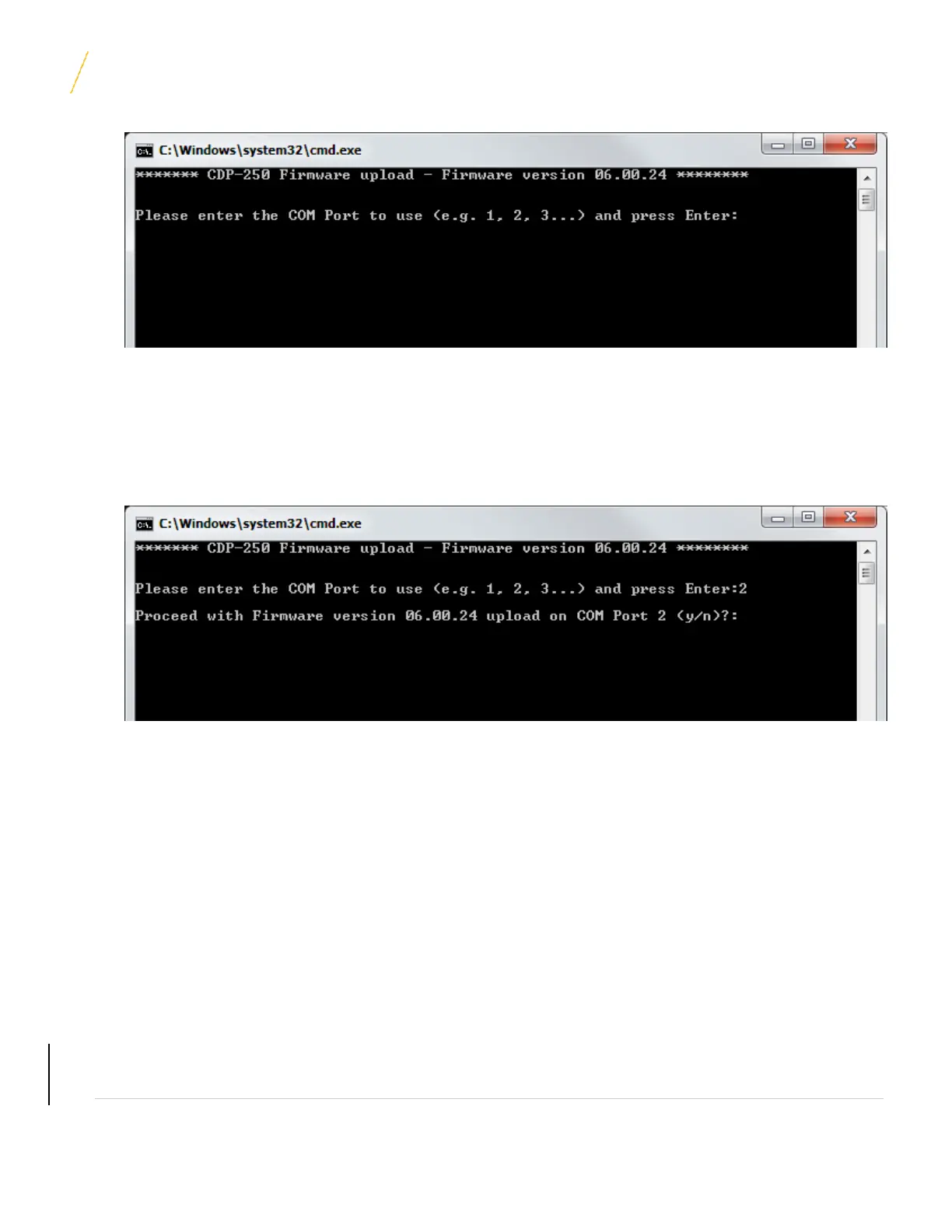
3. Enter the COM port number, which the CDP-300 Serial Cable is connected to, and then press ENTER
(COM port numbers 1-9 are supported). A confirmation prompt should appear in the DOS Window as shown
below:
Note: See Section 6.4 for details on how to change the COM port number if necessary.
4. Type ‘y’ but do not press enter.
5. Power on the CDP-300 and immediately press ENTER to proceed with the firmware upload. (The ENTER
key must be pressed within 2 seconds of powering on the CDP-300, otherwise the firmware programming
may fail). The firmware upload should proceed and take approximately 1-2 minutes to complete. If the
programming fails, or doesn’t start, close the programming window and restart at step 2. If it fails a
second time, reboot the computer and restart again.
UNCONTROLLED COPY IF PRINTED



 To Next Page