26
b. Create a (1) new tag from the source element and give a name for the new tag from the
next dialog box. Set the (2) source length as 2. (3) Set the data type to DINT and (4) style as
decimal. Set the (5) external access to Read/Write. Click Create.
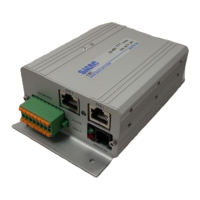
c. Go to the communication tab and specify the Ethernet module (SMAC CBC I-3/6-I) from the
browse button. Check the connected and cache connections check box.


 To Next Page