CHAPTER 5
MAINTENANCE AND TROUBLESHOOTING
28 smarttech.com/kb/170410
Symptoms Cause Solution
The interactive
surface doesn’t
respond when you
touch it, the pointer
moves erratically, or
gaps appear when
you draw or write.
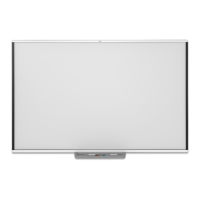
The interactive whiteboard isn’t
oriented.
Orient the interactive whiteboard.
For more information about
orienting the interactive
whiteboard, see Orienting the
interactive whiteboard on
page10.
SMARTBoard Tools isn’t running. Start SMARTBoard Tools.
For Windows computers, select
Start > All Programs > SMART
Technologies > SMART Board
Tools 2013.
For Mac computers, select Finder
> Applications > SMART
Technologies > Board Tools.
SMART Product Drivers isn’t
installed.
Install SMART Product Drivers on
your computer. For details about
installing SMART Product Drivers,
see Installing SMART Product
Drivers on page7.
Not all components of SMART
Product Drivers are installed on your
computer.
Remove SMART Product Drivers
from your computer, and then
install SMART Product Drivers
again.
A camera is obscured. Remove any object attached to
the interactive surface or resting
in the bottom bezel behind the
pen tray.



 To Next Page