Chapter 5 • Using the X-431 To Get Started
5-4 ©X-431 USA
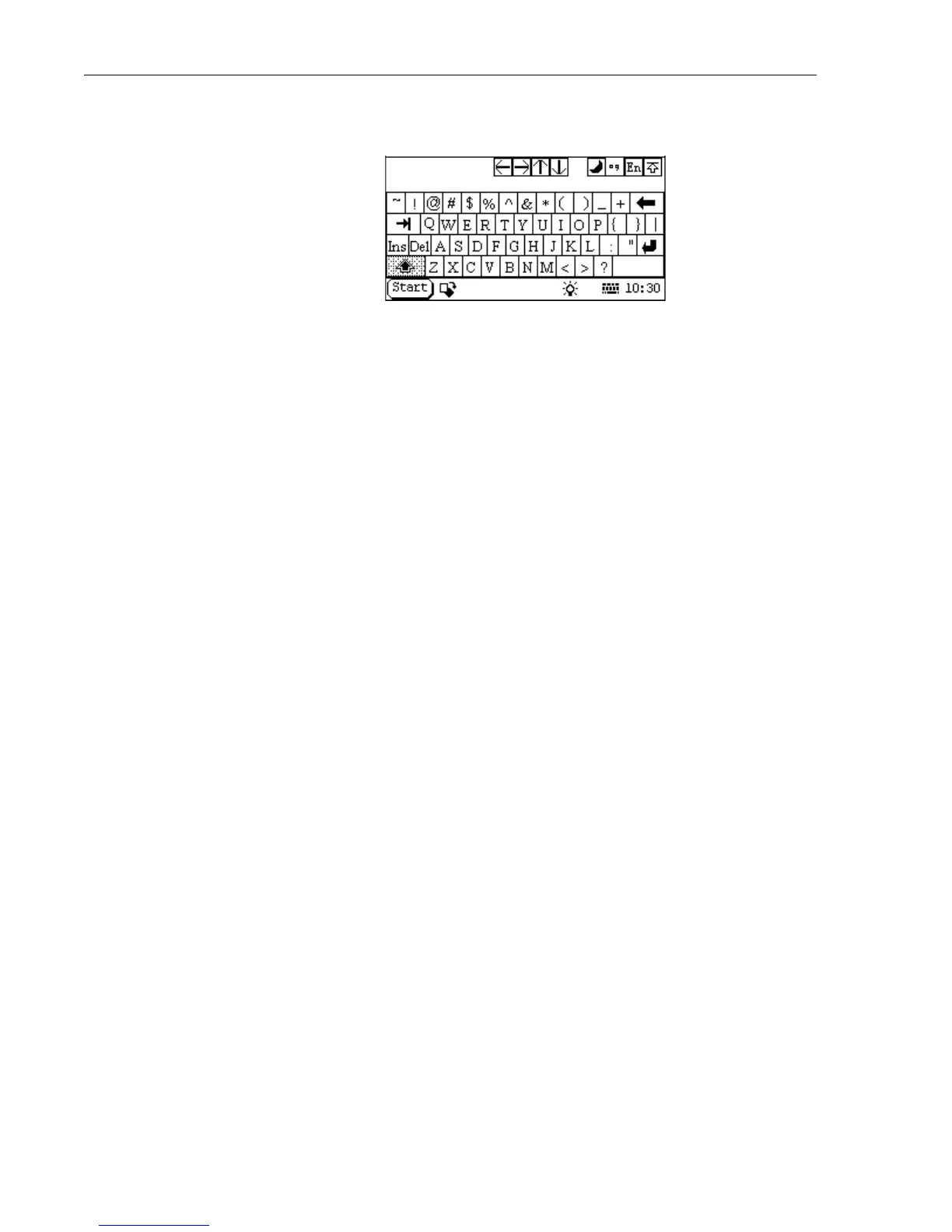
Tap the Shift key to access capital letters and additional punctuation.
Notice how the Keyboard changes.
b. Fill out the information that you want to appear on your printouts
(such as the company name, phone number, and address) and then
press OK.
7. The next screen to appear will say “LAUNCH” across it. On the bottom
of the screen tap Start. You are presented with the following seven
choices:
1 GAG • Select GAG and then GD Scan to start scanning
vehicles.
2 PIM • Personal Information Management - grants you
access to the PDA functions of the X-431
(Memo, Address, To do, and Schedule).
3 Tools • Grants you access to the Calculator, the World
Time feature, Minidict (Chinese/English
dictionary), Picview (a picture application), and
Run.
4 Game • You can play FIR and Reversi (tap the question
mark at the top for instructions).
5 Control
Panel
• Offers access to five systems: app, power,
clock, contrast, and language.
6 Turn off • Turns off the X-431 (it takes 4 seconds to power
down).
7 Information • Grants access to the User Information screen
and the About screen. The About screen displays
your Serial (Smartbox) number, Hardware
version, System Software version, and lists your
GAG Software.



 To Next Page