Chapter 5 • Using the X-431 To Get Started
©X-431 USA 5-3
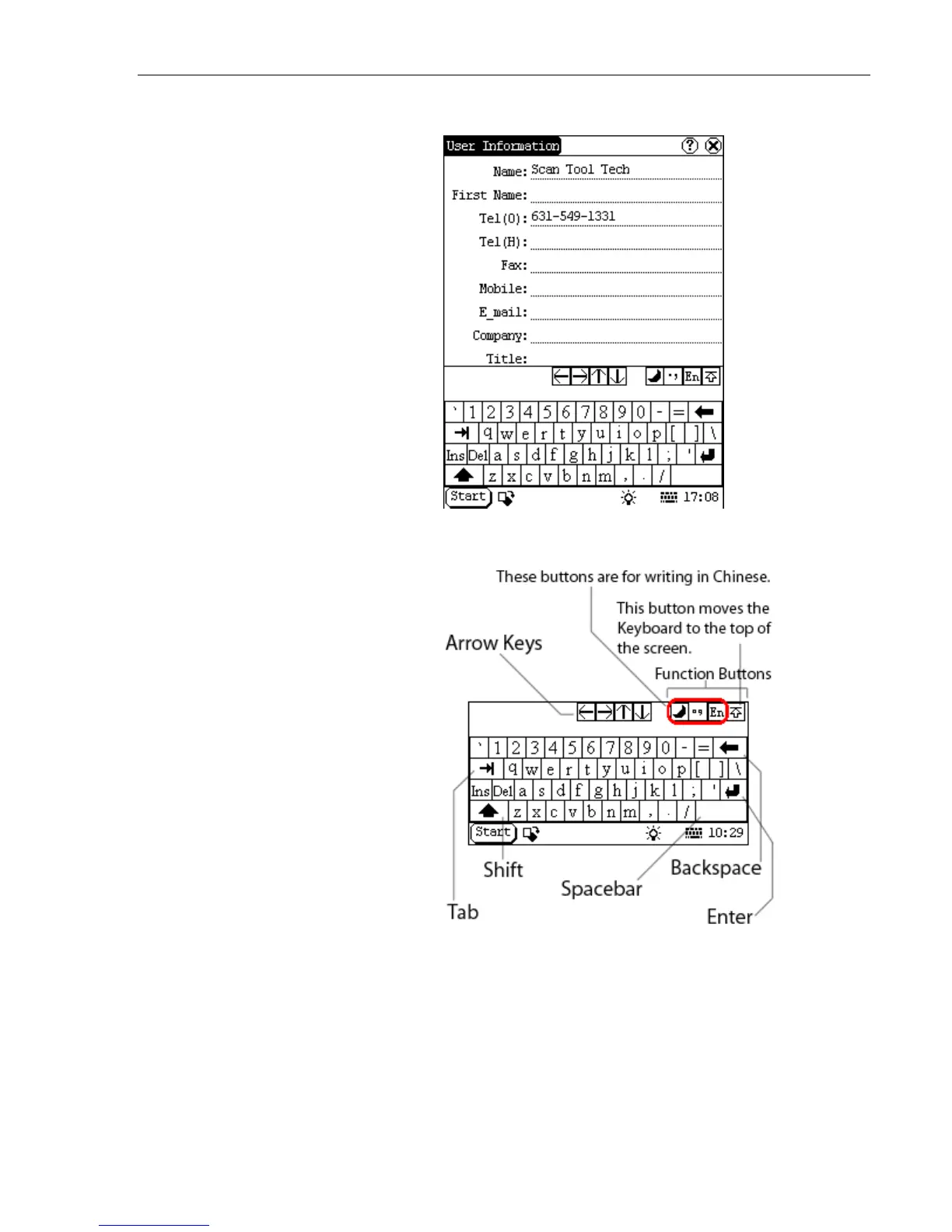
The Keyboard appears on the bottom of the screen.
The Keyboard emulates a standard PCs keyboard.
Three of the four function buttons are used for writing Chinese with the
stylus. The last function button moves the Keyboard from the bottom of
the screen to the top of the screen (this is useful because some screens
do not have a scrolling feature).



 To Next Page