snom 3x0 VoIP Phones User Manual English
© snom technology AG 2007
Getting Started
• 13
English
(3A-a) DHCP Request
By default the phone attempts to contact a
DHCP
6
Server
in your network in order to
obtain its valid network settings, e.g. IP address, netmask, gateway, DNS server, etc.
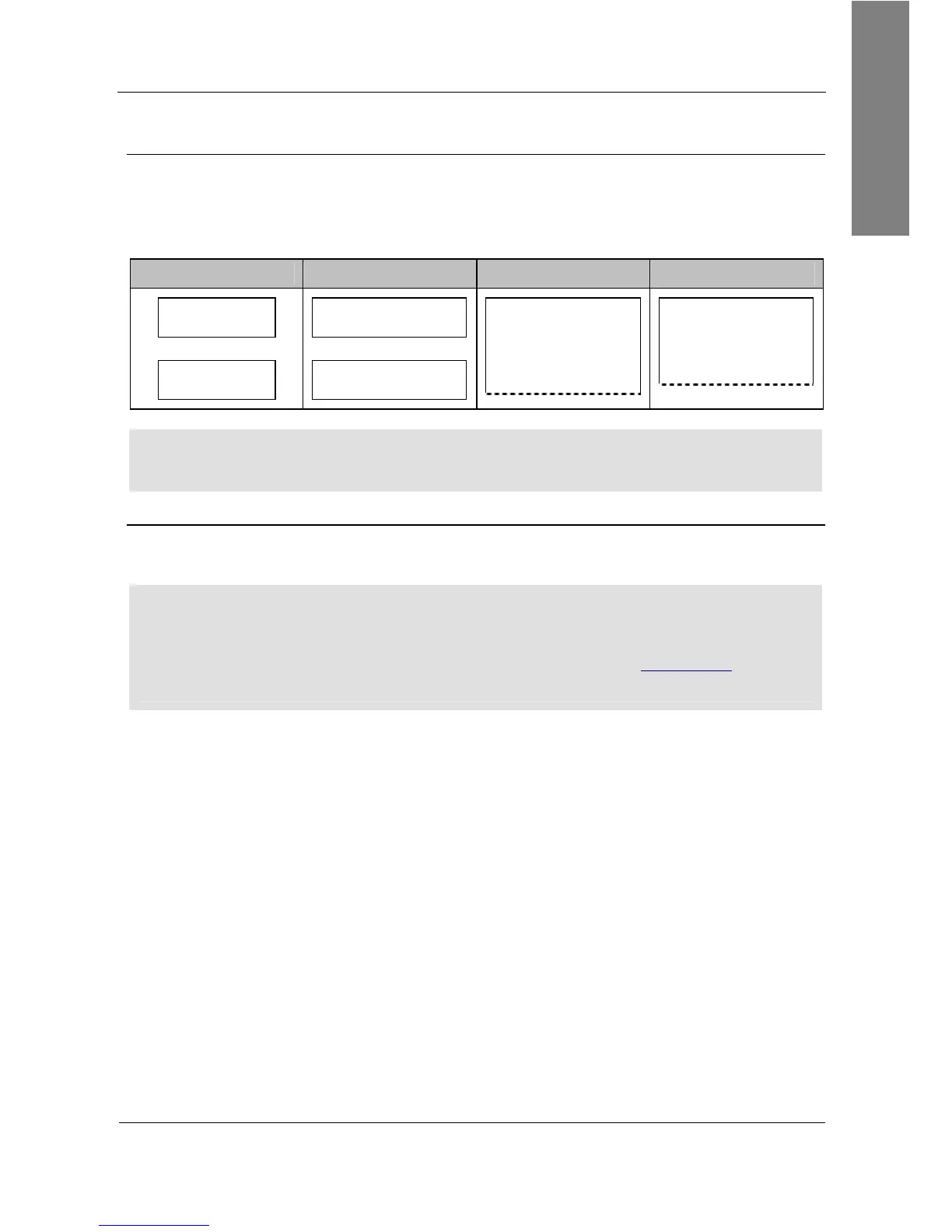
The message “Sending DHCP request” is displayed briefly and the obtained IP address
and the phone’s MAC address are displayed.
snom 300 snom 320 snom 360 snom 370
IP-Adr:
192.168.X.X
7
MAC:
0004132XXXXX
IP-Adr:
192.168.X.X
MAC:
0004132XXXXX
IP-Adr:
192.168.X.X
MAC:
0004132XXXXX
IP-Adr:
192.168.X.X
MAC:
0004132XXXXX
L Note: If your network does not use DHCP, proceed to chapter “(3M-a) Manual
DHCP Setup” on page 14.
(3A-b) Mass Deployment
A mechanism called
mass deployment
can be used to fully customize your phone
automatically.
L Note: If your IP telephony system supports automatic initialization but any of the
previously described steps have failed, inform your system administrator.
For further information regarding mass deployment read the instructions
8
provided
in our online knowledge database.



 To Next Page