snom 3x0 VoIP Phones User Manual English
© snom technology AG 2007
Phone Configuration
• 51
English
Reboot
L Note: You should reboot the phone when you are challenged, e.g. after applying
changes to the phone configuration.
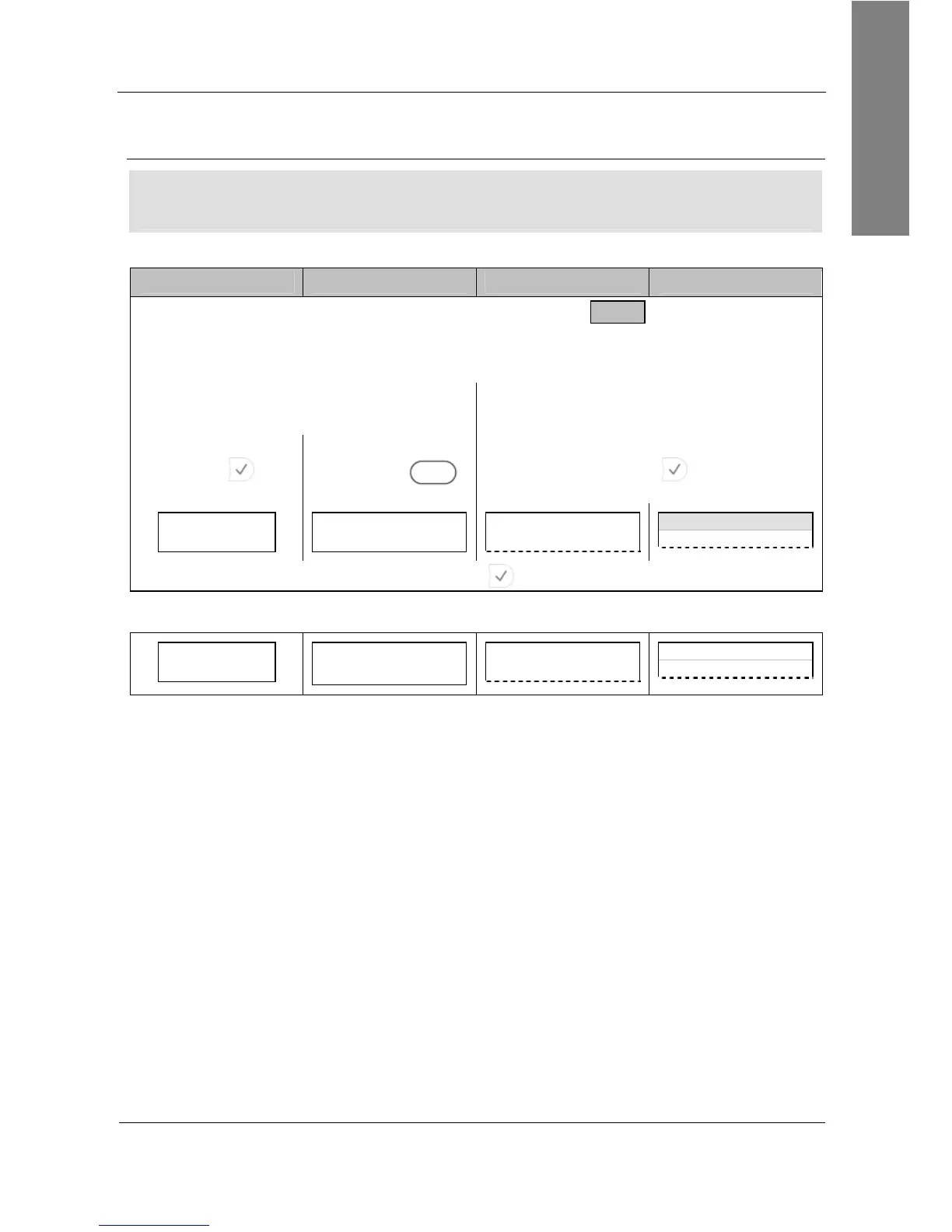
Action: Reboot the phone.
snom 300 snom 320 snom 360 snom 370
Setup Advanced Update Reboot
or
Enter the settings menu and navigate through the menu (see page 22):
Configuration Reboot 10 Maintenance 4 Reboot
Press
Press
Reboot
S3
Press
Reboot?
Reboot?
Cancel
——— Reboot ———
Reboot?
Reboot time
Reboot?
Press
Result: The phone reboots.
Rebooting…
Rebooting…
Rebooting…
Rebooting…



 To Next Page