snom 3x0 VoIP Phones User Manual English
92 • Appendix © snom technology AG 2007
English
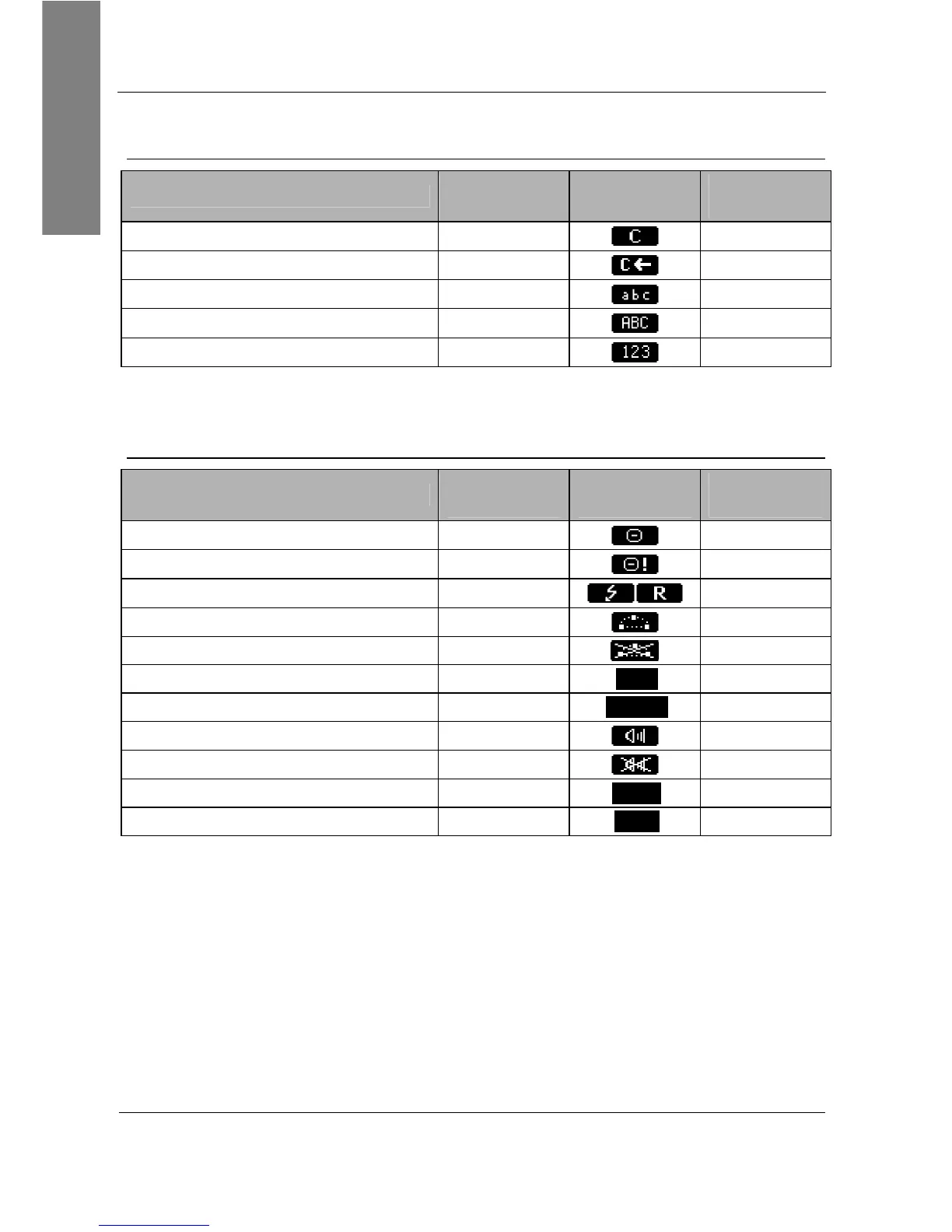
“Edit” / “Enter number” screen
Functionality
snom 320
Text
snom 360
Icon
snom 370
Text
Deletes the last character
Clear
Clear
Deletes left character
C
C <<
Input Mode numeric lower case
1a
1>>a
Input Mode lower case upper case
aA
a>>A
Input Mode upper case numeric
A1
A>>1
“Ringing”, “Calling”, “Connected”, “Holding”, “Transfer”, “Conference”
screens
Functionality
snom 320
Text
snom 360
Icon
snom 370
Text
Denies an incoming call
Deny
Deny
Denies incoming calls automatically
DenyAll
DenyAll
Places a call on hold / Resumes a call
R
R
Establishes a three-party conference
Cnf.On
Cnf.On
Disconnects a three-party conference
Cnf.Off
Cnf.Off
Mutes the active microphone
Mute Mute Mute
Unmutes the microphone
Unmute Unmute Unmute
Turns on hands free mode
-
SpOn
Turns off hands free mode
-
SpOff
Turns on casing speaker simultaneously
+Spkr +Spkr +Spkr
Turns off casing speaker
-Spkr -Spkr -Spkr



 To Next Page