snom 3x0 VoIP Phones User Manual English
14 • Getting Started
© snom technology AG 2007
English
(3M) Manual Phone Initialization
If your IP telephony system does not support automatic initialization, use the following
instructions.
(3M-a) Manual DHCP Setup
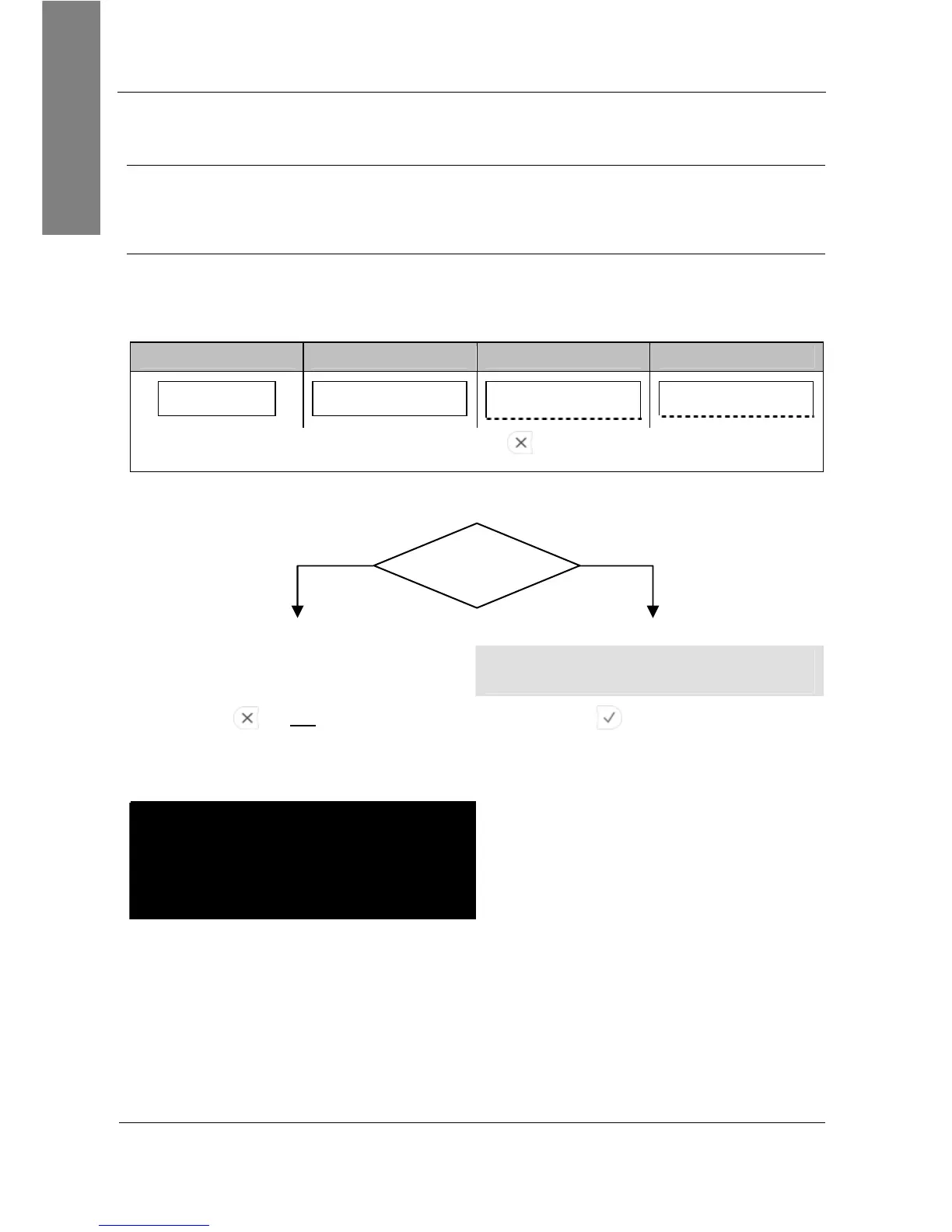
If your phone cannot contact a DHCP Server for any reason, the message “Sending
DHCP requests” is displayed permanently.
Action: Stop the phone from sending DHCP requests
snom 300 snom 320 snom 360 snom 370
Send. DHCP rqst
■■■■■■■■■_ _ _ _ _ _
Sending DHCP requests
■■■■■■■■■_ _ _ _ _ _
Sending DHCP requests
Sending DHCP requests
Press
Cancel
Result: Sending of DHCP requests will be stopped and you will be prompted:
No
, the network
does not use DHCP.
Yes
, the network
uses DHCP
.
L Note: Try to fix the problem which
caused DCHP failure and proceed.
Press
for not
using DHCP Press for using DHCP
Result: The phone will prompt you to
enter the network settings manually.
Warning: Using the wrong network
parameters may result in inaccessibility of
your phone and may also have an impact
on your network performance! Please ask
your network administrator!
Result: The phone reboots and attempts
again to contact a DHCP server within
your network to receive valid network
settings.



 To Next Page