snom 3x0 VoIP Phones User Manual English
© snom technology AG 2007
Getting Started
• 15
English
(3M-b) Manual Basic Configuration
When mass deployment is not used or incomplete, you will be prompted to enter the
basic configuration manually.
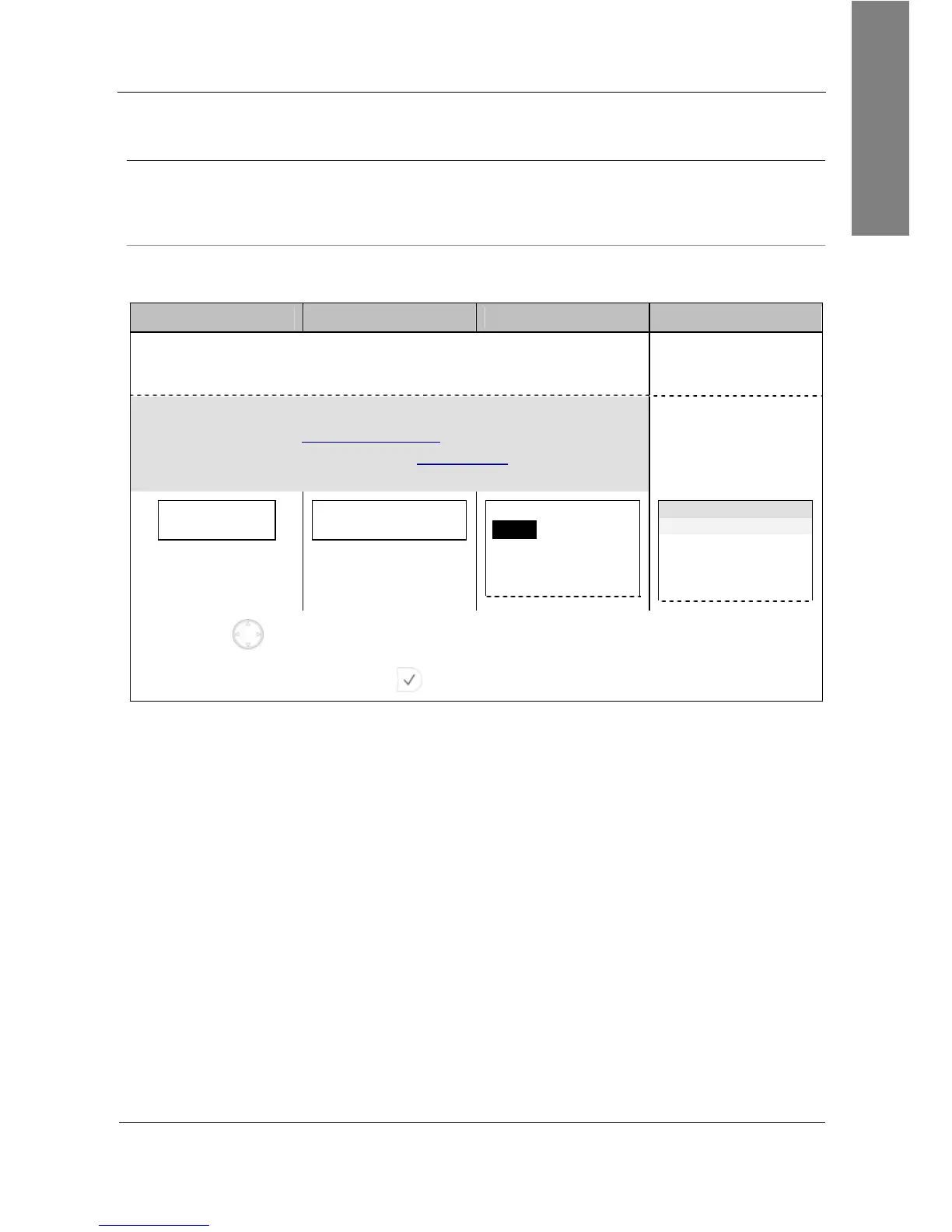
Phone User Interface Language
Action: The default phone user interface language is “English”. Choose your preferred
phone user interface language.
snom 300 snom 320 snom 360 snom 370
Firmware Versions
below 7
provide integrated multiple
language support.
Not applicable
L Note: Since Firmware Version 7 additional languages can
only be provided via mass deployment.
For further information read the instructions
9
provided in our
online knowledge database
Integrated multiple
language support
Sel. Language:
English
Select Language
English
Select Language:
English
Suomi
Frances
Italiano
Language time
English
Suomi
Francais
Italiano
…
Use for navigation and select your preferred language from the list.
Press to confirm your choice.
Result: The selected phone user interface language will be used for all following
dialogs.



 To Next Page