snom 3x0 VoIP Phones User Manual English
78 • Basic Call Functions
© snom technology AG 2007
English
Call Recording
You can record active calls. The recordings are available through your voice mailbox
(see page 87)
L Note: Your VoIP PBX must support this functionality.
Turn On
Action: Turn On Call Recording
snom 300 snom 320 snom 360 snom 370
Not supported Press
Record
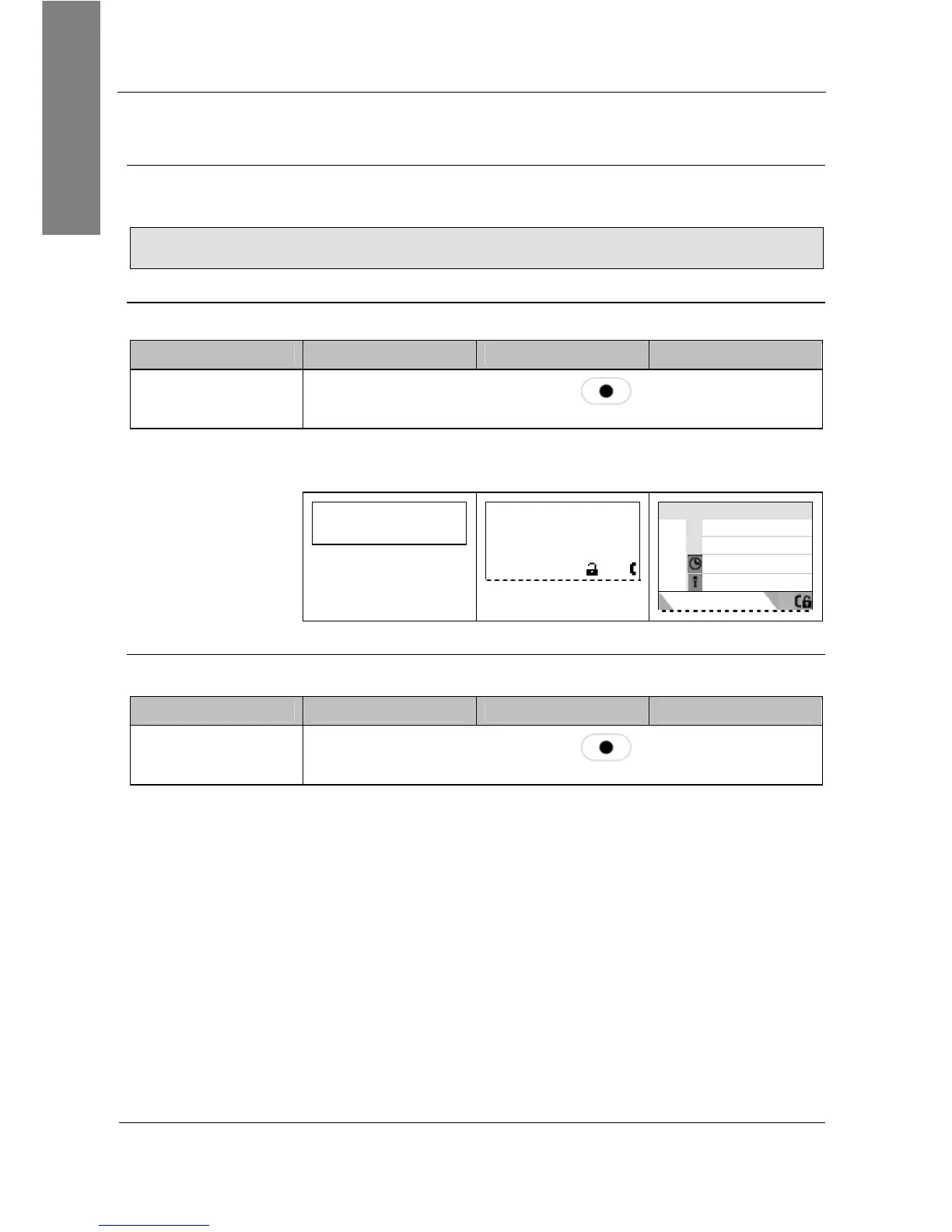
Result: Recording starts. A blinking symbol is shown in the
display while recording.
extA
1:10
…………
—— Connected ——
extA
1:10
Connected time
extA
extB
1:10
Turn Off
Action: Turn Off Call Recording
snom 300 snom 320 snom 360 snom 370
Not supported Press
Record
Result: Recording stops. The recording is now available in your
voice mailbox and a message waiting indication is sent to your
phone.



 To Next Page