snom 3x0 VoIP Phones User Manual English
© snom technology AG 2007
Phone Configuration
• 31
English
Display Configuration Tasks
Display Contrast
You can adjust your phone’s display contrast.
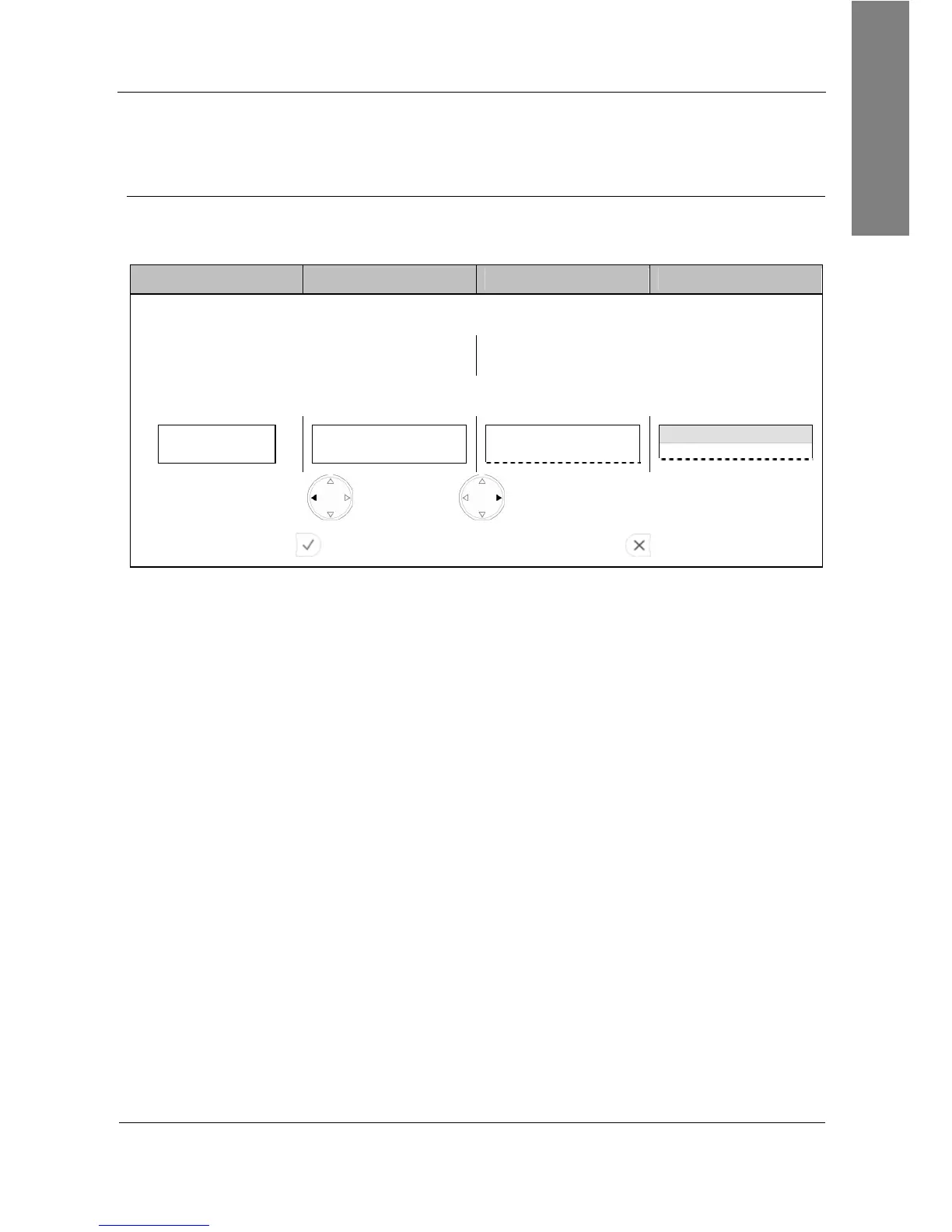
Action: Change the display contrast:
snom 300 snom 320 snom 360 snom 370
Enter the settings menu and navigate through the menu (see page 22):
General Settings Contrast Display Contrast
The “Display Contrast” bar is shown on the display:
Display Contrast:
■■■■■■■■■_ _ _ _ _ _
Display Contrast:
■■■■■■■■■_ _ _ _ _ _
— Display Contrast —
Display Contrast time
Press to reduce or to increase the contrast
Press Ok
to save the contrast change (or press
to abort).
Result: The display contrast has been changed.



 To Next Page