snom 3x0 VoIP Phones User Manual English
© snom technology AG 2007
User Interfaces
• 25
English
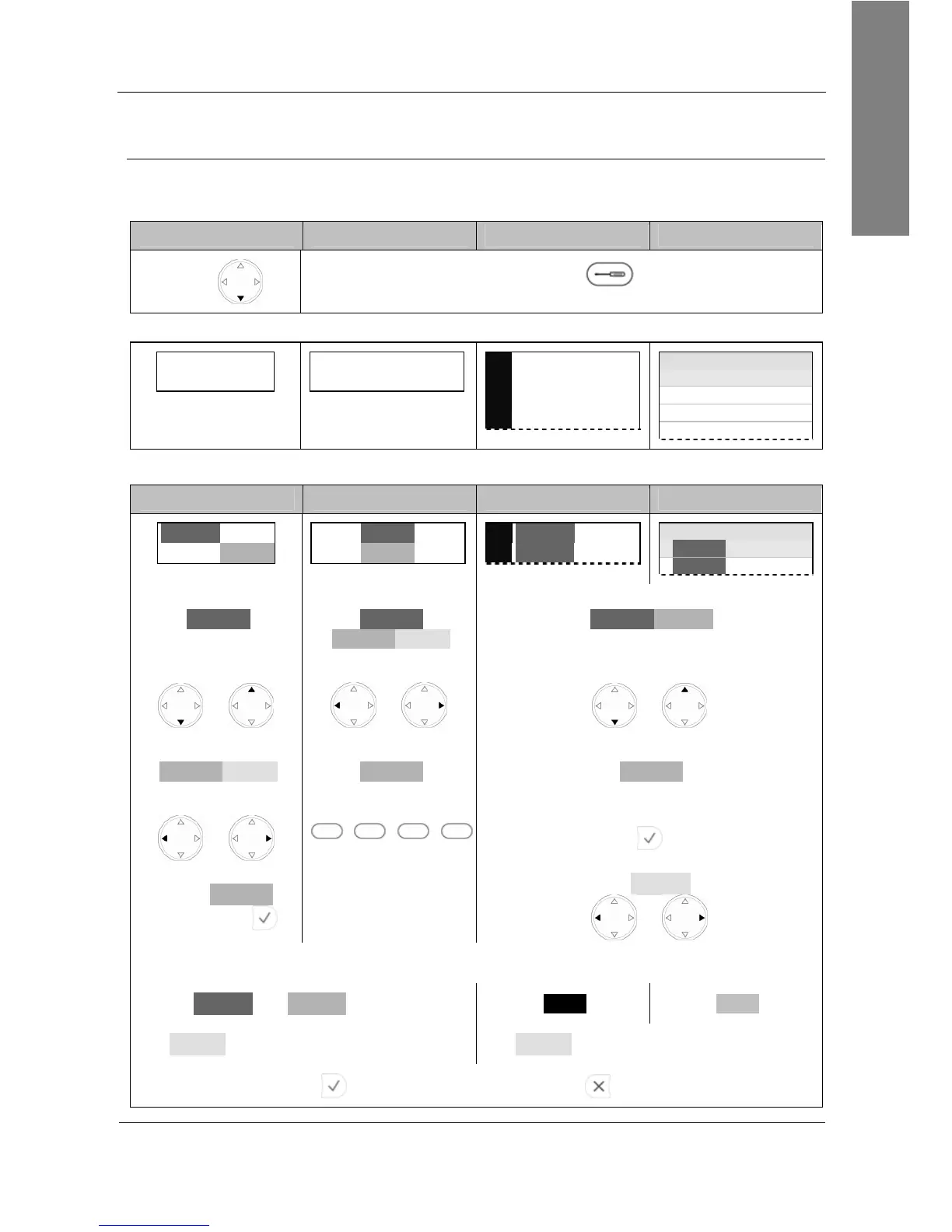
Settings Menu
Action: Enter the phone’s “Settings Menu” to perform manual changes to your phone
configuration.
snom 300 snom 320 snom 360 snom 370
Press
Press
Settings
Result: The “Settings Menu” is shown on the display:
Call Forwarding
Of
Off
TimeAlways Busy
1 Display
2 Ringtone
3 Audio
4 Preferences
Settings time
1 Display
2 Ringtone
3 Audio
4 Preferences
Navigate through the different menu levels as follows:
snom 300 snom 320 snom 360 snom 370
Level 1
Level
Level 1
Level 2
1
Level 1
2
Level 1
Settings time
1 Level 1
2 Level 1
Move through
Level 1
by pressing
Move through
Level 1
Level 2 Level 3
by pressing
Move through
Level 1 Level 2
by pressing
or
or
or
Move through
Level 2 Level 3
by pressing
Enter
Level 2
by pressing
Enter
Level 2
by pressing
or
S1 S2 S3 S4
Enter
Level 2
by pressing
Move through
Level 3
by pressing
or
The currently active setting is indicated as follows:
Level 1
and
Level 2
: active
active active
Level 3
:
First displayed menu item
Level 3
:
First displayed menu item
Press to save the changes or press to abort.
VoIPon www.voipon.co.uk sales@voipon.co.uk Tel: +44 (0)1245 808195 Fax: +44 (0)1245 808299



 To Next Page