snom 3x0 VoIP Phones User Manual English
86 • Advanced Phone Functions
© snom technology AG 2007
English
Contact Presence
The
Contacts
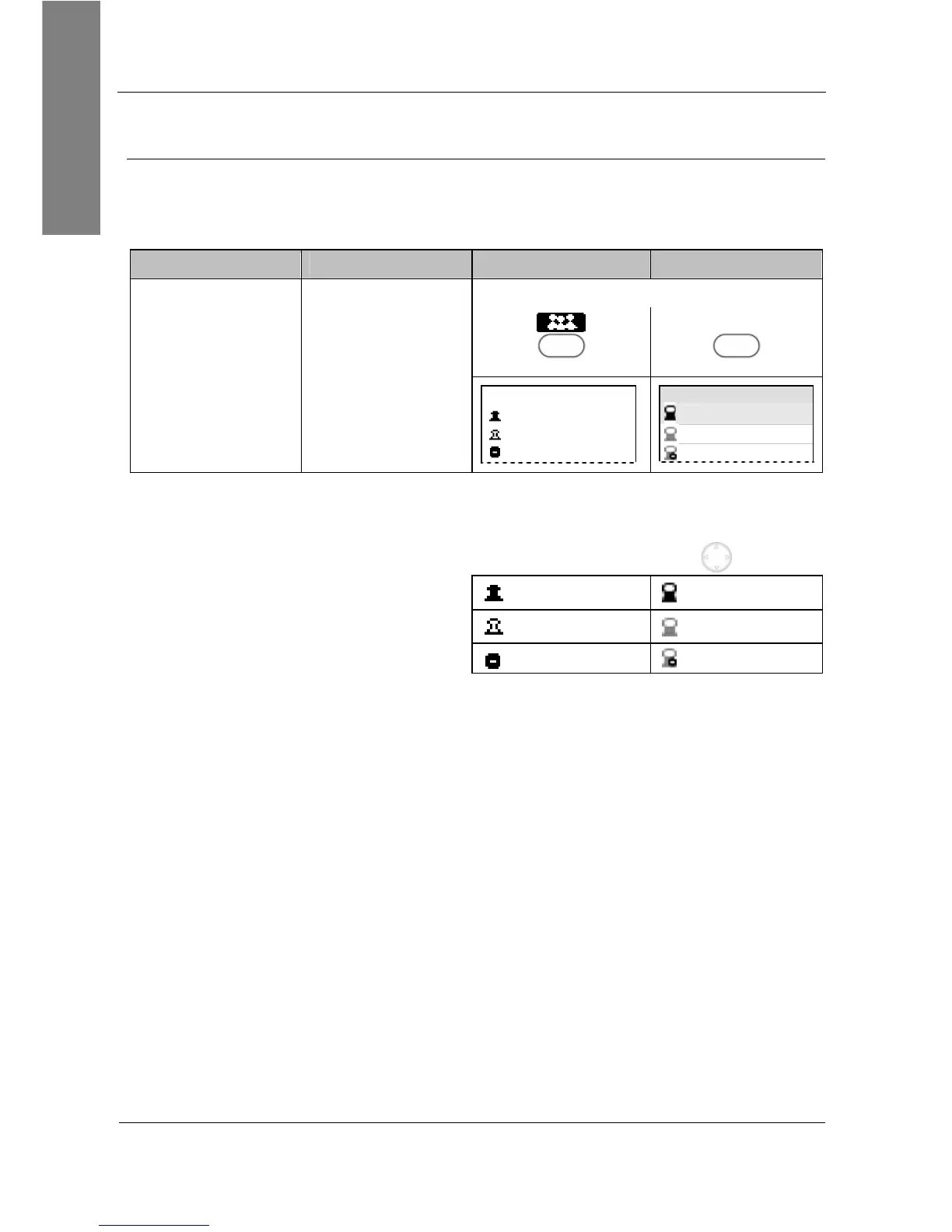
list shows the presence state of your contacts without you having to call
them.
Action: Check the presence state of your contacts
snom 300 snom 320 snom 360 snom 370
Press
Sx
Contacts
Sx
not
supported
not
supported
——— Contacts ———
Contact 1
Contact 2
Contact 3
Contacts
Contact 1
Contact 2
Contact 3
Result: The
Contacts
list is displayed
and you can check the presence state of
your contacts, as indicated by the
following symbols, by using
:
Online Online
Offline Offline
Busy Busy



 To Next Page