snom 3x0 VoIP Phones User Manual English
58 • Basic Call Functions
© snom technology AG 2007
English
You can also make a call using handset or handsfree mode without confirming the
previously entered number:
snom 300 snom 320 snom 360 snom 370
Enter the number to be dialed.
Lift the handset or press
.
Result: The phone begins to dial.
Auto Completion (Number Guessing)
L Note: The following setting must have been configured in advance:
Setup Advanced Behavior
Number Guessing
: <ON>
Setup Advanced Behavior
Number Guessing Minimum Length
: <2..4>
Action: Dial a supported format (see page 54) using auto completion (number
guessing).
snom 300 snom 320 snom 360 snom 370
Enter a supported format (number or name digits/letters) to be dialed.
Result: After the minimum number (
Number Guessing Minimum Length)
has been
entered, the phone will search the call lists (page 82) and the phone directory (page
81) for numbers/names containing those digits/letters and present the search results in
a list on the display. The resulting list can be browsed using
.
The
displayed
entry can be dialed by pressing or continue entering numbers.
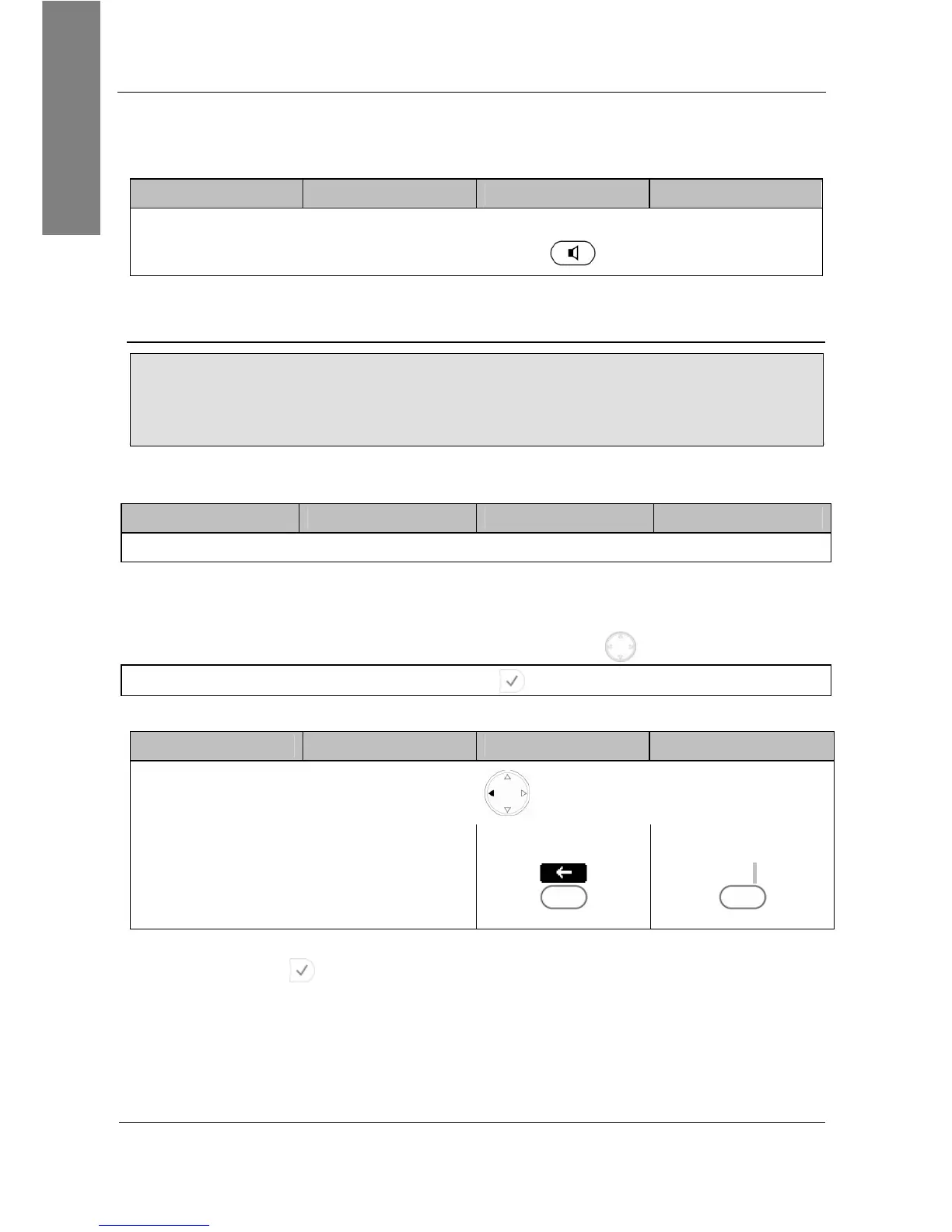
Action: Turn off auto completion (number guessing) temporarily
snom 300 snom 320 snom 360 snom 370
Press
-
or press
S3
or press
<<
S3
Result: The entered number will not be auto-completed by number guessing. Dial the
number by pressing



 To Next Page