snom 3x0 VoIP Phones User Manual English
56 • Basic Call Functions
© snom technology AG 2007
English
Action: Toggle between
lower case
and
upper case
input mode
snom 300 snom 320 snom 360 snom 370
Press
Result: The input mode is toggled between lower and upper case. The phone displays
the current input mode.
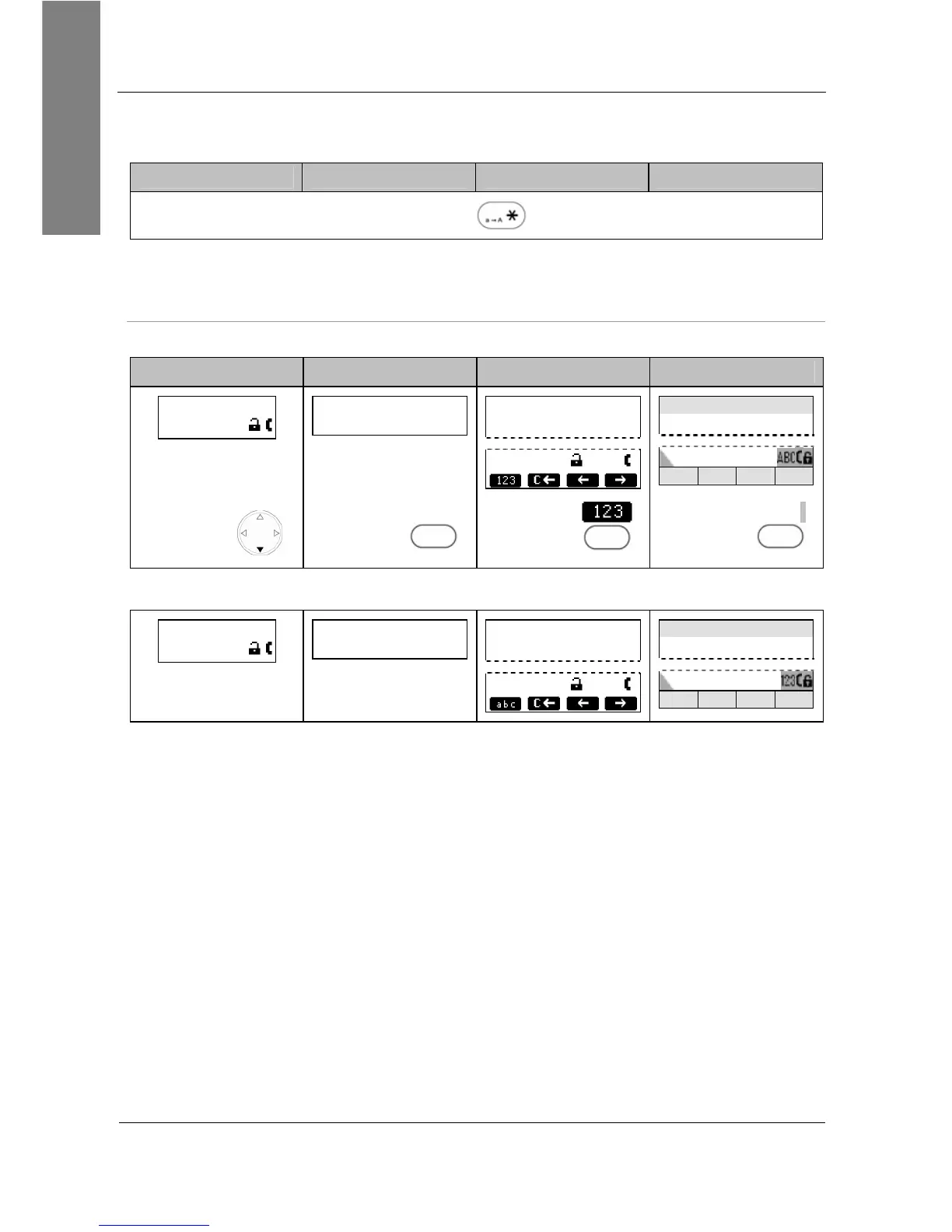
Alphanumeric Mode (Upper Case) to Numeric Mode
Action: Change input mode from alphanumeric (upper case) to numeric mode
snom 300 snom 320 snom 360 snom 370
>█
ABC
█
A1
C
Clear
—— Enter Number ——
I
ABC
Enter Number time
I
A>>1 C<< << >>
Press
Press
A 1
S1
Press
S1
Press
A>>1
S1
Result: The input mode has been changed to
numeric
. The display shows:
>█
123
█
1A
C
Clear
—— Enter Number ——
I
123
Enter Number time
I
1>>a C<< << >>



 To Next Page