Getting to Know Your Phone
Context area: Configured identities.
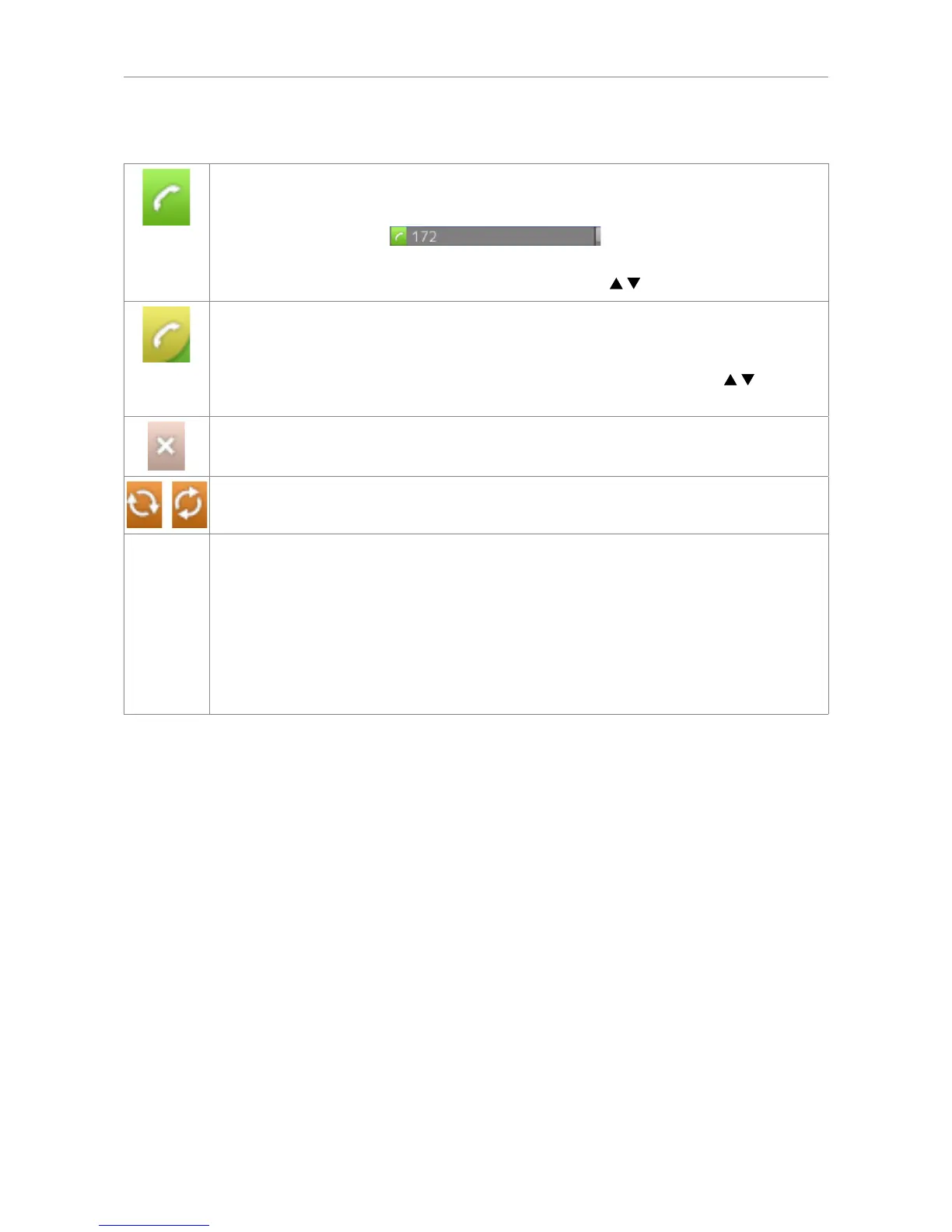
Outgoing identity
• The current outgoing identity is indicated by the lighter line and the green box with
the handset symbol:
. When you call someone, this
is your identity for the call.
• Select a different identity for the next call by pressing
on the navigation key.
Active identity
• Can be called
• Can be selected as the outgoing identity for making calls by pressing
on the
navigation key.
Identity not properly registered.
Identity trying to register.
Identities can be unregistered without removing the registration settings by changing
their status to "inactive" on the phone's web interface. Inactive identities are not
displayed on the idle screen. They cannot be called or selected as the outgoing identity.
To reregister the identity, open the phone's web interface > Configuration Identity (1-
12).
1. Change the "Identity active" setting to "on".
2. Click on "Re-Register".
3. Click on "Save".
For information on configuring new identities or modifying existing ones, see "Identities/accounts" on
page 64.
Status bar
Any of numerous messages concerning the current status of the phone might be displayed in this bar,
for example the availability of a firmware update, a reboot being required, etc. If there is more than
one current status message at any one time, the one with the highest priority will be shown. For a
comprehensive list in descending order of priority, see Appendix 1.
Two of the most common status messages you will see in idle mode are:
• The text "CFwd:" and the phone number calls will be forwarded to when call forwarding (when busy
or no answer) is activated. When there are missed calls, this information is replaced by the missed
calls information.
• The warnings "HTTP Password not set" and "HTTP Password not set". They can be turned off by
either setting the passwords or turning them off manually.



 To Next Page