Getting to Know Your Phone
Function key line
Depending on the current activity of the phone, the key function key line will present various functions
that can be activated by pressing the function key underneath the respective symbol. See "Appendix
1 - Display Symbols" on page 79 for a list of available functions.
Settings
A comparatively small number of settings can be adjusted on the phone; many more are available on
the phone's web interface.
Phone settings
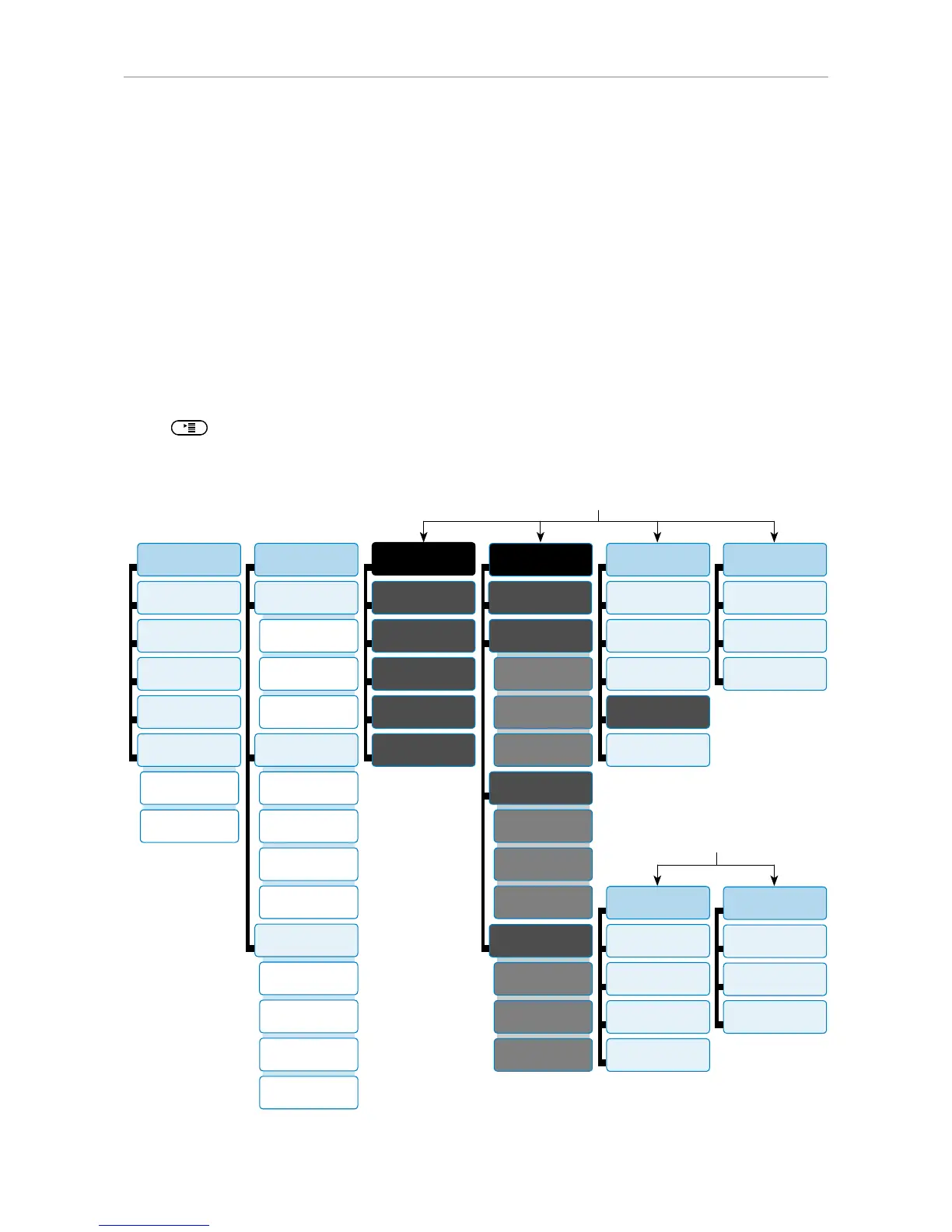
Press to open the settings menu on the display. To open submenus and settings, press its
number on the alphanumeric keypad.
1
Preferences
1
Time Zone
2
Tone Scheme
3
Ringer
4
Language
5
Display
2
Call Features
1
Call Forwarding
1
Forward all
2 Forward
when busy
3
Fwd after timeout
2
Outgoing Calls
1
Auto Dial
1 Backlight
on activity
2 Number
Guessing
2 Backlight
when idle
3
Call Completion
4 Hide own
outgoing ID
3
Incoming Calls
1
Reject anonymous
2
Call Waiting
3 Auto Answer
Indication
4
Auto Answer Type
3
Identity
1 Outgoing
Identity
2
Reregister
3
Edit
4
Logoff
5
Logoff all
4
Network
1
IP Setting
2
Webserver
1
Webserver Type
2
HTTP Admin
3
HTTP Password
3
Reset VLAN
3
VLAN
1
VLAN ID (0-4095)
2 VLAN Priority
(0-7)
3
Switch off WLAN
4
WLAN
1 Scan WLAN
networks
2
Enter SSID
5
Maintenance
1
System Info
2
User Mode
3
Reboot
5
Change PIN
3
Help
4
Reset Values
6
Information
1
Status Info
2
System Info
In administrator mode
3
Maintenance
1
System Info
2 Administrator
Mode
4
Change PIN
3
Reboot
4
Information
1
Status Info
2
System Info
3
Help
In user mode



 To Next Page