Getting to Know Your Phone
Deleting status messages:
◦ Messages will be deleted automatically when the underlying cause is removed, i.e., call
forwarding is turned off, HTTP password is set, etc.
◦ Manually: Press
, if the button is available, or > 6 Information > 1 Status info to
open the "Status info" screen. Use
/ to select an item from the list and press
Del
to
delete
Function key line
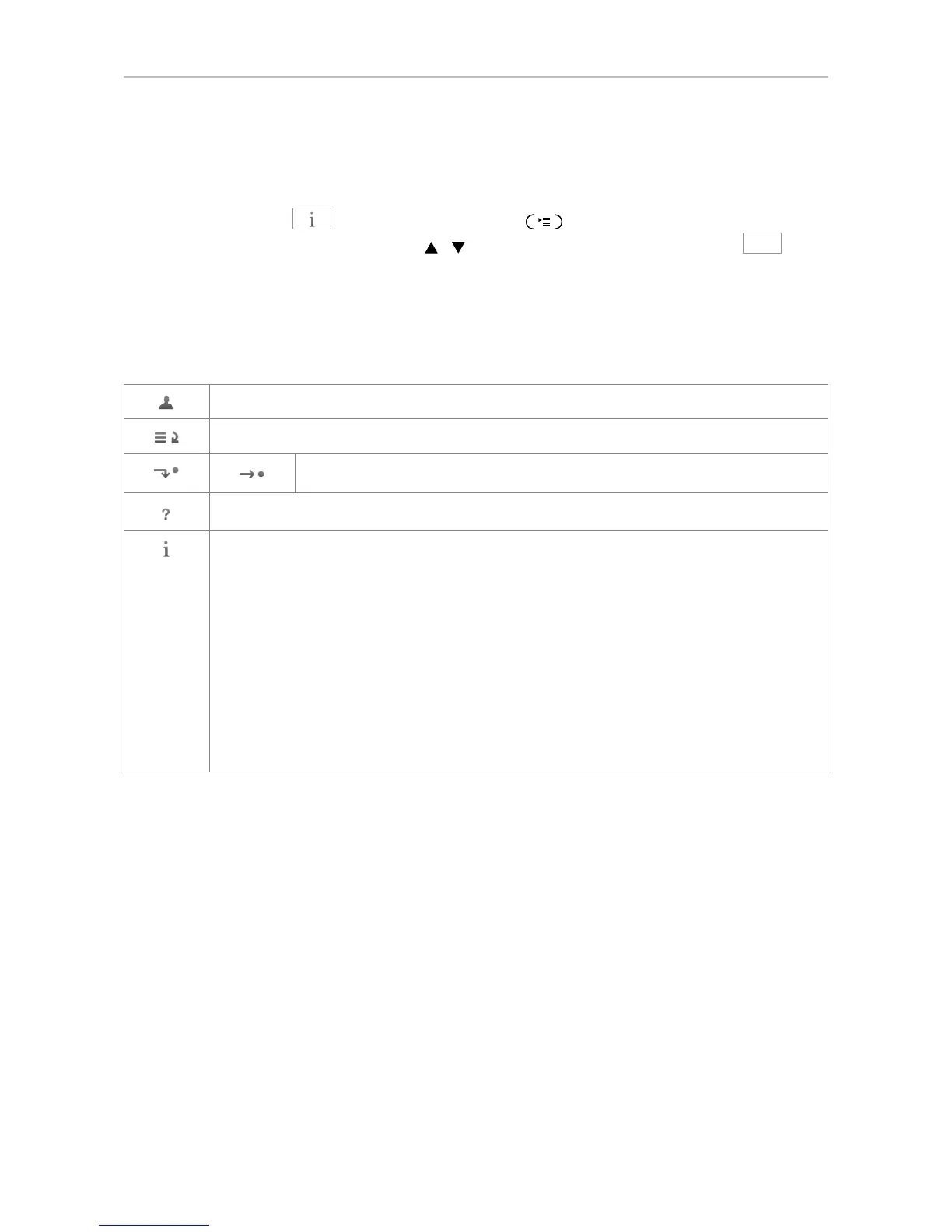
The symbols on the buttons in this line depict the functions that can be activated by pressing the
function key underneath the respective symbol. See for a complete list. The factory defaults are:
Outgoing Identity screen: Displays the complete URIs of all active identities.
Call lists (missed, received, and dialed calls). See "Call lists" on page 54.
Forwarding all calls (on/off). See "Call forwarding" on page 55 and 70.
Phone's IP address and URL of snom's web page
Displaying all currently available status messages. This key is available whenever a
status message becomes newly available even when a different function is mapped onto
the far-right context-sensitive function key underneath the display.
Press the key to display the status messages; press DEL to delete the highlighted
status message. When all messages have been deleted, the symbol will disappear from
the function key line; the message in the status line will also disappear.
If you have mapped (programmed) a different function onto the key, that function is now
available on this key again. If you have mapped the "Status messages" function onto
the key, the key will remain blank until a new status message becomes available or until
a reboot when all current status messages will be displayed anew.
When the phone is active
The display will inform you of any activity the phone is engaged in. This information is presented in the
form of text or symbols or both.
Info bar: Name of current activity and time.
Context area: Depending on the activity, this area will contain symbols (incoming call ringing,
outgoing call ringing, etc.) and text like the phone number calling, the extension number being called,
conference partners, etc.
Status bar
In editing modes (i.e., when dialing or editing directory entries), the current editing mode (i.e., numerals,
small letters, or capital letters) is shown preceding the status message, if any (see ):



 To Next Page