EasyManua.ls Logo

Snom M65 - Attaching the Belt Clip

Snom M65
71 pages
Print Icon
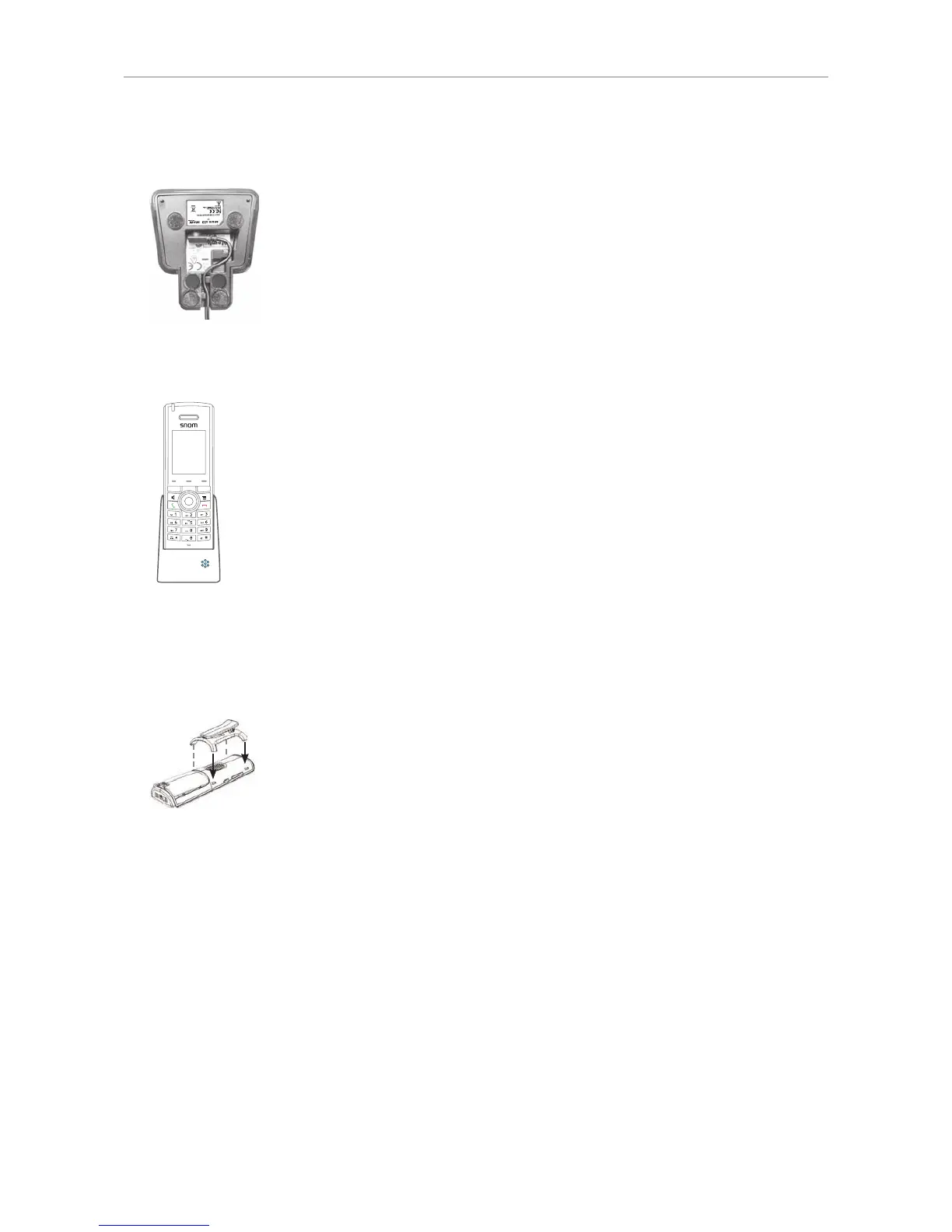
To Next Page IconTo Next Page
To Previous Page IconTo Previous Page
Loading...
21
User Manual M65 / M85 / M25 Setting up the Phone
4. Slide the appropriate plug clip onto the power adapter until it clicks into place.
5. Connect the power adapter to the jack on the bottom of the charger, then to a wall outlet.
Made in China
DC
5.5V
600mA
Use only power supply
recommended by manufacturer
Made in China
DC
5.5V
600mA
Use only power supply
recommended by manufacturer
Made in China
DC
5.5V
600mA
Use only power supply
recommended by manufacturer
6. Place the handset in the charger. The LEDs on the charger light up, indicating that the handset is
charging.
Attaching the belt clip
If you want to wear the handset on your belt, clip the belt clip into the two slots each on the sides of
the handset until they audibly click into place.

Table of Contents

Other manuals for Snom M65

Related product manuals