36
User Manual M65 / M85 / M25 Getting to know
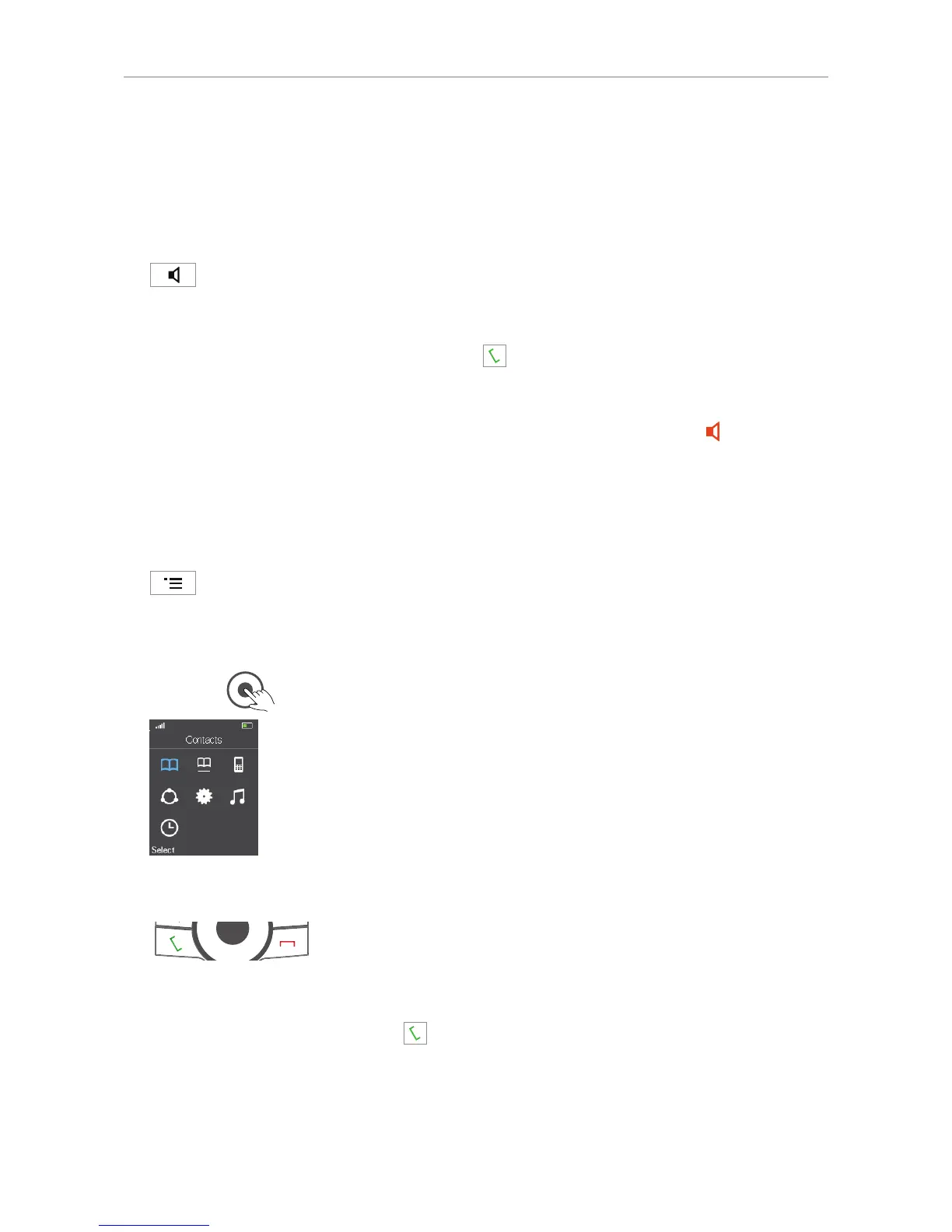
• Center: OK key for confirming actions and settings. Press the center key (Fig. 5) to confirm
actions and settings.
M25: From the idle screen, press the OK key to open the main menu.
Speakerphone key
M65 and M85
Note: On the M25, press the green call key to turn the speakerphone on/o when
in a call.
• During a call, press the speakerphone key to turn on speakerphone. The speakerphone
symbol appears on the display. M65 only: The key's bright-red LED will light up
and remain
illuminated as long as speakerphone is on.
• Press the key again to turn o speakerphone. The speakerphone symbol disappears from the
display. M65 only: The key's red LED goes out.
Menu key
M65 and M85
Pressing the menu key will put the top menu on-screen. On the M25, press the center of the
navigation key
. For further information on the phone's menus, see "Menus" on page 42.
Call keys
Green key
Depending on the context, the green key serves to:
• accept incoming calls;
• start dialing the number on the display or selected from your contacts or the global directory.
• From the idle screen, the key can be used for redialing calls. Please note that it will open the list
of all calls (Fig. 1, below), so your last dialed call may not be at the top of the list.



 To Next Page