51
User Manual M65 / M85 / M25 Getting to know
Calling a number from a call list
You can return calls and call numbers from all lists:
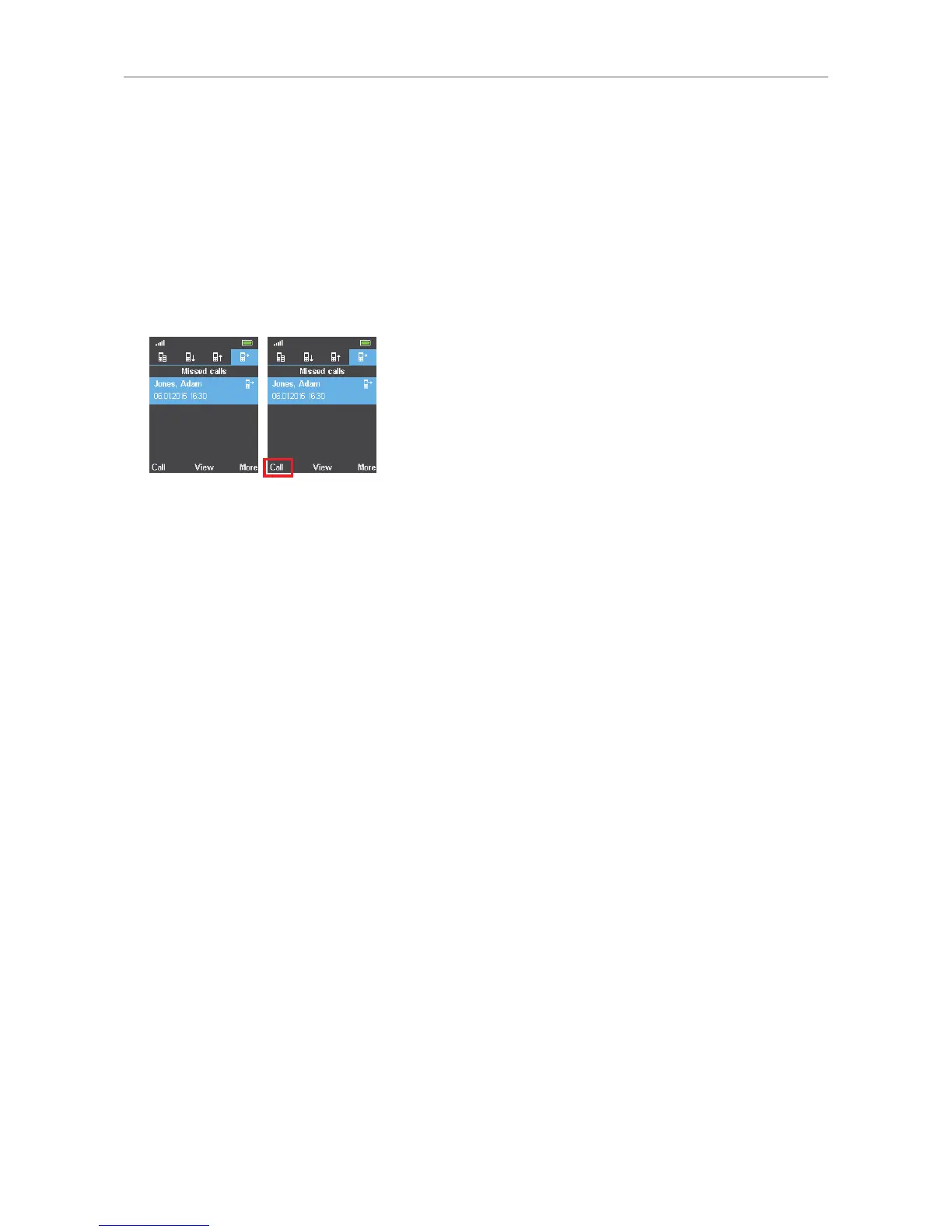
1. M65 and M85: Select the call list, for example the list of missed calls (Fig. 6). M25: Select the All
calls list:
2. Select the call. The call is highlighted and now shows the date and time of the call in addition to
the name or number (Fig. 7).
3. Press the function key underneath "Call" to dial the number.
Fig. 6 Fig. 7



 To Next Page