49
User Manual M65 / M85 / M25 Getting to know
Calling a number from the central directory
1. Find the name as described in "Finding a name" on page 48.
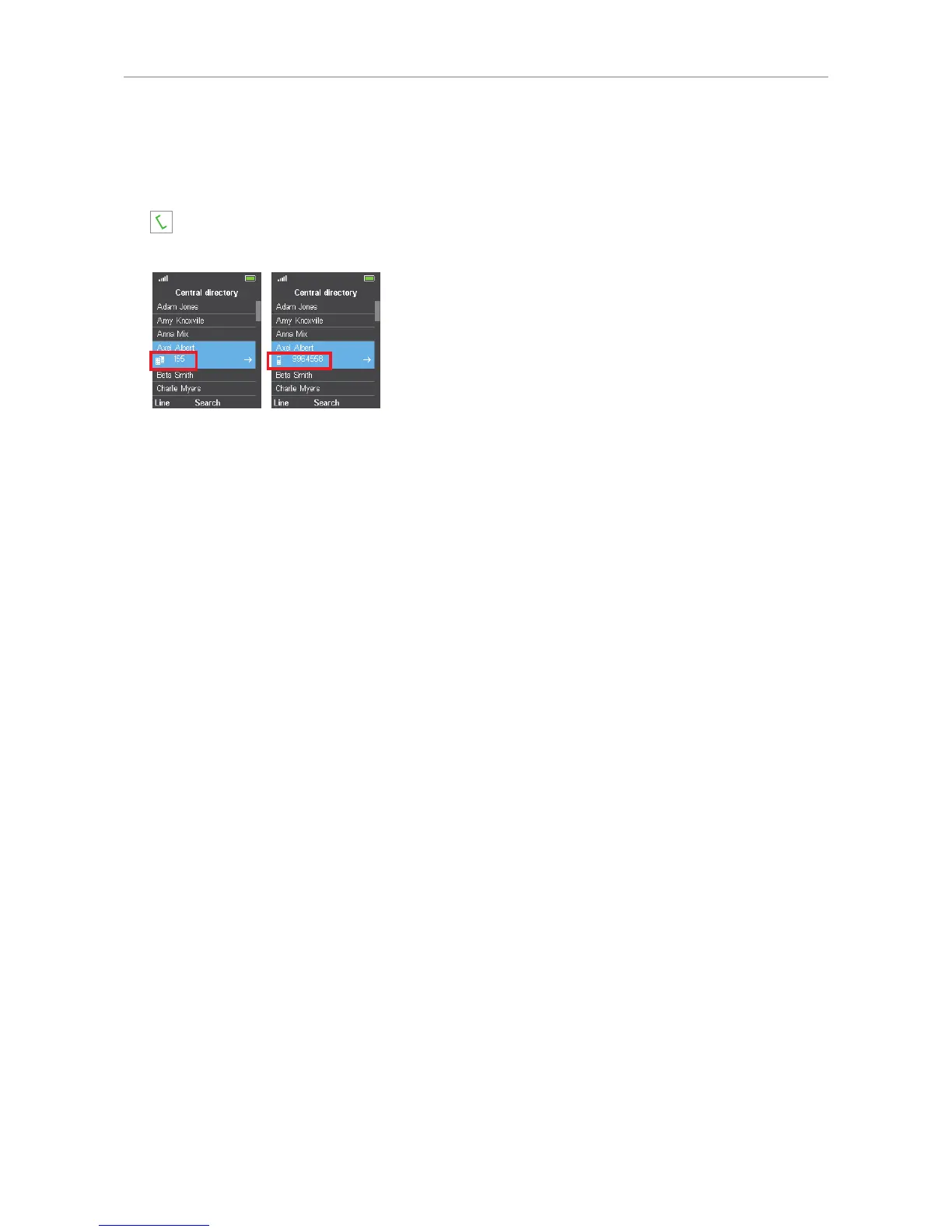
2. If the phone number underneath the name is the number you want to dial, press the green key
(Fig. 7). If not, and if there is more than one number associated with the name, use the right
navigation key to scroll, then dial (Fig. 8).
Fig. 7 Fig. 8



 To Next Page