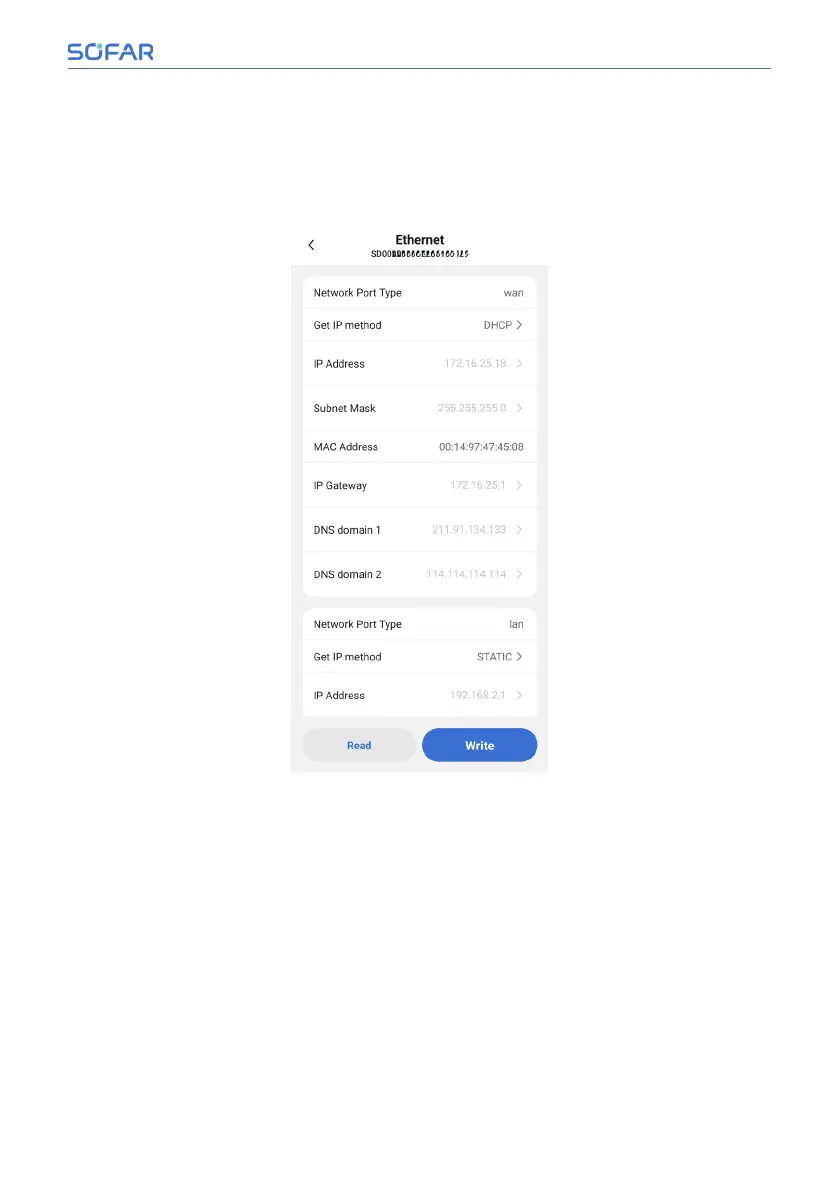
• Ethernet
Connect the device to the network with a network cable, then click “Ethernet”
in the system settings page to enter the Ethernet settings page, and configure
it according to the actual situation on site.
Installation and User Manual 57/92
SOFAR Cloud /APP Operation



 To Next Page