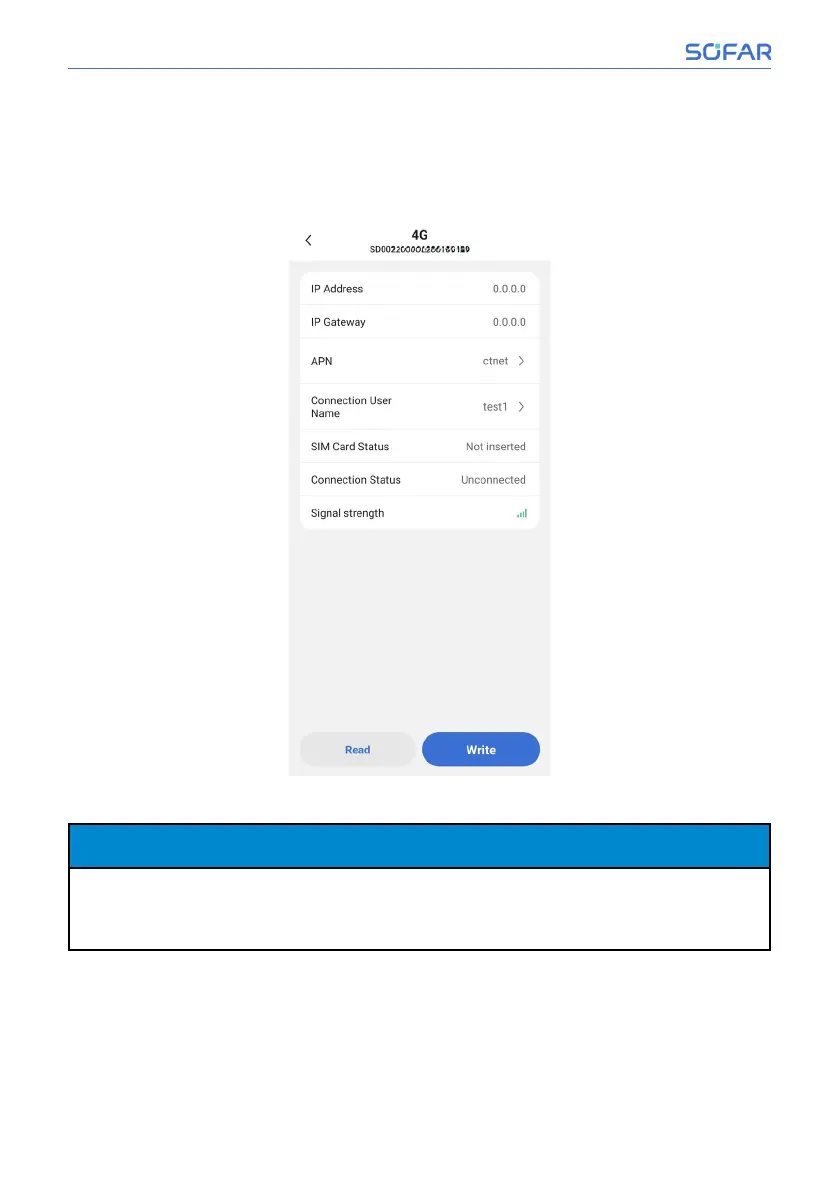
• 4G
Insert a SIM card with Internet access into the device, then click “4G” in the
system settings page to enter the 4G settings page, and configure it according
to the actual situation on site.
• WiFi
NOTICE NOTICE
−
If users choose CH1000 to connect to the network via WiFi, please make
sure that the router WiFi that CH1000 is going to connect to supports 2.4G
band first.
Click “WiFi” in the system settings page to enter the WiFi settings page, man-
ually enter or select a WiFi that can access the Internet from nearby WLAN
networks and enter the password, then click “Configuration”.
58/92 SOFAR CH1000
SOFAR Cloud /APP Operation



 To Next Page