NOTICE NOTICE
−
If you have already added inverter and meter devices in the APP local
commission, you don’t need to add the same devices in the plant, please
click “Refresh associated devices” to get the latest list of sub-devices in the
CH1000 device page, at the associated devices.
8.3.4 Plant data8.3.4 Plant data
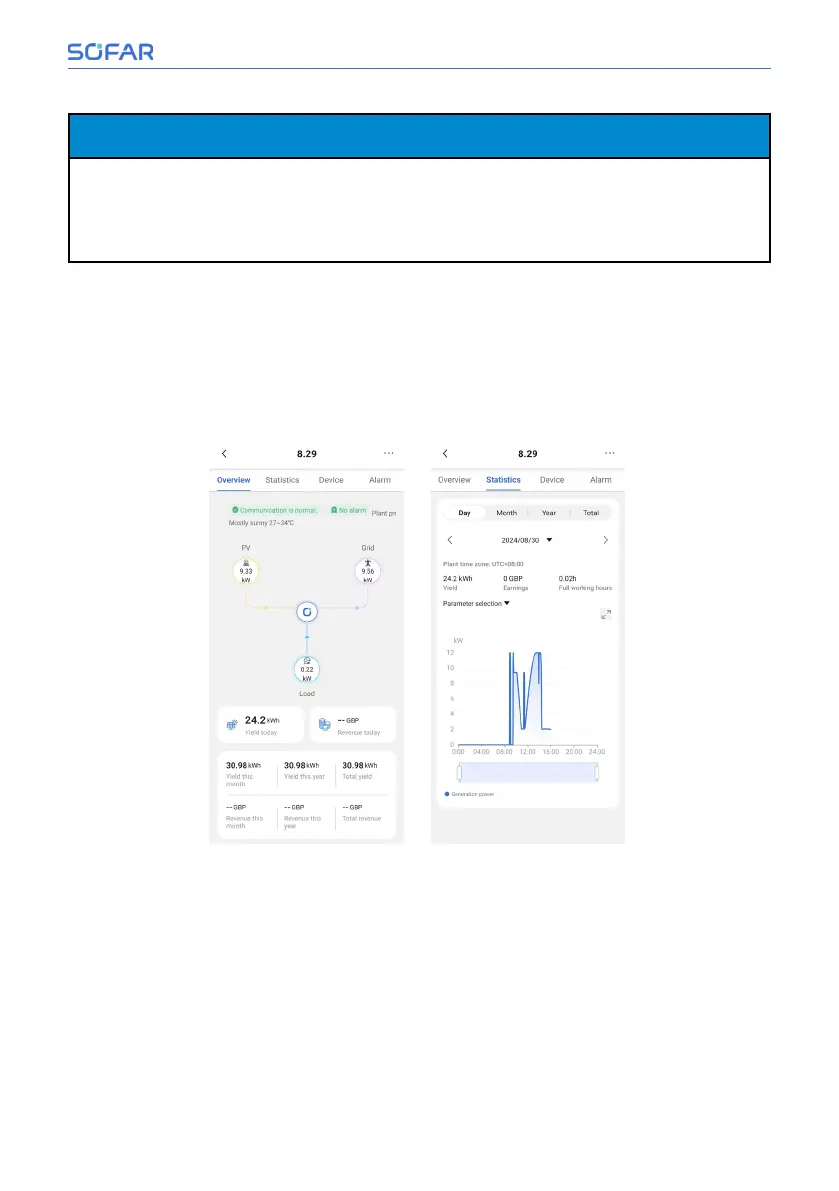
After entering the plant, users can see the current total power generation, en-
ergy flow diagram showing, day, month, year total power generation and other
historical data as well as revenue of all inverters under the CH1000 binding of
this power station in the “Overview” page and “Statistics” page.
Installation and User Manual 79/92
SOFAR Cloud /APP Operation



 To Next Page