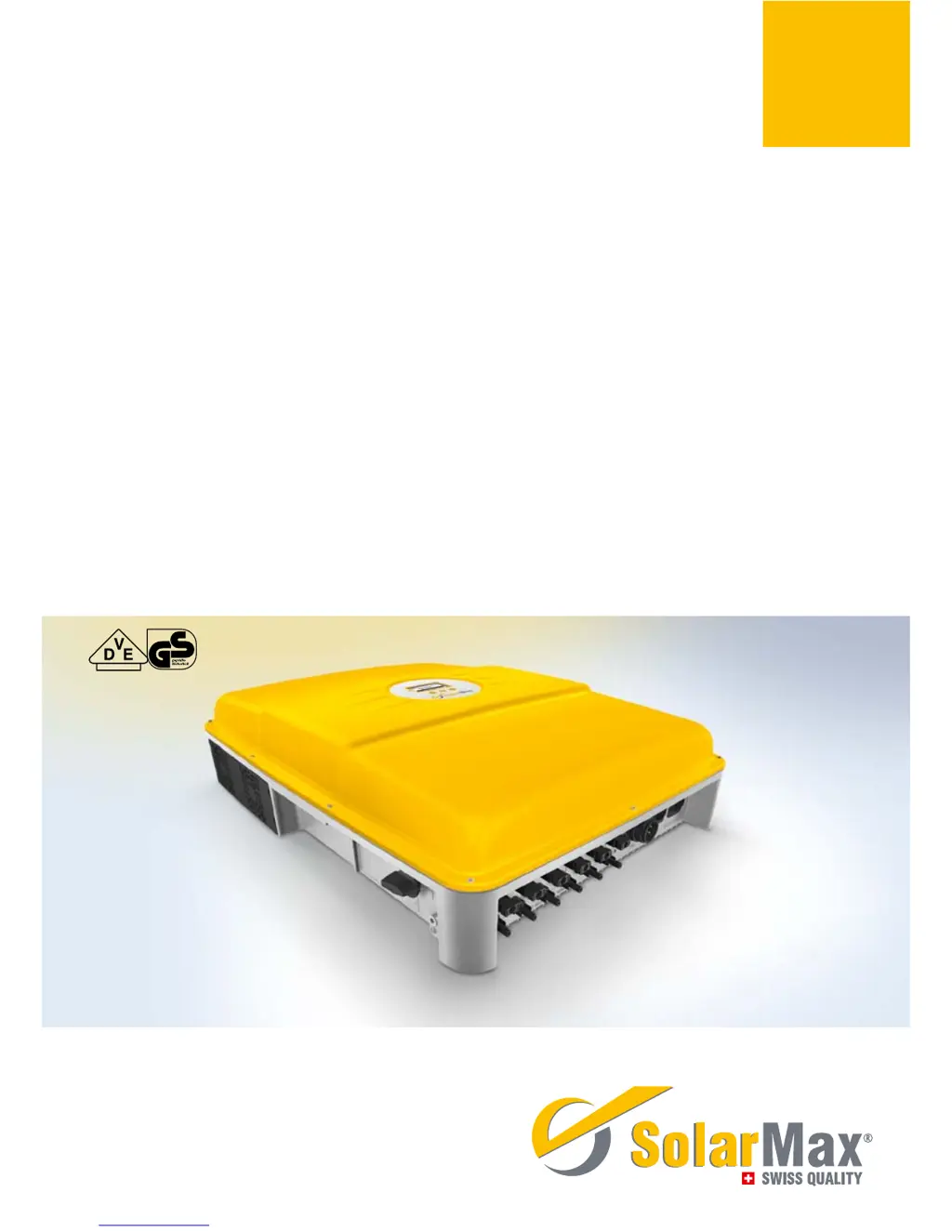
What should I do if my SolarMax 15MT2 displays 'Error DC polarity'?
- MmscottSep 13, 2025
This message indicates that one or more DC connections are connected incorrectly (incorrect polarity). Connect the DC supplies correctly.
What should I do if my SolarMax 15MT2 displays 'Error DC polarity'?
This message indicates that one or more DC connections are connected incorrectly (incorrect polarity). Connect the DC supplies correctly.
What should I do if my SolarMax 15MT2 Inverter displays 'L and N interchanged'?
This message indicates that a phase and the neutral conductor are incorrectly connected (interchanged). Connect the AC supplies correctly.
What does 'Burst error' mean on my SolarMax Inverter?
A 'Burst error' indicates that the inverter disconnected from the grid five times or more on the same day. This warning is displayed for the remainder of the day. Check your plant’s status logger in MaxWeb xp (if present) or check the grid parameters. If this happens repeatedly, contact our SolarMax Service Centre.
What to do if SolarMax 15MT2 Inverter displays 'Mains error Mains error BP'?
This indicates that the grid has been switched off. If this problem continues to occur, contact the responsible grid operator.
What to do if SolarMax 15MT2 Inverter shows 'Vac 10min too high (L1 L2 L3) Vac 10min too high BP (L1 L2 L3)'?
The maximum 10-minute average value of the mains voltage at the specified phase is too high. If this problem continues to occur, contact the responsible grid operator.
What to do if my SolarMax Inverter displays 'Insulation fault DC Insulation fault DC BP'?
This indicates that the insulation resistance of the PV generator against earth is too low. Check the PV generator to resolve this issue.
What to do if SolarMax Inverter displays a blank screen?
If the SolarMax Inverter display remains blank, several factors could be at play. First, ensure that the DC disconnector Q1 is switched on. If it is, check that the irradiation is sufficient for operation; if not, wait. Also, verify that the PV generator strings are correctly connected. An incorrectly connected PV generator (where plus and minus connections have been mixed up) can also cause a blank display, so ensure proper connection. If none of these resolve the issue, it could indicate an internal failure.
What to do if SolarMax 15MT2 shows 'No mains No mains BP'?
This message means that there is no mains voltage or the AC supply has been interrupted. You should check the AC supply to resolve this issue.
What does it mean when my SolarMax 15MT2 shows 'Vdc too high (VDC3, VDC2, VDC1)'?
This message indicates that the DC input voltage at the specified DC connection is too high. Immediately switch off the DC disconnector Q1 and disconnect the PV generator from the inverter. Then, check the sizing of the PV generator.
What to do if the display of my SolarMax 15MT2 remains blank?
If the display is blank, several factors could be at play. First, ensure that the DC disconnector Q1 is switched on. If it is, check if the irradiation is sufficient for operation; if not, wait. Also, verify that the PV generator strings are correctly connected. If these steps don't resolve the issue, and the PV generator connections are correct, it may indicate an internal failure.
Identifies the intended audience and instructs on manual storage.
Explains the meaning of symbols used throughout the manual and on the inverter.
Defines intended use and highlights critical safety warnings.
Illustrates the internal functional components and their interconnections.
Details the physical layout, controls, and dimensions of the inverter.
Provides guidelines for safely transporting and storing the inverter.
Outlines considerations for protecting the PV plant from lightning strikes.
Lists package components and describes the physical mounting procedure for the inverter.
Details the process and options for connecting the inverter electrically.
Covers AC connection procedures, fuses, and cable cross-sections.
Explains how to connect the DC inputs from the PV modules to the trackers.
Explains RJ45 sockets for RS485 and Ethernet data communication.
Details the procedure for powering the inverter on and off safely.
Guides through the one-time setup process upon first startup.
Describes the inverter's front display, its information, and navigation.
Shows the default screen and lists electrical parameters that can be measured.
Describes how to set operating parameters and advanced functions.
Explains how to initiate and perform the automatic test procedure.
Overviews MaxTalk, MaxVisio, MaxWeb xp, and SolarMax Web Portal.
Details device address, Ethernet, IP, Netmask, and TCP port configuration.
Lists optional accessories like data loggers and displays.
Explains the meaning of status messages and LED indicators.
Describes status messages during booting, mains operation, and communication activity.
Provides support contact details and an overview of diagnostic measures.
Details warning, failure, and error messages and their corrective actions.
Describes blocking causes, remedies, and basic maintenance tasks.
Comprehensive technical data for different inverter models.
Graphical representations of efficiency and temperature-based power reduction.
| Max. input voltage | 1000 V |
|---|---|
| Protection class | IP65 |
| Output Power | 15000 W |
| Frequency | 50/60 Hz |
| Protection Features | Overvoltage, Overcurrent, Short Circuit, Overtemperature |
| Max. DC power | 15000 W |
| Nominal AC power | 15 kW |