EasyManua.ls Logo

SolarMax 15MT2 - User Manual

SolarMax 15MT2
62 pages
Print Icon
To Next Page IconTo Next Page
Loading...
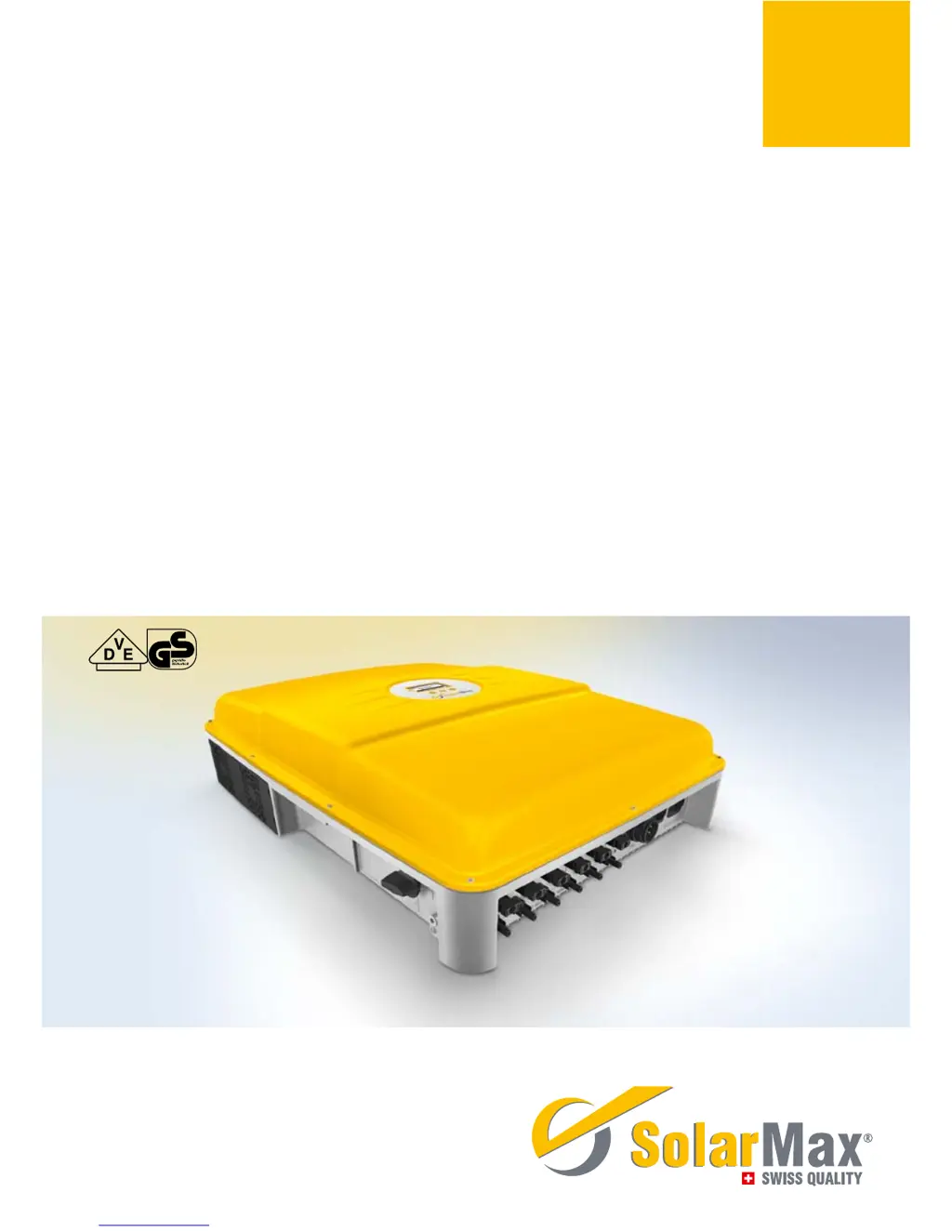
SolarMax MT-Serie
8MT2 / 10MT2 / 13MT2 / 13MT3 / 15MT2 / 15MT3
Gerätedokumentation n Instruction manual n Documentation d’appareil
n Documentación del dispositivo n Documentazione dell’apparecchio

Table of Contents

Other manuals for SolarMax 15MT2

Questions and Answers

  • J
    jacquelinewalkerSep 3, 2025
    What does 'RTC error' mean on SolarMax 15MT2 Inverter?
    • A
      agreeneSep 3, 2025
      The 'RTC error' on your SolarMax Inverter indicates that the real-time clock in the inverter is malfunctioning, and the date and time have been reset. If this problem happens frequently, contact the SolarMax Service Centre. Set the time and date correctly.
  • A
    alanwilliamsSep 2, 2025
    What to do if SolarMax 15MT2 Inverter displays 'Program Firmware'?
    • S
      Sheri KingSep 2, 2025
      If your SolarMax Inverter displays 'Program Firmware', it means the inverter firmware is currently being updated. The inverter automatically resumes mains operation once the firmware update is complete.
  • C
    christina20Sep 1, 2025
    What causes 'External blocking' on SolarMax 15MT2 Inverter?
    • H
      Heather TorresSep 2, 2025
      The 'External blocking' message on your SolarMax Inverter indicates a 0% command from MaxRemote, which is coming from the grid operator. You must wait until the grid operator suspends the blocking of the inverter via MaxRemote.
  • M
    Michelle NewtonAug 31, 2025
    What does 'Error DC polarity' mean on SolarMax 15MT2 Inverter?
    • S
      Shawna BraySep 1, 2025
      If your SolarMax Inverter displays 'Error DC polarity', it indicates that one or more DC connections are connected incorrectly. Correct this by ensuring that you connect the DC supplies correctly.
  • B
    Bobby LozanoAug 31, 2025
    What causes 'Temperature limitation' on SolarMax 15MT2?
    • K
      Karen SimsAug 31, 2025
      The 'Temperature limitation' message on your SolarMax Inverter indicates that the feed-in power has been temporarily reduced to limit the temperature of the inverter. To resolve this, clean the fan grids and improve ventilation in the operations room.
  • S
    Stephen CrossAug 30, 2025
    What does it mean if L and N are interchanged on SolarMax 15MT2 Inverter?
    • N
      Natasha SantosAug 30, 2025
      If your SolarMax Inverter indicates that 'L and N' are interchanged, it means a phase and the neutral conductor are incorrectly connected. To fix this, connect the AC supplies correctly.
  • R
    Ruben FloresAug 29, 2025
    What does 'Burst error' mean on SolarMax 15MT2 Inverter?
    • J
      Jessica WatkinsAug 29, 2025
      A 'Burst error' on your SolarMax Inverter means that the inverter disconnected from the grid five times or more on the same day. This warning is displayed for the remainder of the day, and the error counter will reset when the system restarts in the morning. Check your plant’s status logger in MaxWeb xp (if present) or check the grid parameters. If this happens repeatedly, contact our SolarMax Service Centre.
  • A
    Anthony RobinsonAug 28, 2025
    What to do if SolarMax 15MT2 Inverter displays 'Vac 10min too high'?
    • A
      Alicia LynchAug 28, 2025
      If your SolarMax Inverter shows a 'Vac 10min too high' error, it means the maximum 10-minute average value of the mains voltage at the specified phase is too high. If this problem continues to occur, contact the responsible grid operator.
  • I
    ismithAug 27, 2025
    What to do if SolarMax Inverter shows 'Mains error'?
    • B
      Bradley WoodAug 27, 2025
      If your SolarMax Inverter is displaying a 'Mains error', this indicates that the grid has been switched off. If this problem continues to occur, contact the responsible grid operator.
  • J
    Jeffrey BondAug 26, 2025
    What does 'Insulation fault DC' mean on my SolarMax 15MT2?
    • B
      bowersbrandonAug 27, 2025
      The 'Insulation fault DC' error on your SolarMax Inverter indicates that the insulation resistance of the PV generator against earth is too low. In this case, you should check the PV generator.

Summary

About this Instruction Manual

Target Group and Manual Handling

Identifies the intended audience and instructs on manual storage.

Symbols Used

Explains the meaning of symbols used throughout the manual and on the inverter.

Safety Instructions

Appropriate Use and Warnings

Defines intended use and highlights critical safety warnings.

Description

Block Circuit Diagram

Illustrates the internal functional components and their interconnections.

External Operating Elements and Dimensions

Details the physical layout, controls, and dimensions of the inverter.

Installation

Transport, Storage, and Siting

Provides guidelines for safely transporting and storing the inverter.

Lightning Protection

Outlines considerations for protecting the PV plant from lightning strikes.

Scope of Delivery and Mounting

Lists package components and describes the physical mounting procedure for the inverter.

Electrical Connection Overview

Details the process and options for connecting the inverter electrically.

AC Connection Details

Covers AC connection procedures, fuses, and cable cross-sections.

DC Connection Procedure

Explains how to connect the DC inputs from the PV modules to the trackers.

Communication and Signaling Interfaces

Explains RJ45 sockets for RS485 and Ethernet data communication.

Commissioning

Switching On;Off Procedure

Details the procedure for powering the inverter on and off safely.

Initial Start-up (Initial Setup)

Guides through the one-time setup process upon first startup.

Operation

Display Navigation and Menus

Describes the inverter's front display, its information, and navigation.

Overview, Values, and Statistics

Shows the default screen and lists electrical parameters that can be measured.

Configuration and Settings

Describes how to set operating parameters and advanced functions.

Auto Test Procedure

Starting and Performing Auto Test

Explains how to initiate and perform the automatic test procedure.

Data Communication

Communication Platforms Overview

Overviews MaxTalk, MaxVisio, MaxWeb xp, and SolarMax Web Portal.

Network Settings Configuration

Details device address, Ethernet, IP, Netmask, and TCP port configuration.

Options and Operating Status

Accessory Components

Lists optional accessories like data loggers and displays.

Status Messages and Indicators

Explains the meaning of status messages and LED indicators.

Statuses during Booting, Operation, and Communication

Describes status messages during booting, mains operation, and communication activity.

Troubleshooting

Service Centre Contact and General Diagnosis

Provides support contact details and an overview of diagnostic measures.

Warnings, Failures, and Errors

Details warning, failure, and error messages and their corrective actions.

Blockings and Maintenance

Describes blocking causes, remedies, and basic maintenance tasks.

Disposal

Specifications

Technical Specifications Overview

Comprehensive technical data for different inverter models.

Efficiency and Derating Curves

Graphical representations of efficiency and temperature-based power reduction.

Individual Country Settings

Guarantee

SolarMax 15MT2 Specifications

General IconGeneral
Max. input voltage1000 V
Protection classIP65
Output Power15000 W
Frequency50/60 Hz
Protection FeaturesOvervoltage, Overcurrent, Short Circuit, Overtemperature
Max. DC power15000 W
Nominal AC power15 kW

Related product manuals