EasyManua.ls Logo

SolarMax MaxWeb XPN - Page 13

SolarMax MaxWeb XPN
76 pages
Print Icon
To Next Page IconTo Next Page
To Previous Page IconTo Previous Page
Loading...
13
en
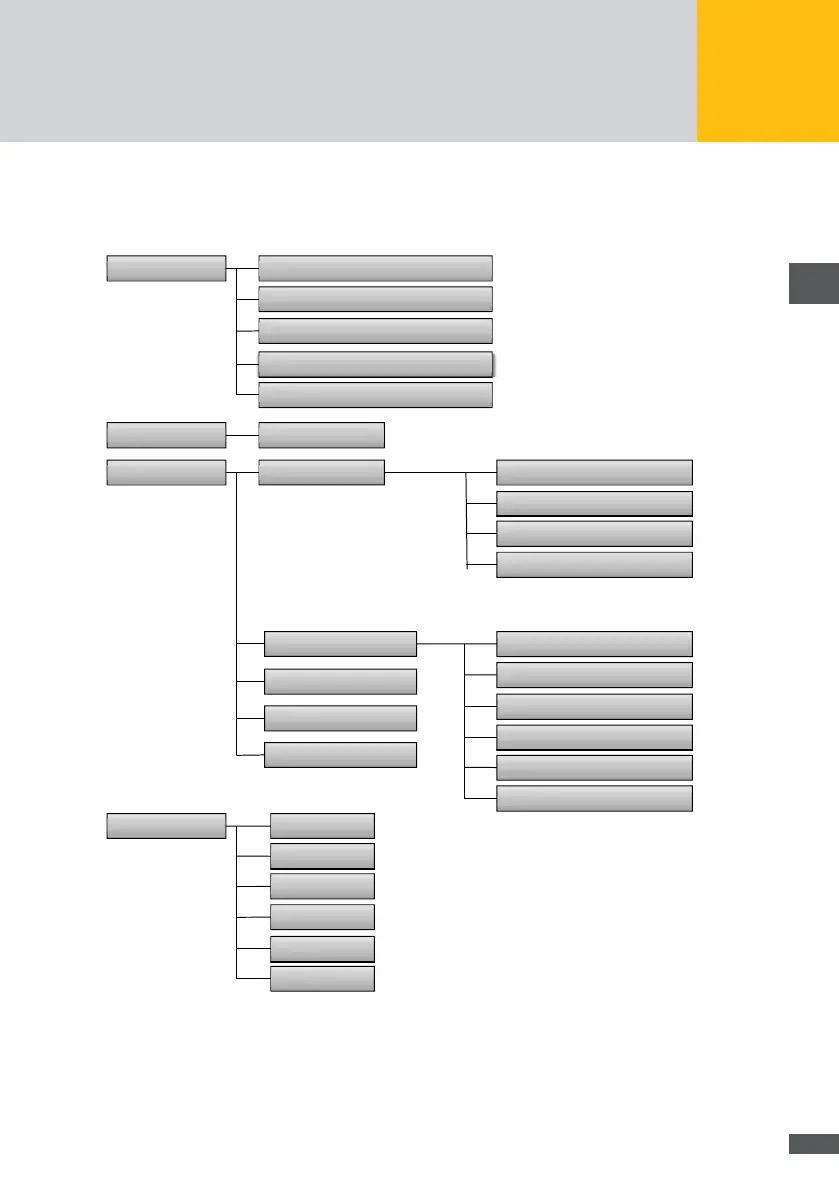
Menu structure of the LCD display
The following menus can be selected via the LCD display:
!"#$%&
(%)*+%',"-% '"#$%#!&'()#*
./01"2%'.*, ''"+,-.+!/*
3%4*"0',5-&%4 '"+012,345*
3/617
"4%')%48*/,'"+-.-.*'"#$%#)
9:';1<%4,%1 '"+60-+35-0-+..*
9:'$=>? '"+60-+35-+-11*
:0",1'81"158
"7'()#!89*
!"#$%&'*,6/
@:?'8A81%-
./01"2%'.++ ''"1-10!/*
./01"2%'.&56 ''"2-56!/*
./01"2%'./51 ''",-.+!/*
3</7'@:?'9BC
>,"0/25%'*,D51'E'"+0-0!:;*
>,"0/25%'*,D51'F'"+2-+!:;*
>,"0/25%'*,D51'G'"+6-6!:;*
>,"0/25%'*,D51'H'",-00!:;*
(*2*1"0'*,D51 '"+.+..+*
(*2*1"0'/51D51 '"+.+*
I%81"41'@:?
37*1+<'/66'@:?
3%1'&"8*+')"05%8
3%0%+1
J%4-",
;,20*8<
91"0*",
K4%,+<
3D",*8<
:/0*8<
Fig. 4: Menu tree of the LCD display

Related product manuals